



Install Steam
sign in
|
language
简体中文 (Simplified Chinese)
繁體中文 (Traditional Chinese)
日本語 (Japanese)
한국어 (Korean)
ไทย (Thai)
Bahasa Indonesia (Indonesian)
Bahasa Melayu (Malay) BETA
Български (Bulgarian)
Čeština (Czech)
Dansk (Danish)
Deutsch (German)
Español - España (Spanish - Spain)
Español - Latinoamérica (Spanish - Latin America)
Ελληνικά (Greek)
Français (French)
Italiano (Italian)
Magyar (Hungarian)
Nederlands (Dutch)
Norsk (Norwegian)
Polski (Polish)
Português (Portuguese - Portugal)
Português - Brasil (Portuguese - Brazil)
Română (Romanian)
Русский (Russian)
Suomi (Finnish)
Svenska (Swedish)
Türkçe (Turkish)
Tiếng Việt (Vietnamese)
Українська (Ukrainian)
Report a translation problem



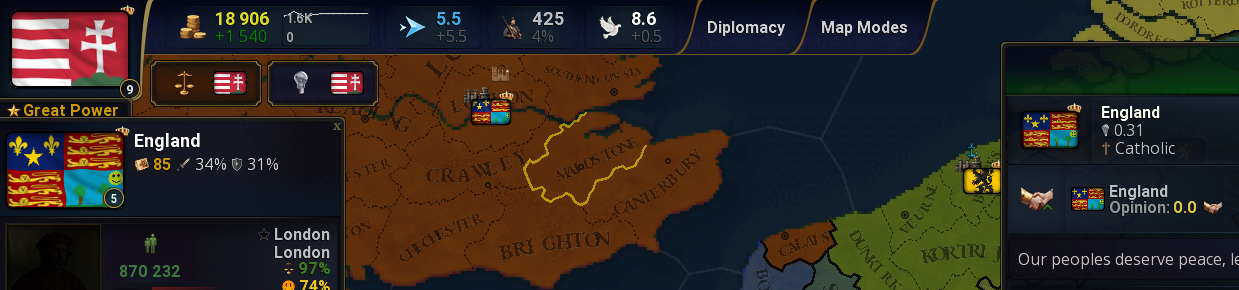
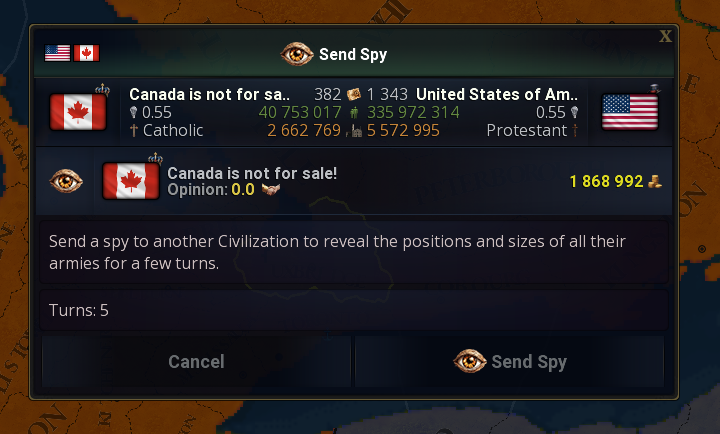
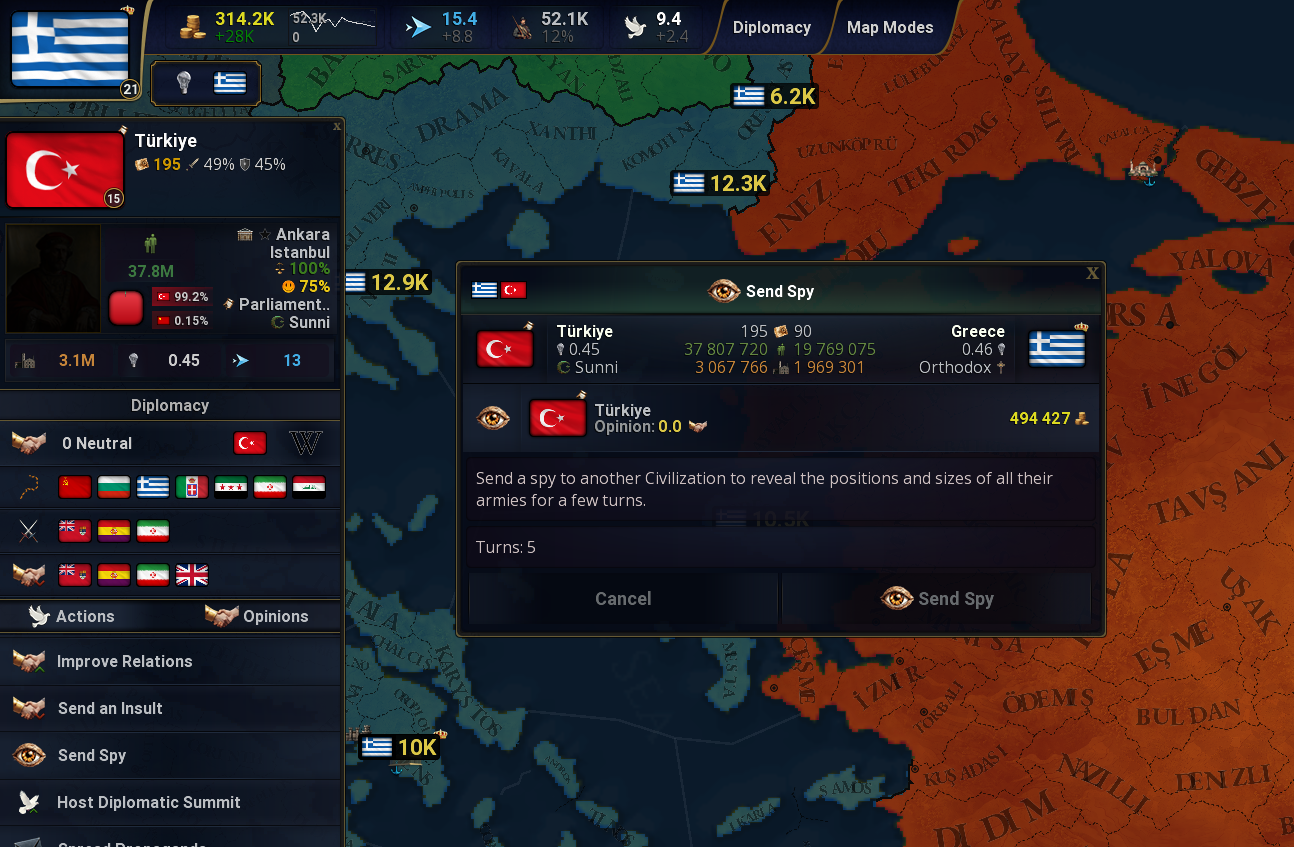 GameValues: gvRelations.json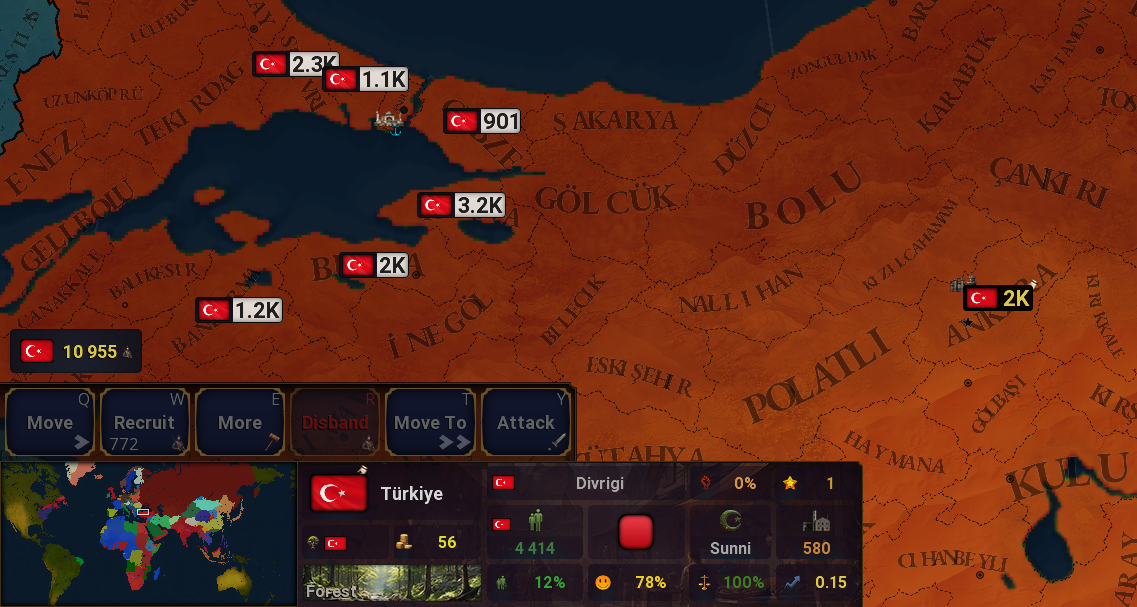
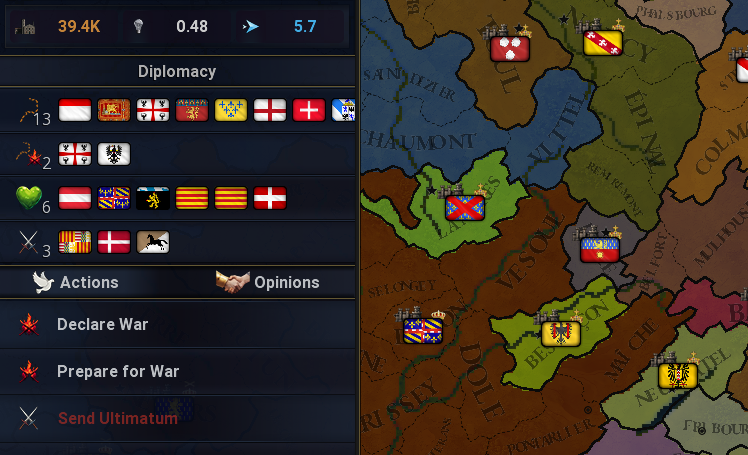
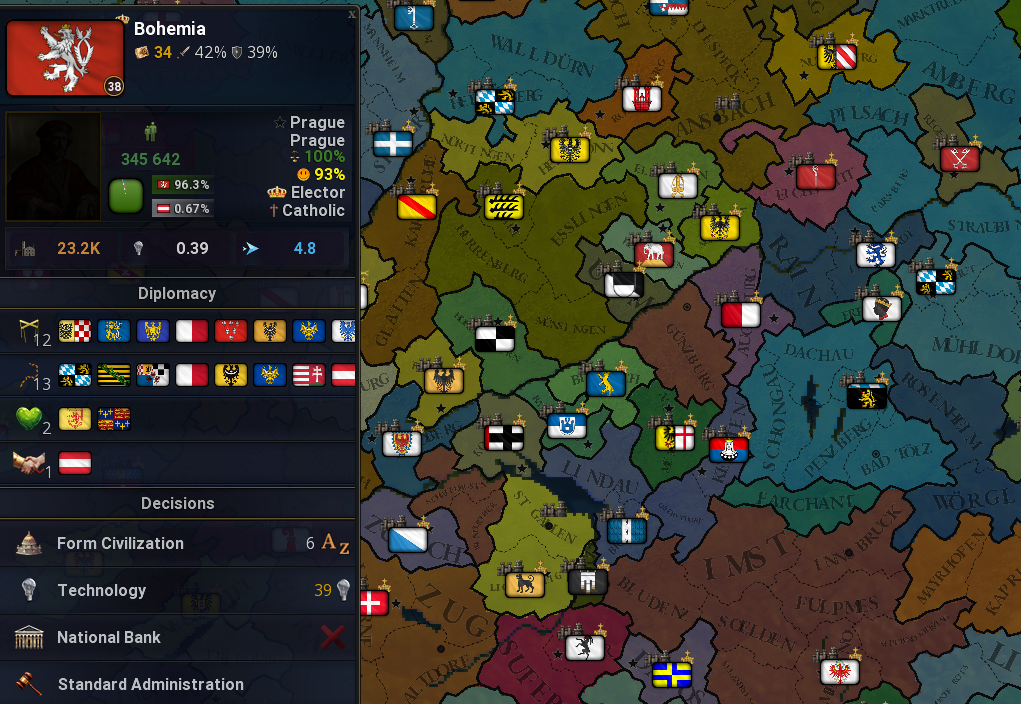
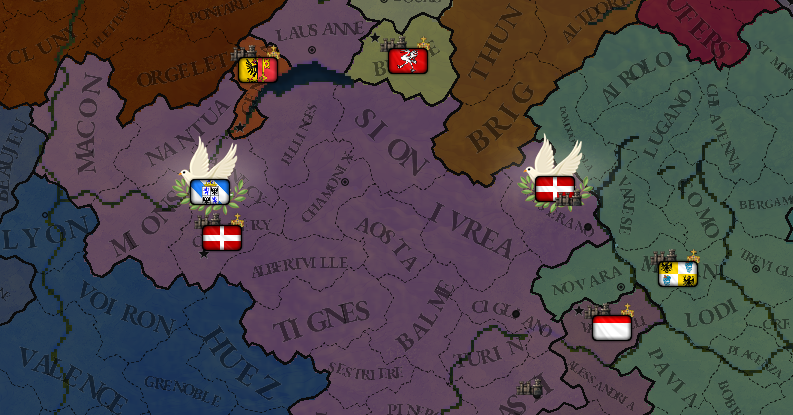
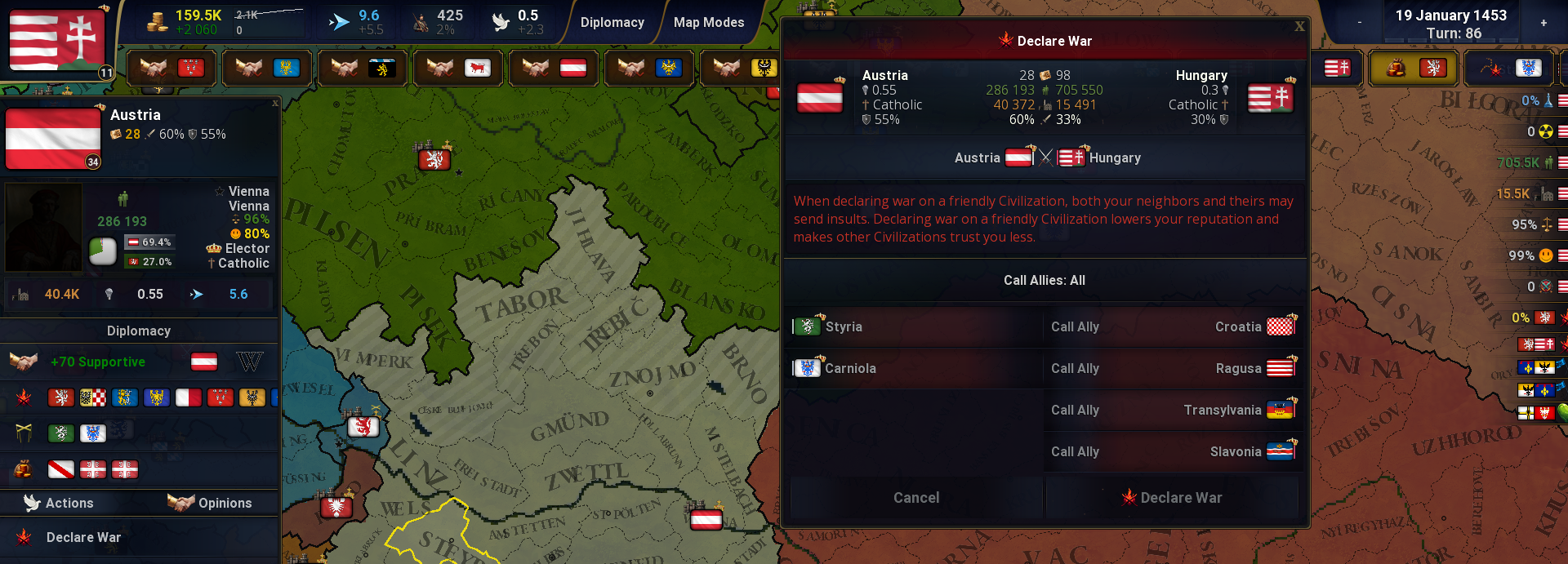 GameValues: gvRelations.json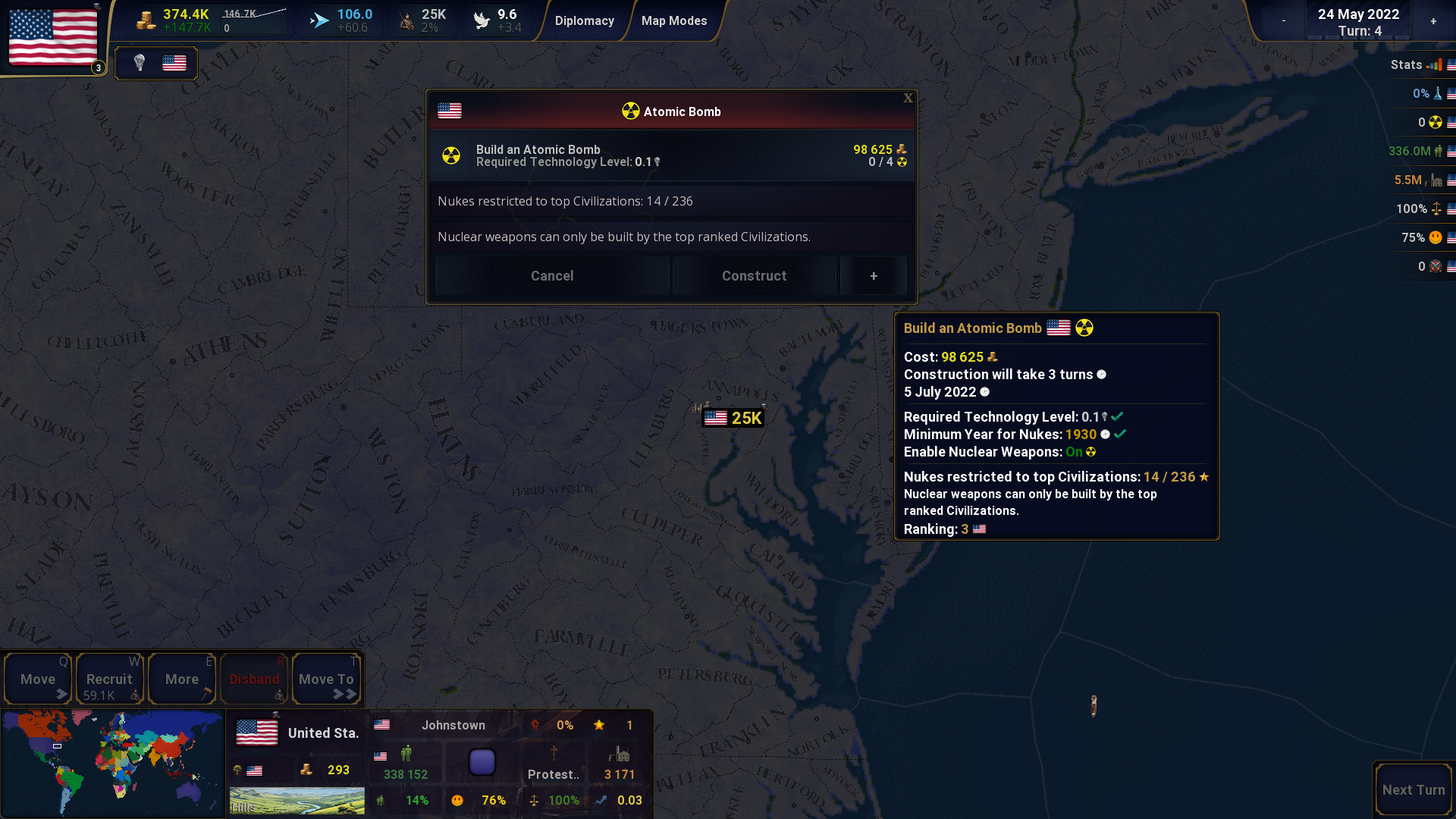
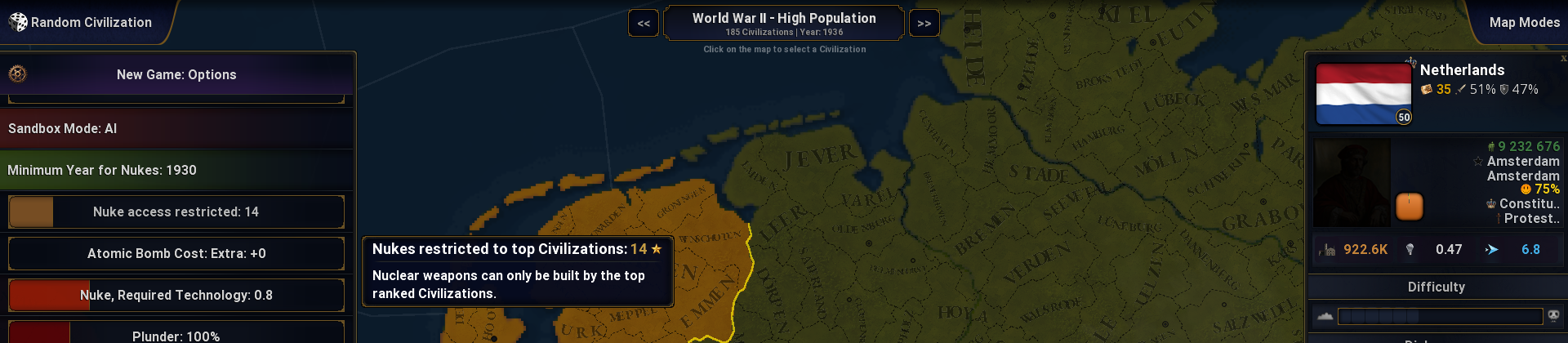
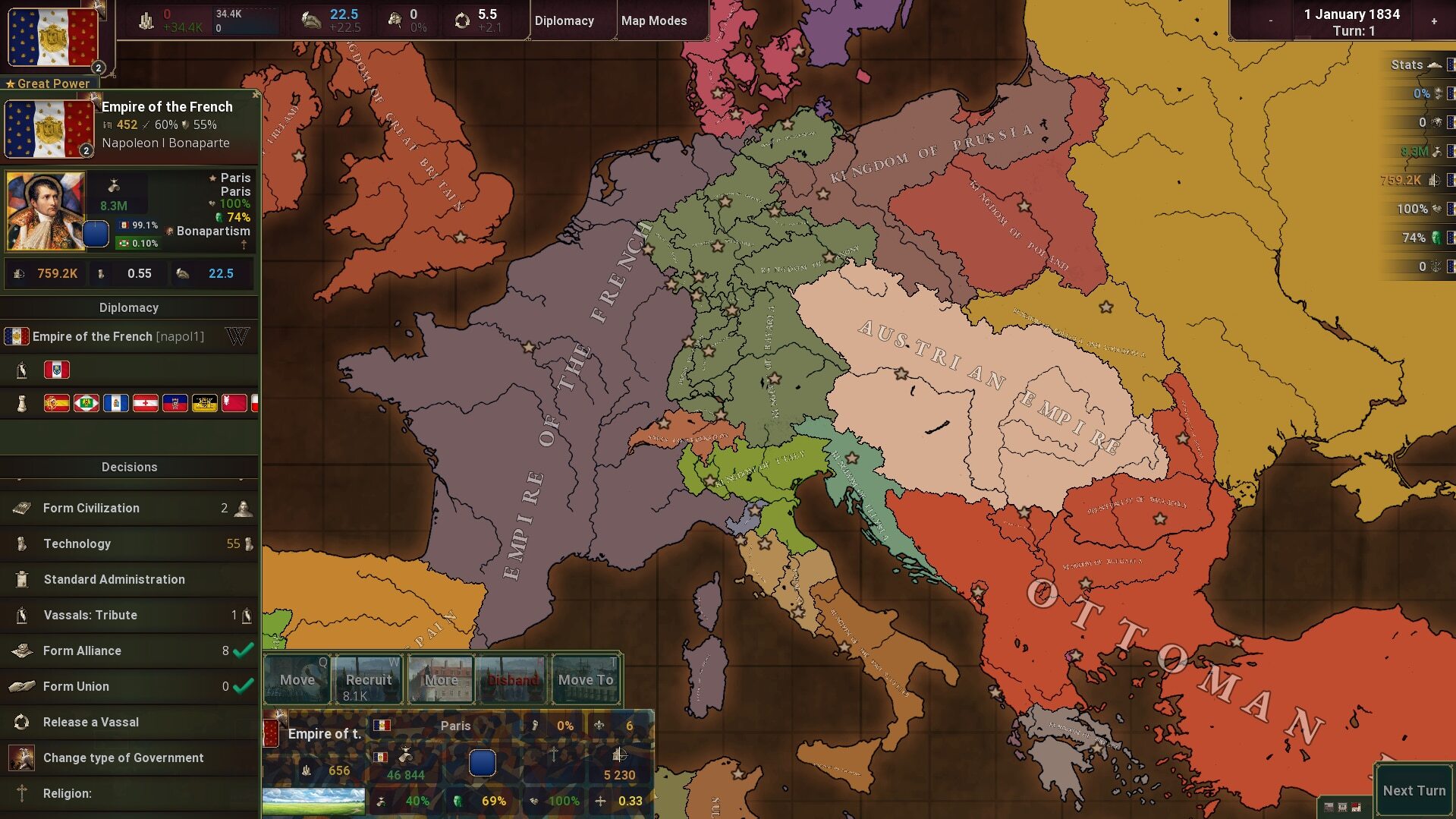
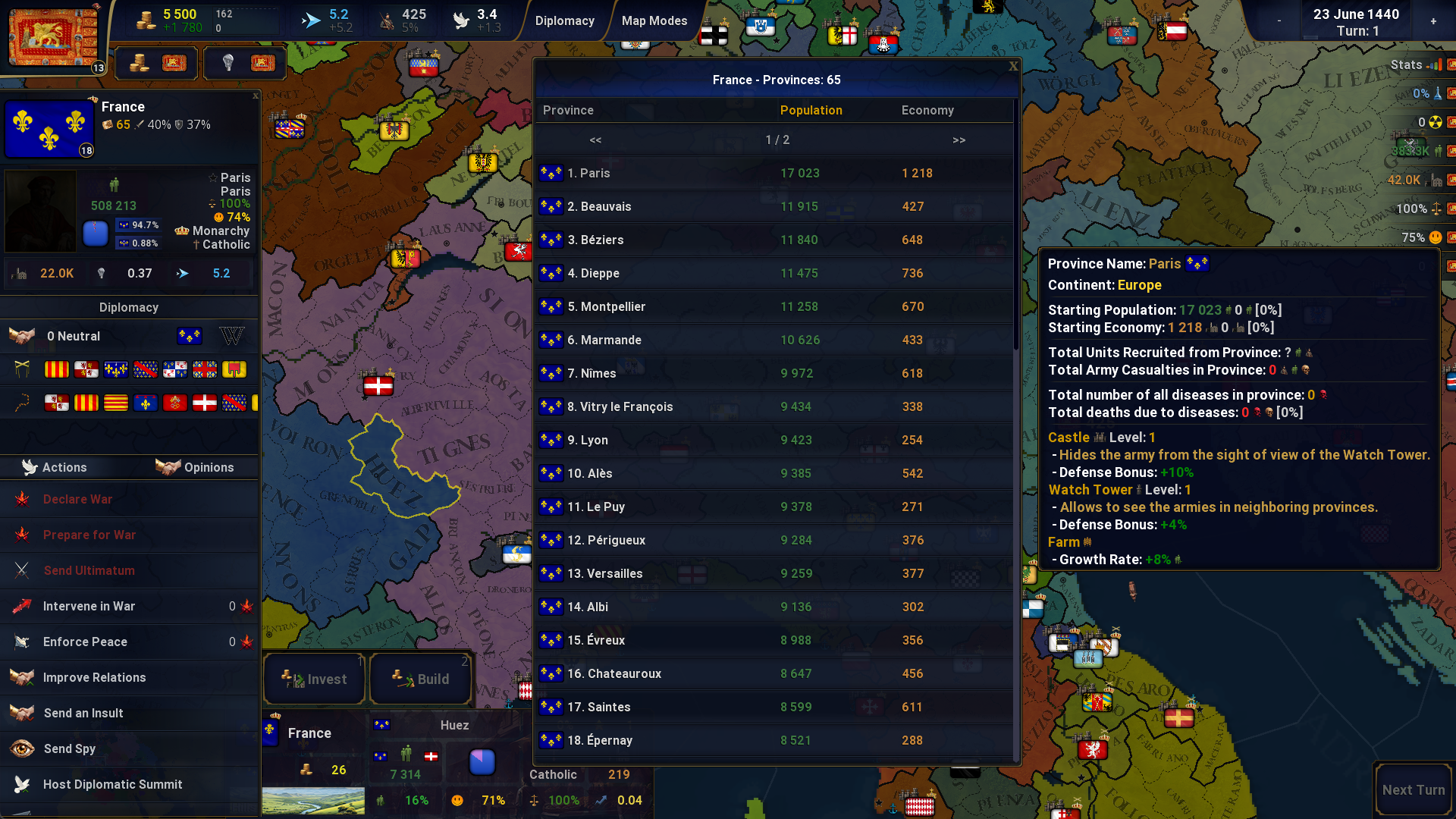 You can check where a Civilization has its strongest provinces or where all its provinces are located. Clicking on a province name will center the map on that province.
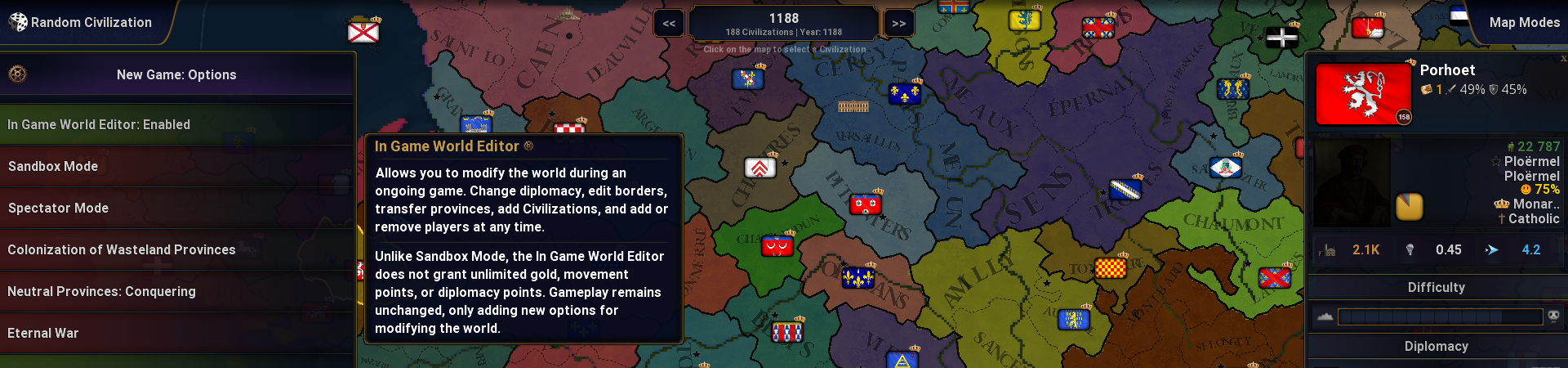
 By default, the In Game World Editor is disabled.
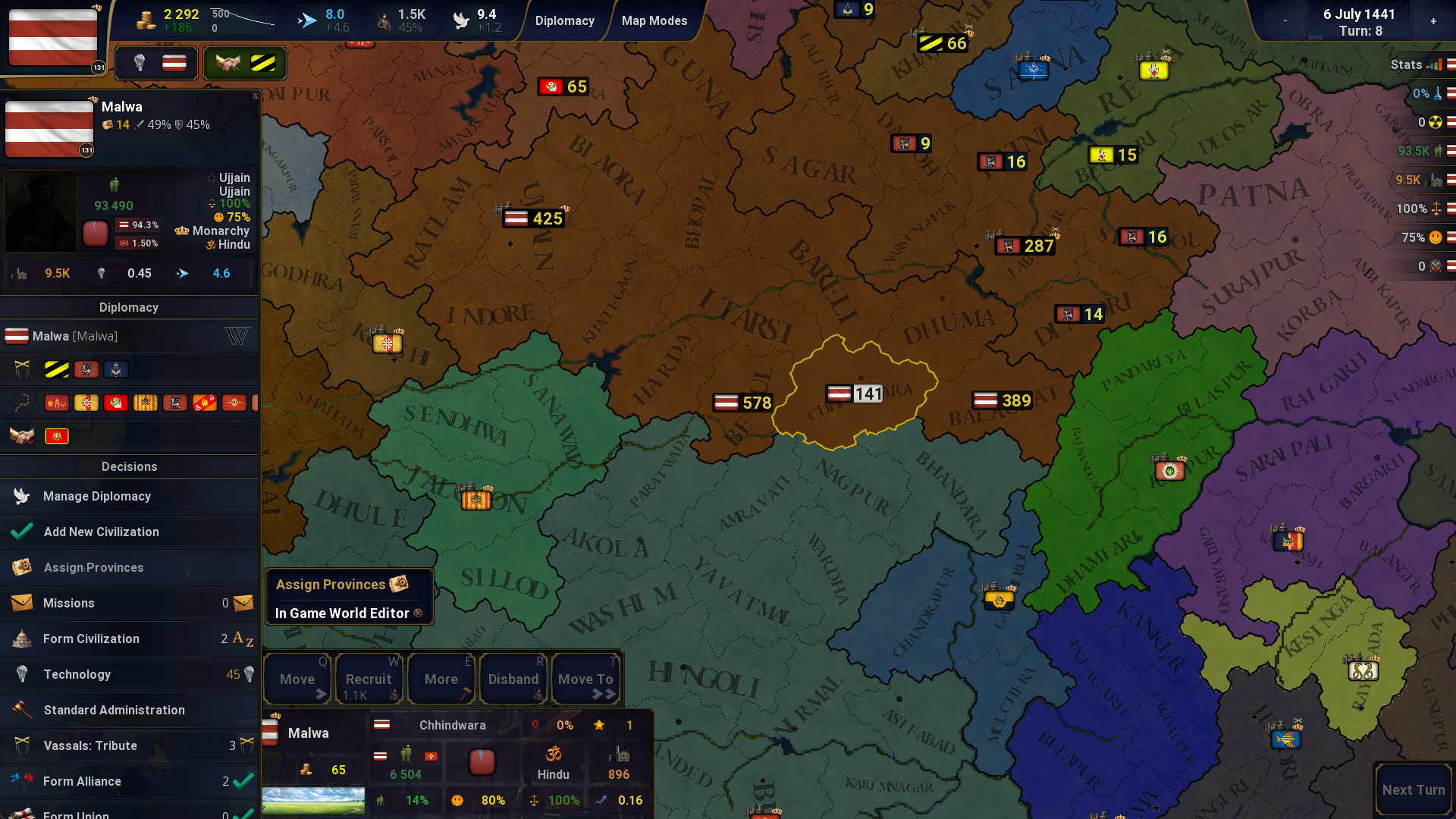
 In the Game World Editor, buttons are available in the player's Civilization decision menu.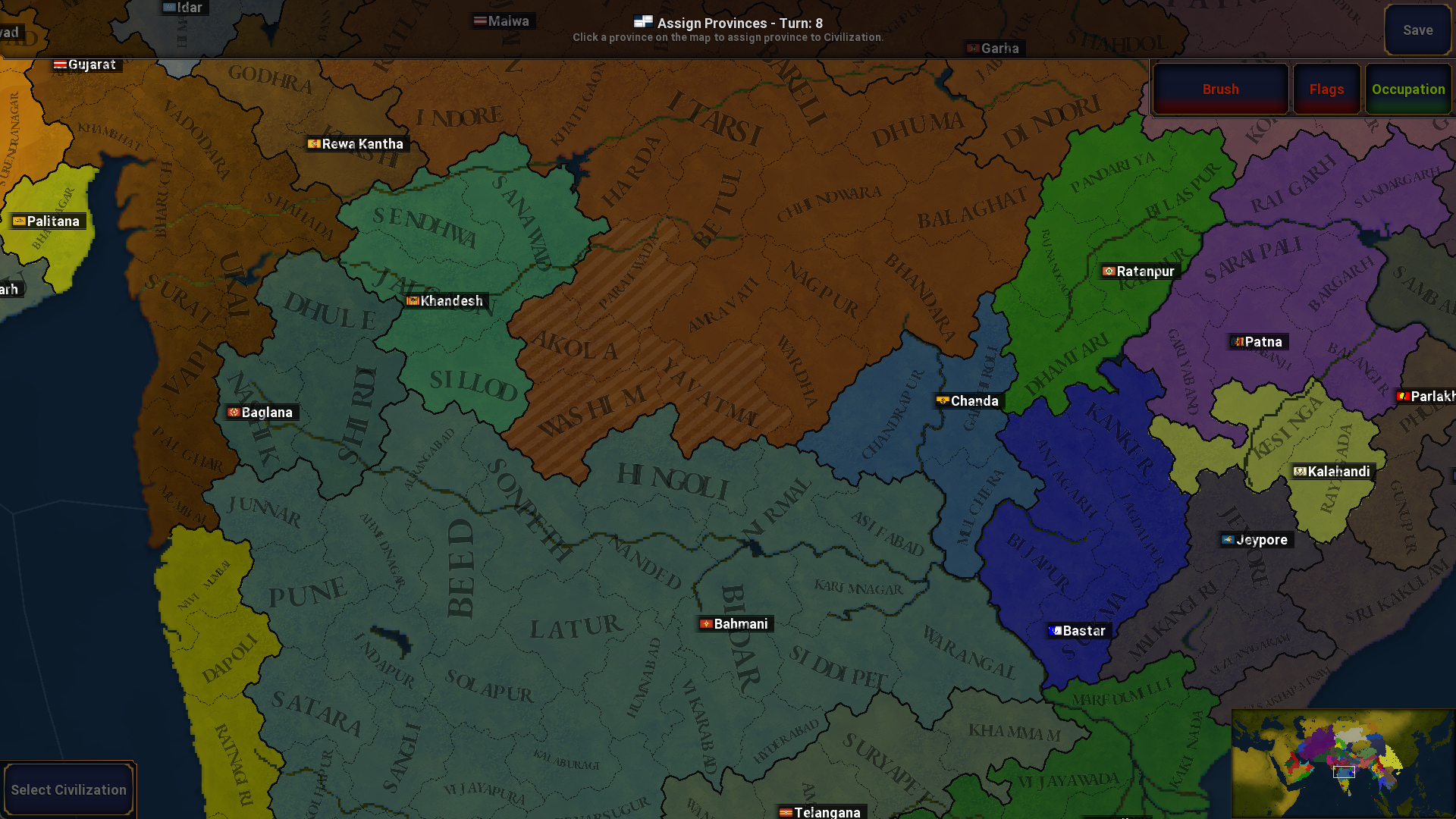
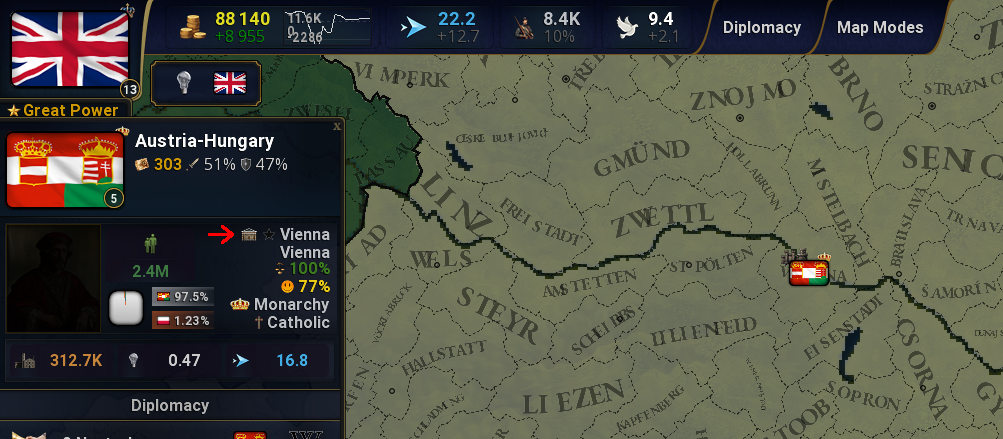
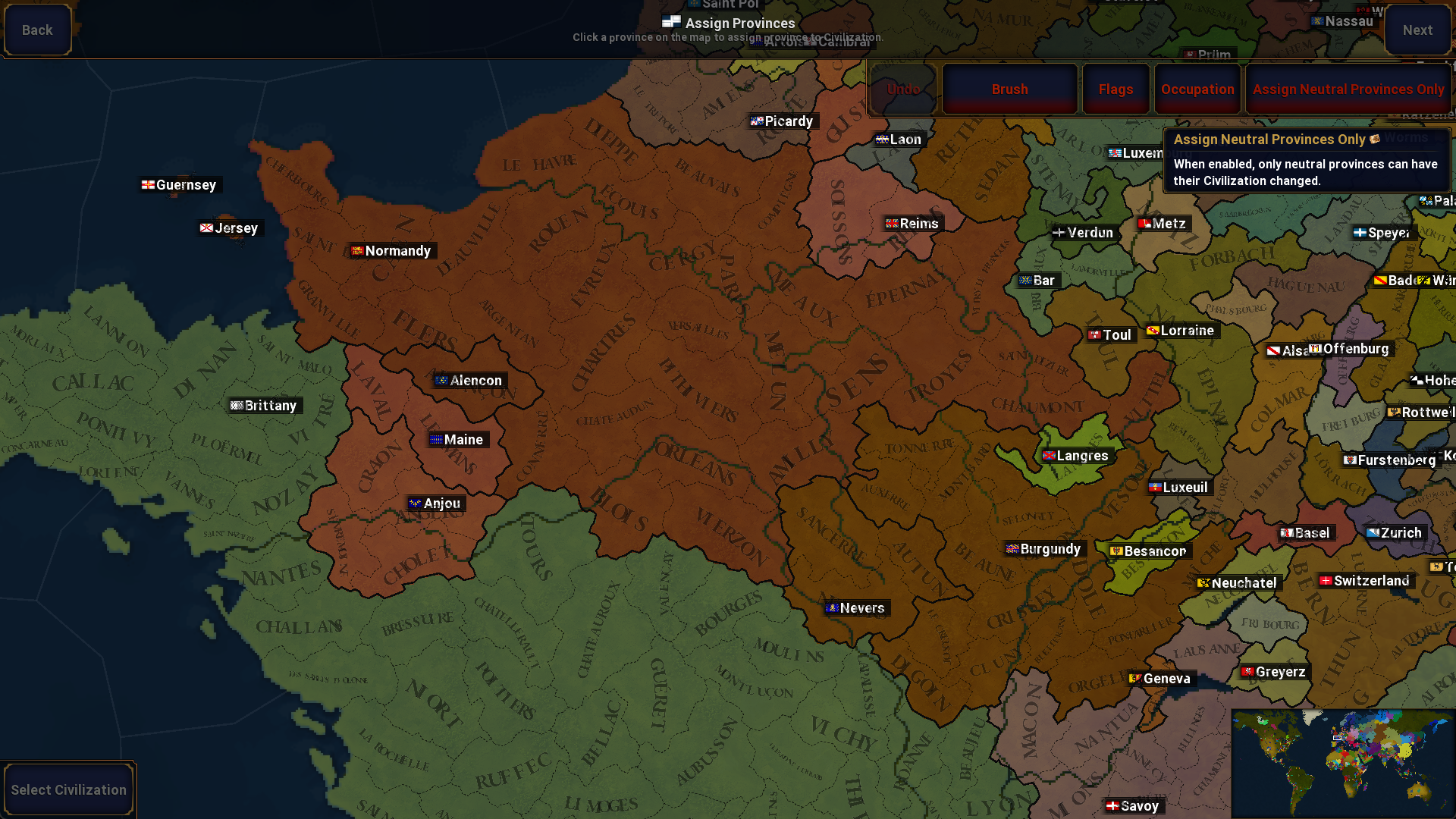 When assigning provinces, a flag and the Civilization's name will now be displayed in all civilization capitals instead of just flags.
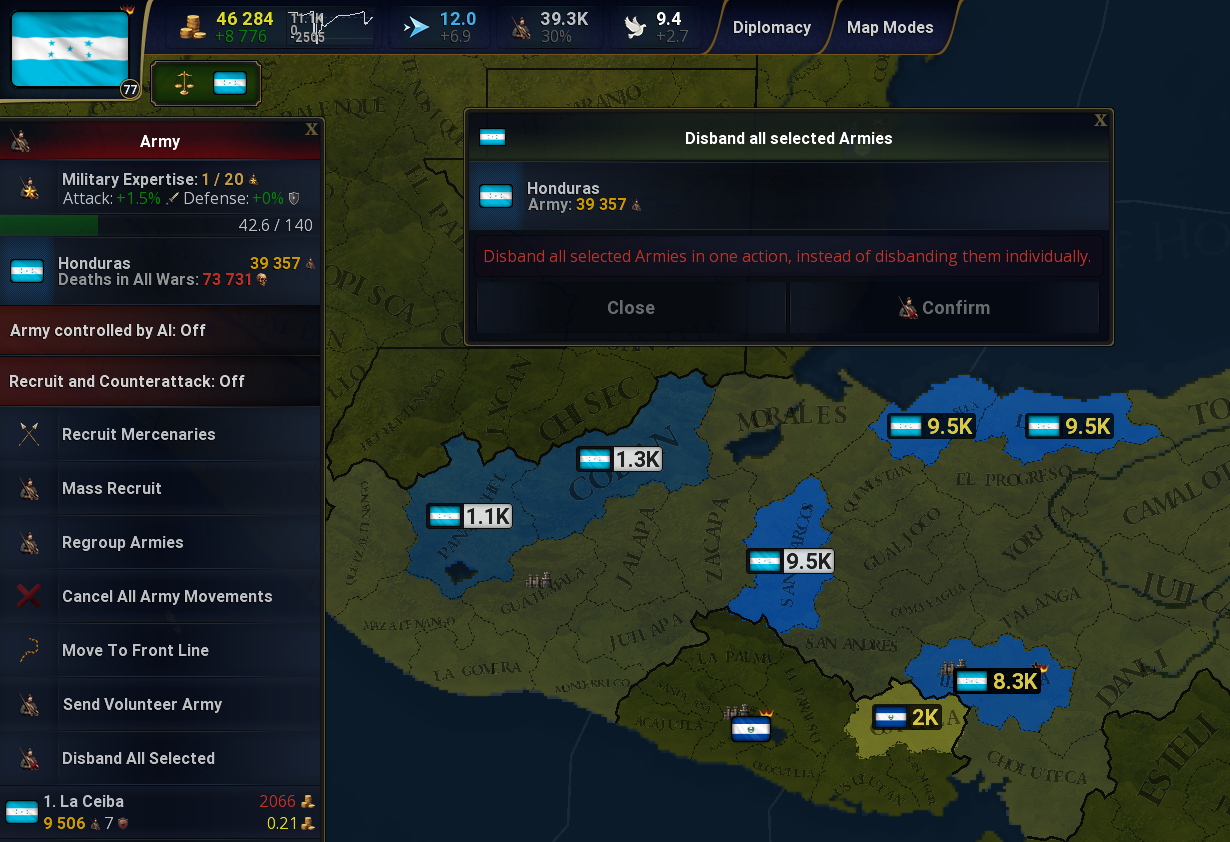 https://www.youtube.com/watch?v=-Lof7r7fdkw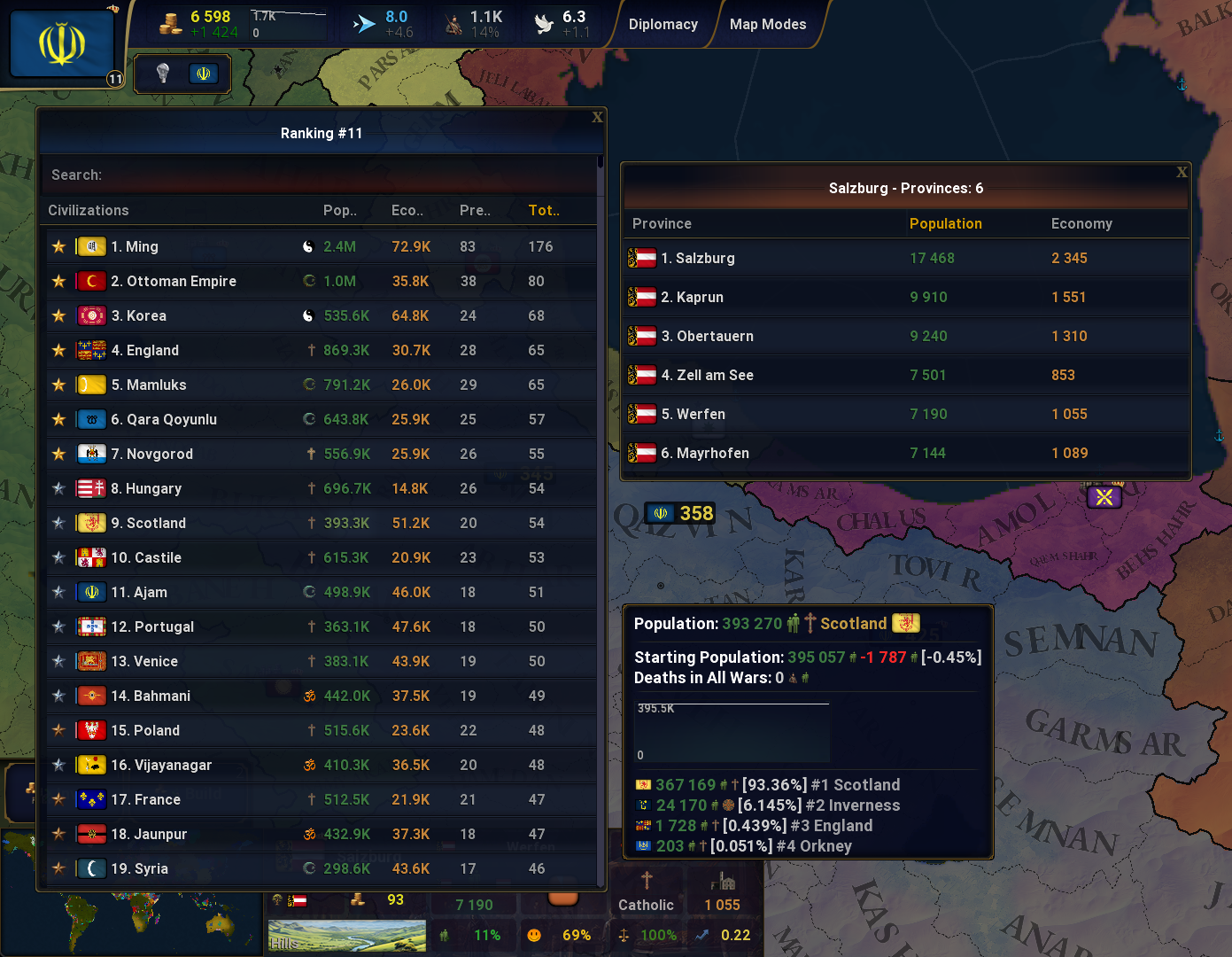
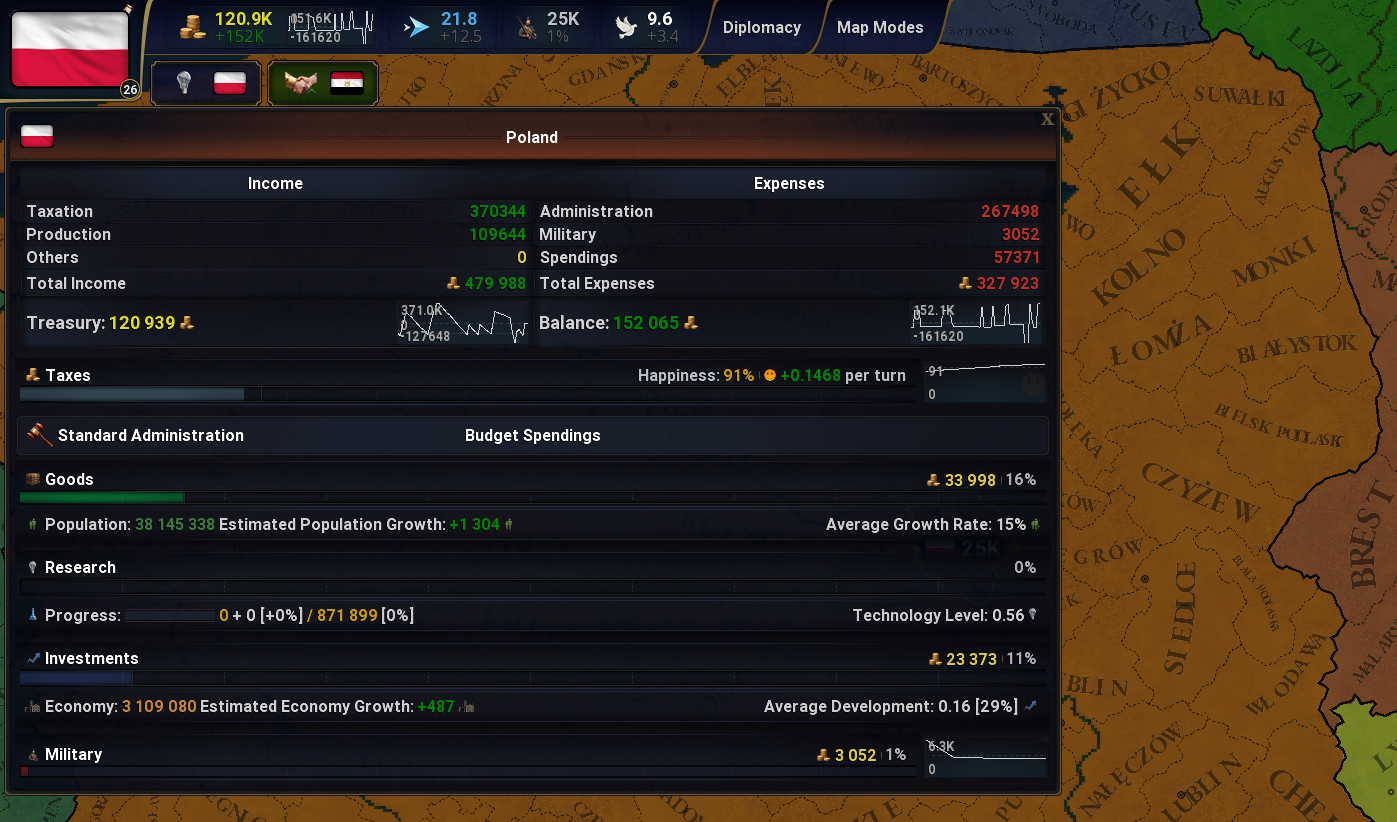
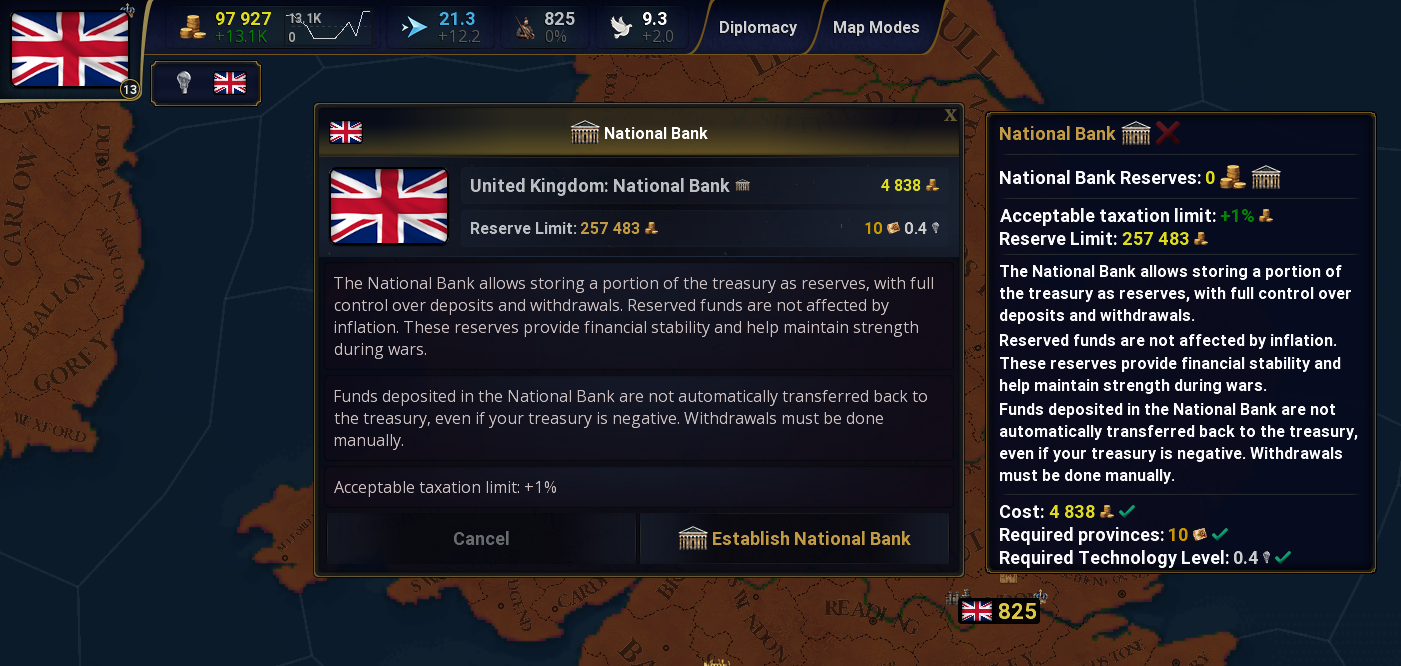
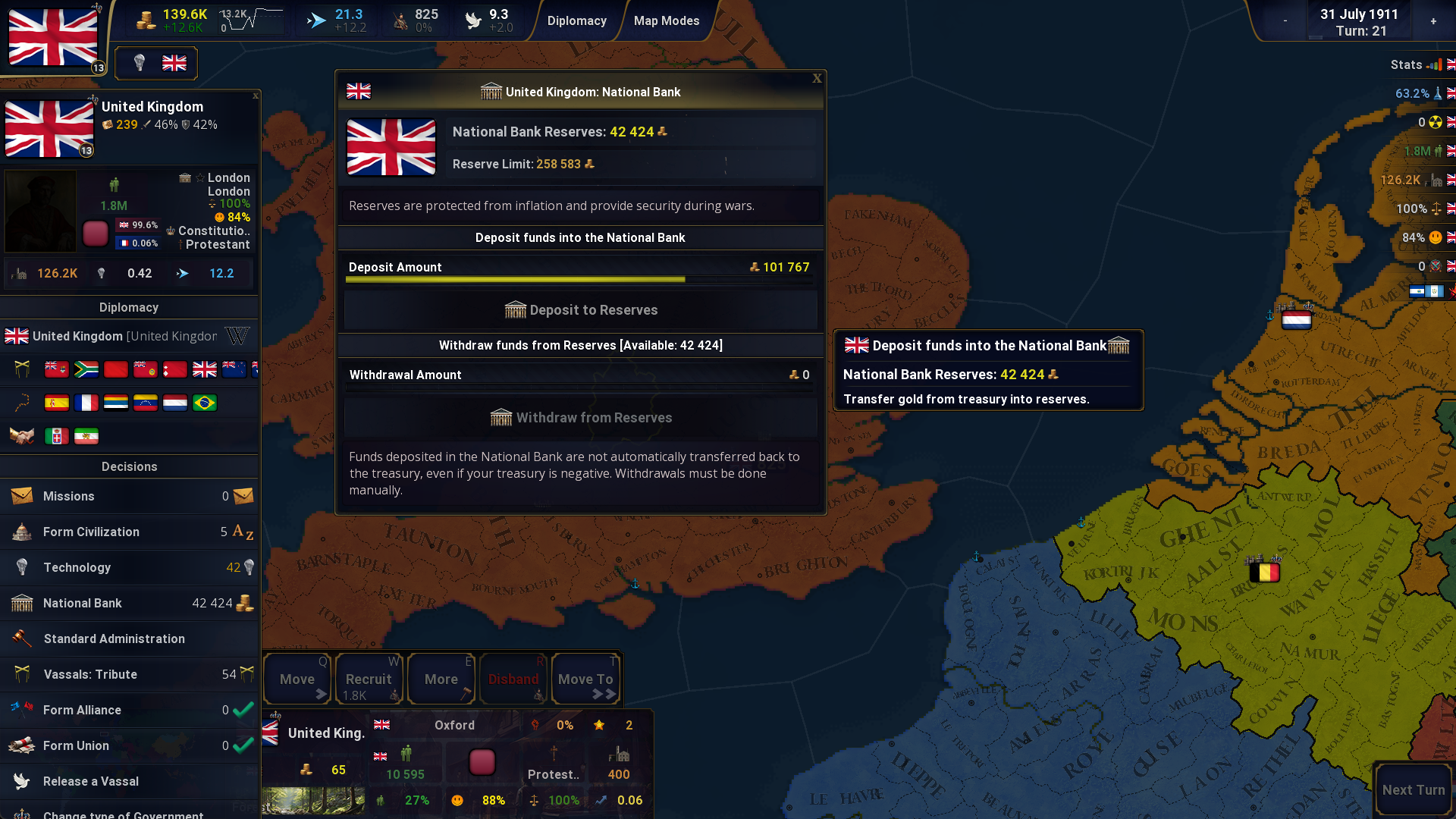
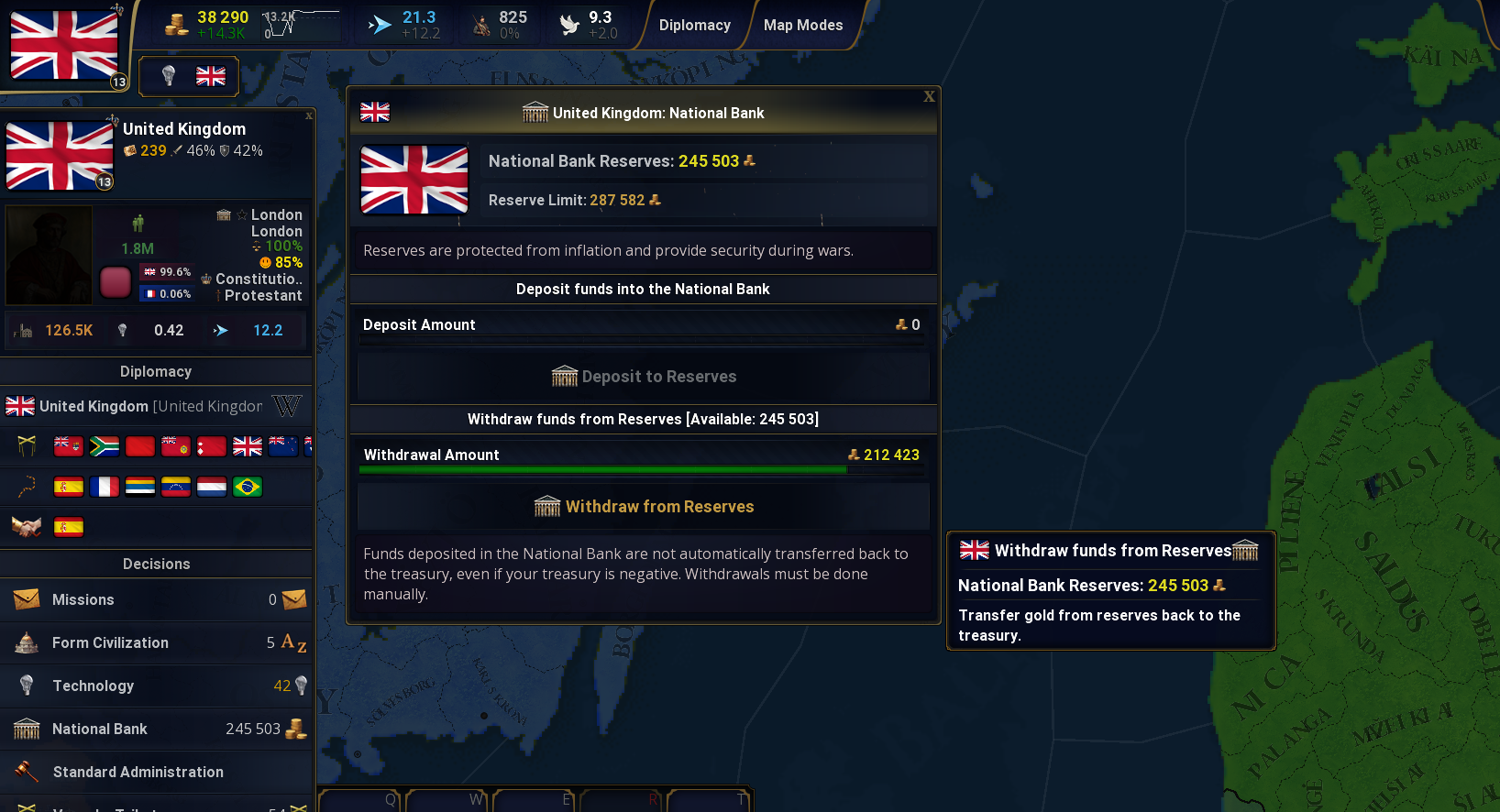
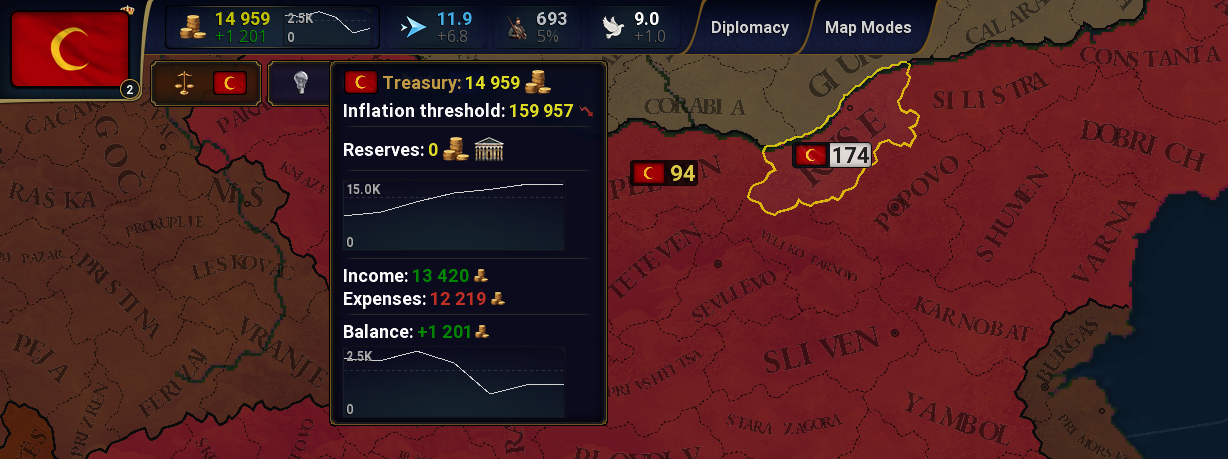
 National Bank - GameValues: gvIncome.json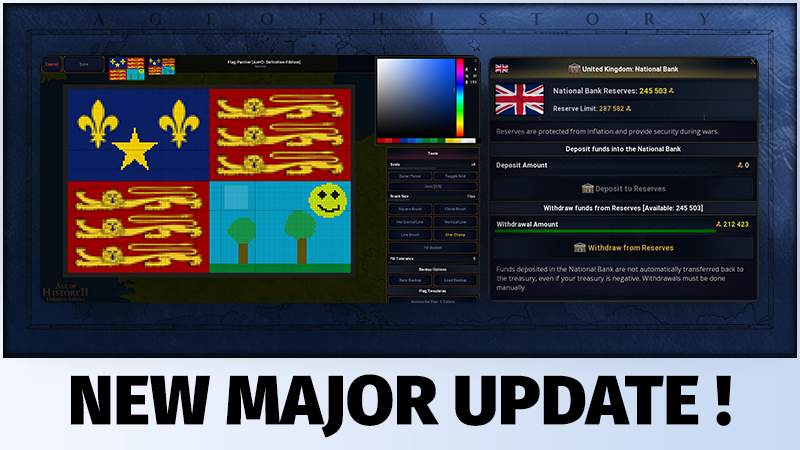



 How to complete all achievements (Beta)
  7
7


 Jak zrobić 100% w Age of History II Definitive Edition

 Award
Award





 Как получить ачивки (13 из 82)


 Age of History 2: Definitive Edition - 100% Başarımlar Türkçe
 Enigma easter egg












 Loading

