



Install Steam
sign in
|
language
简体中文 (Simplified Chinese)
繁體中文 (Traditional Chinese)
日本語 (Japanese)
한국어 (Korean)
ไทย (Thai)
Bahasa Indonesia (Indonesian)
Bahasa Melayu (Malay) BETA
Български (Bulgarian)
Čeština (Czech)
Dansk (Danish)
Deutsch (German)
Español - España (Spanish - Spain)
Español - Latinoamérica (Spanish - Latin America)
Ελληνικά (Greek)
Français (French)
Italiano (Italian)
Magyar (Hungarian)
Nederlands (Dutch)
Norsk (Norwegian)
Polski (Polish)
Português (Portuguese - Portugal)
Português - Brasil (Portuguese - Brazil)
Română (Romanian)
Русский (Russian)
Suomi (Finnish)
Svenska (Swedish)
Türkçe (Turkish)
Tiếng Việt (Vietnamese)
Українська (Ukrainian)
Report a translation problem





 As many of you know, over the years, both games have continued to grow with new systems, gameplay features, assists, vehicle options, and controls. While this has allowed players to tailor their experience in a variety of ways, it has also gradually increased the amount of information, shortcuts, and menus players need to manage on the road.
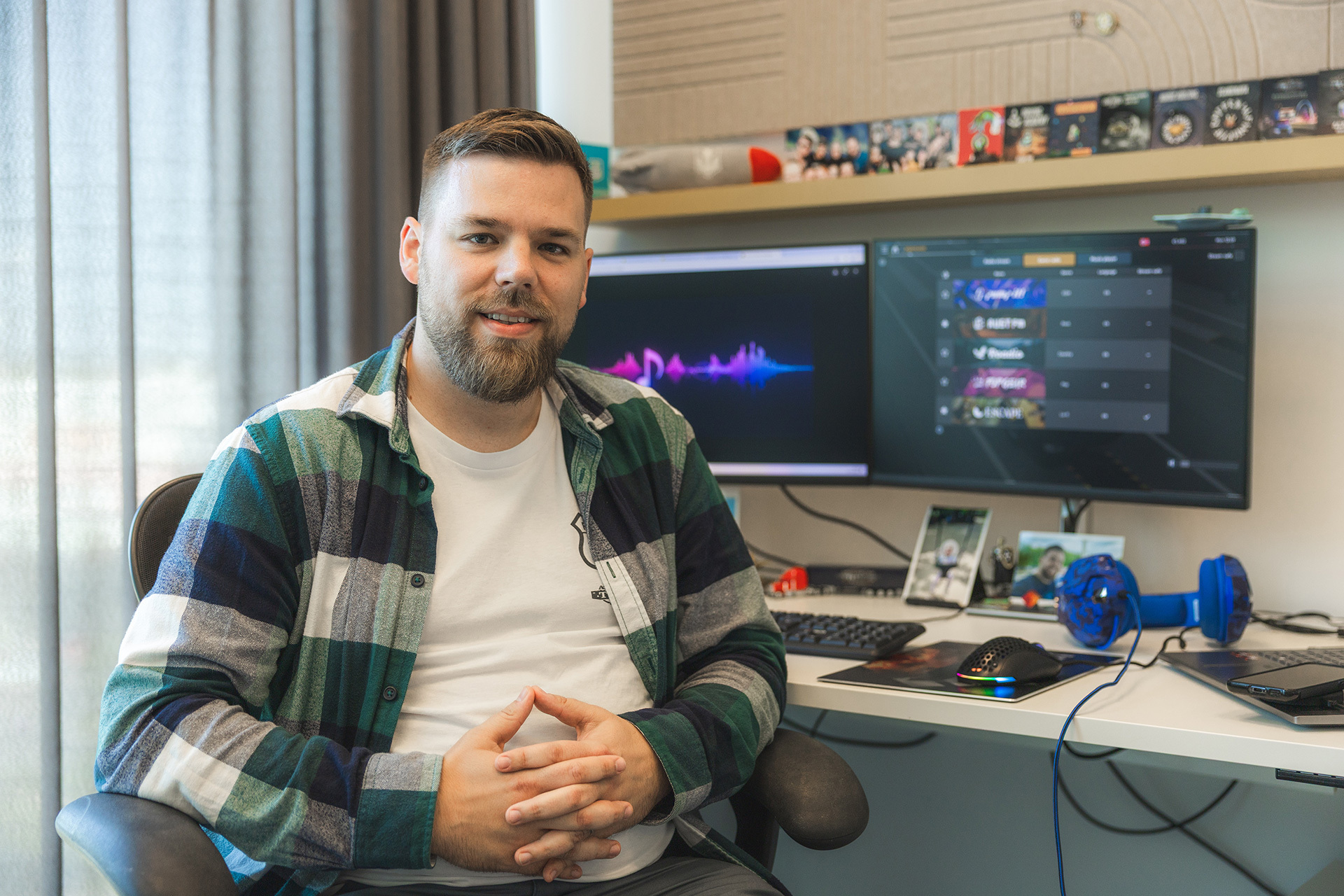
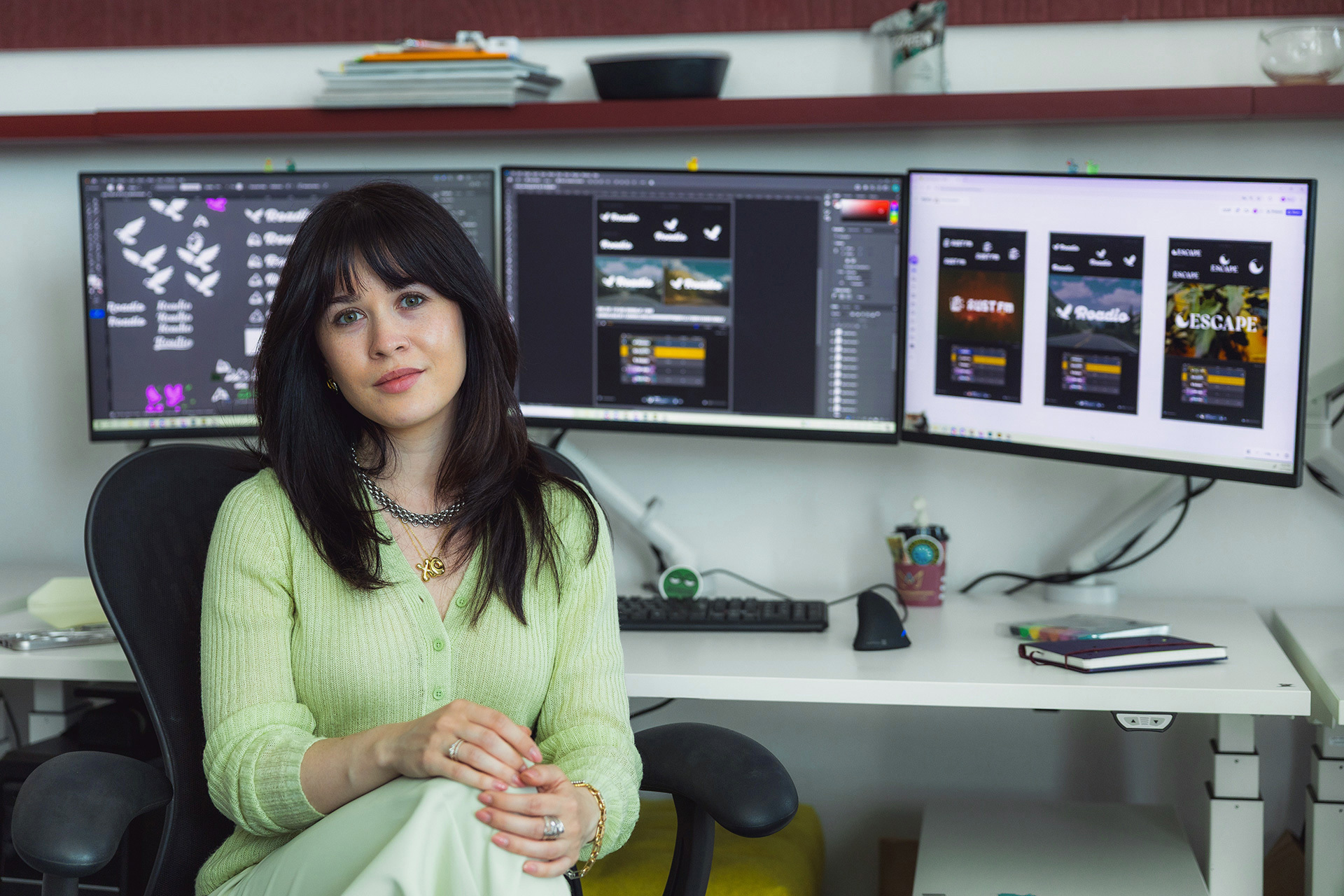
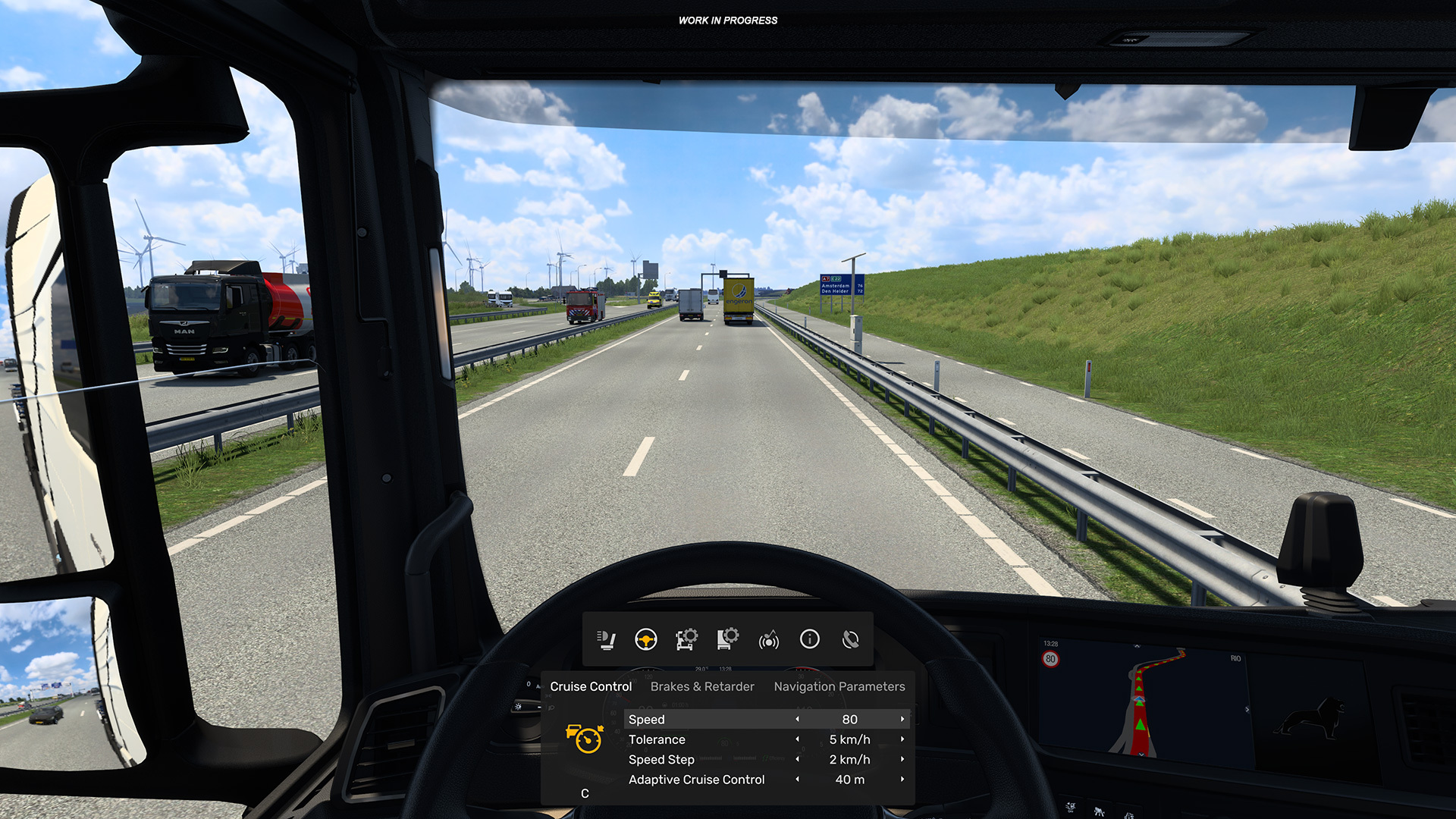 Introducing the Multi-Function Display
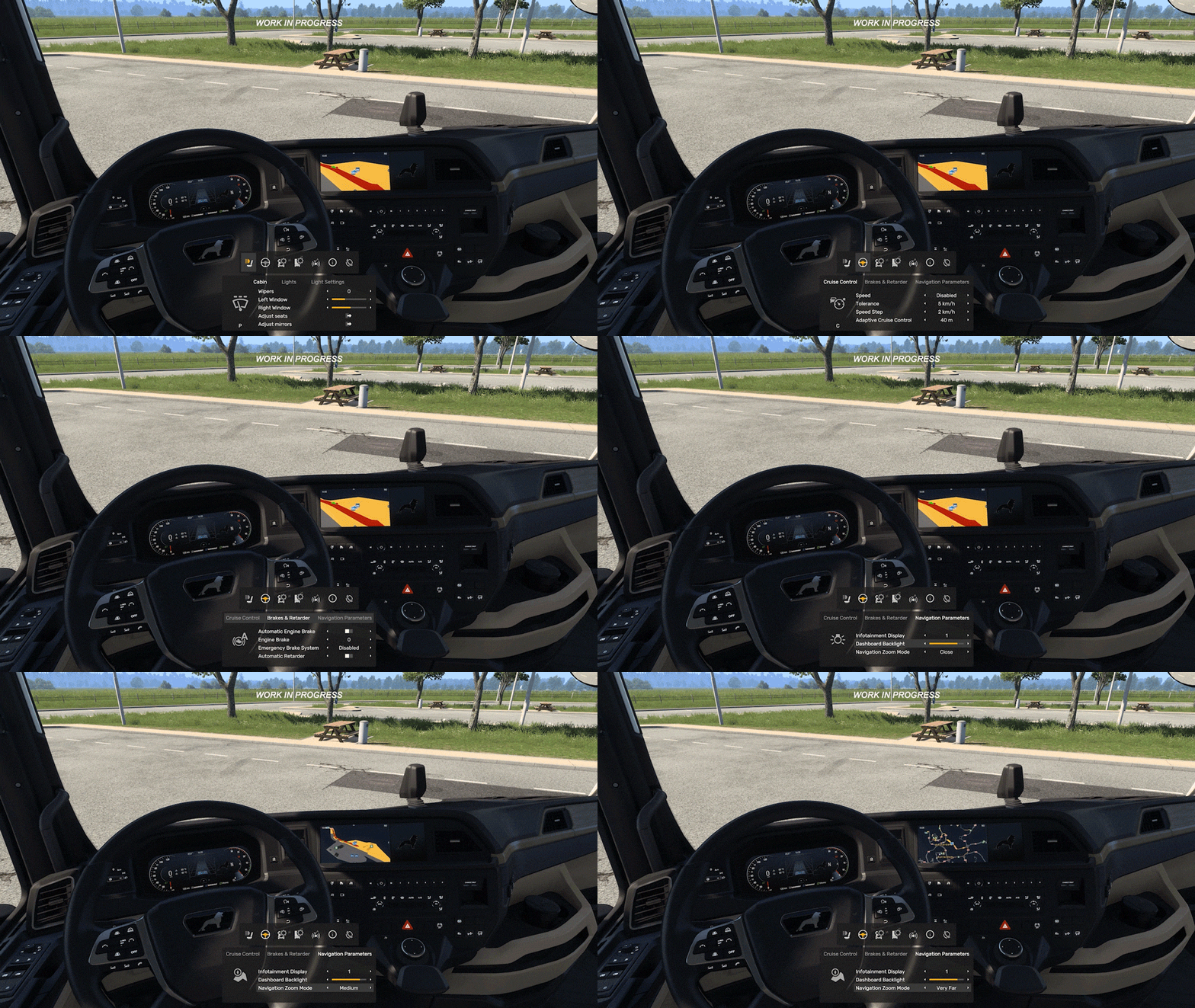 Designed Around Accessibility and Discoverability
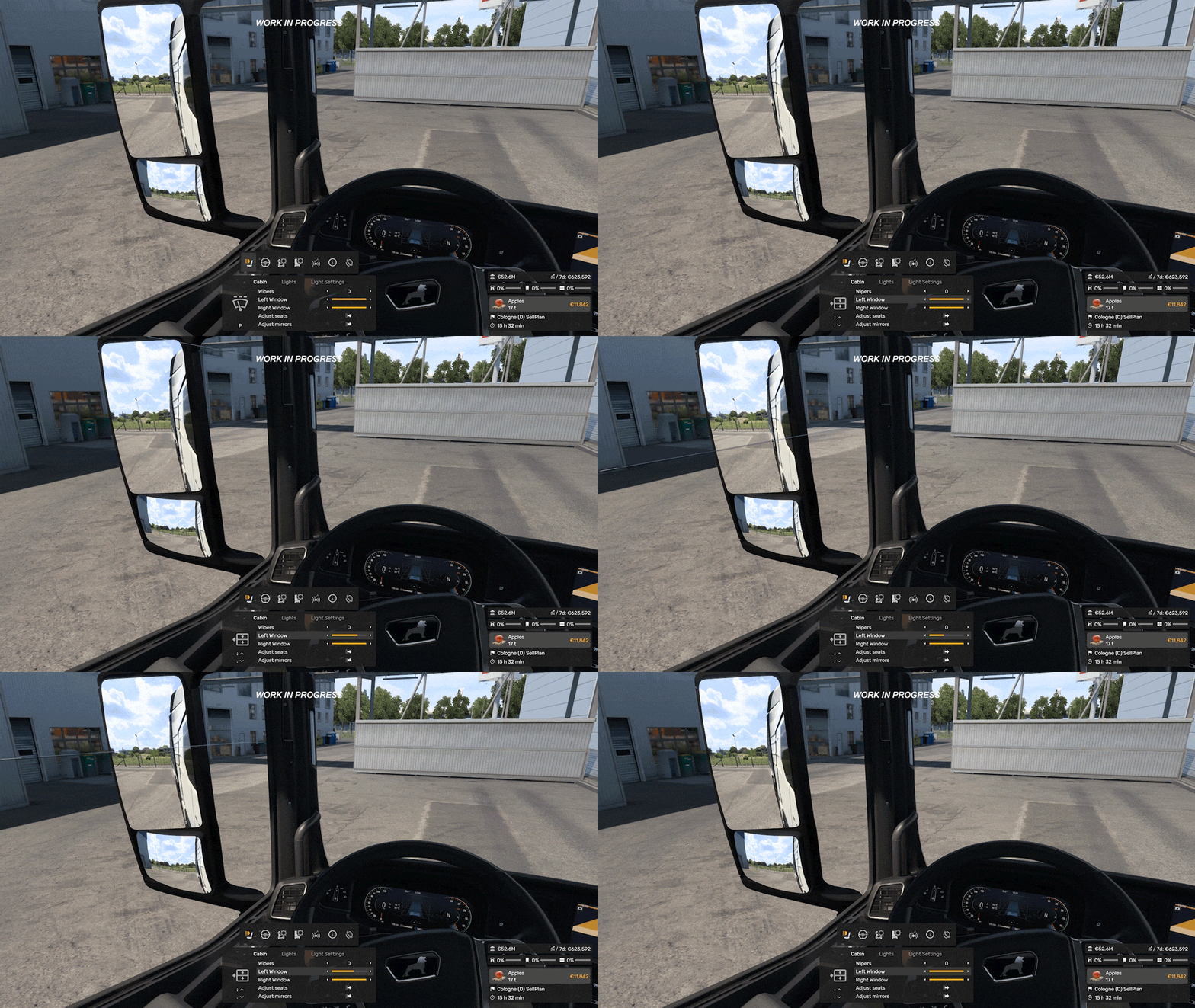 Different control setups are also something we are carefully considering throughout development. The MFD is being designed to support keyboard, mouse, wheel, and controller users alike, with customisable navigation controls.
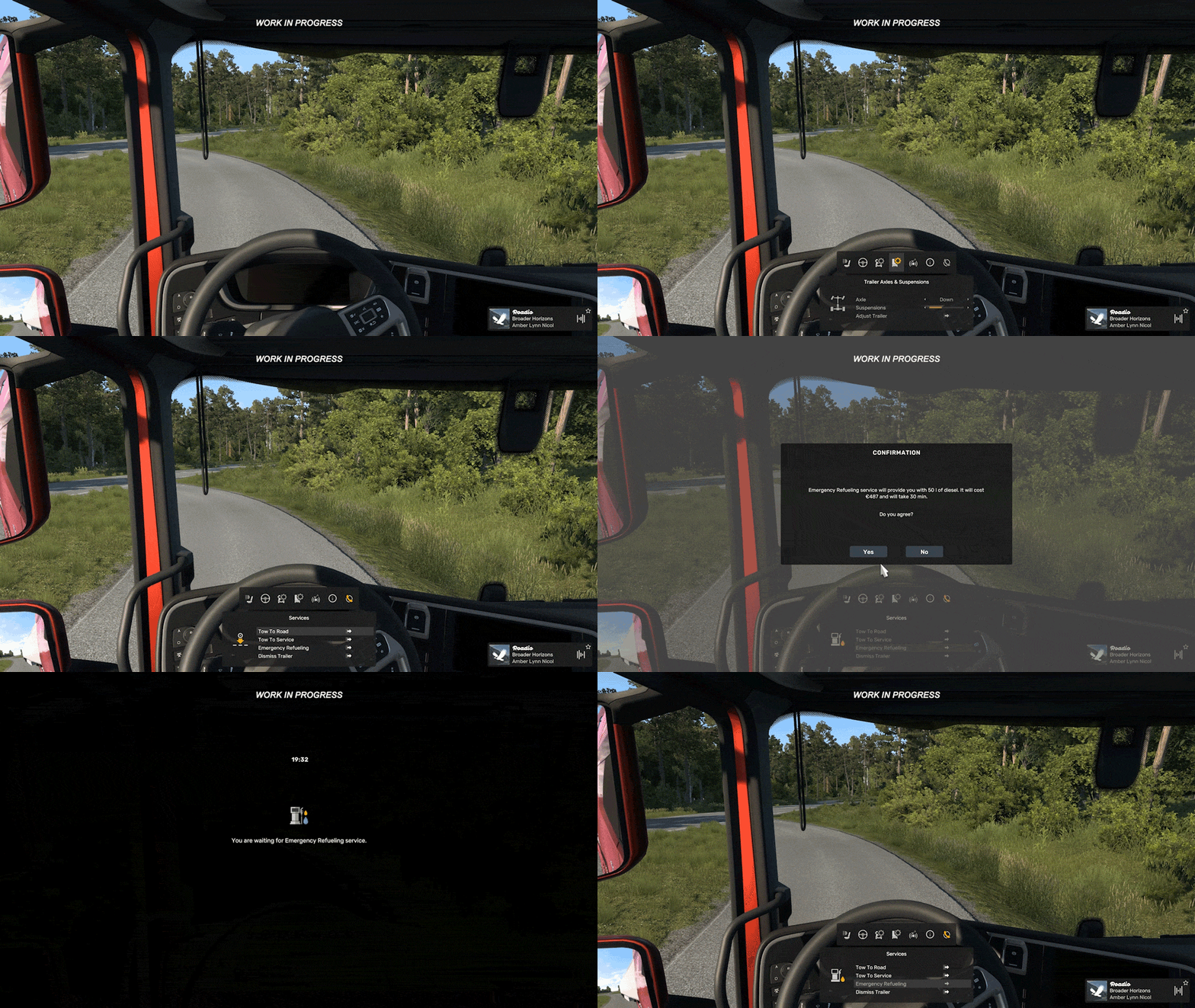 These are relatively small additions on their own, but they're part of a much larger ongoing effort to improve usability, information access, and customisation while driving. We know there is still more work ahead, and we are continuing to explore further improvements and adjustments throughout development.
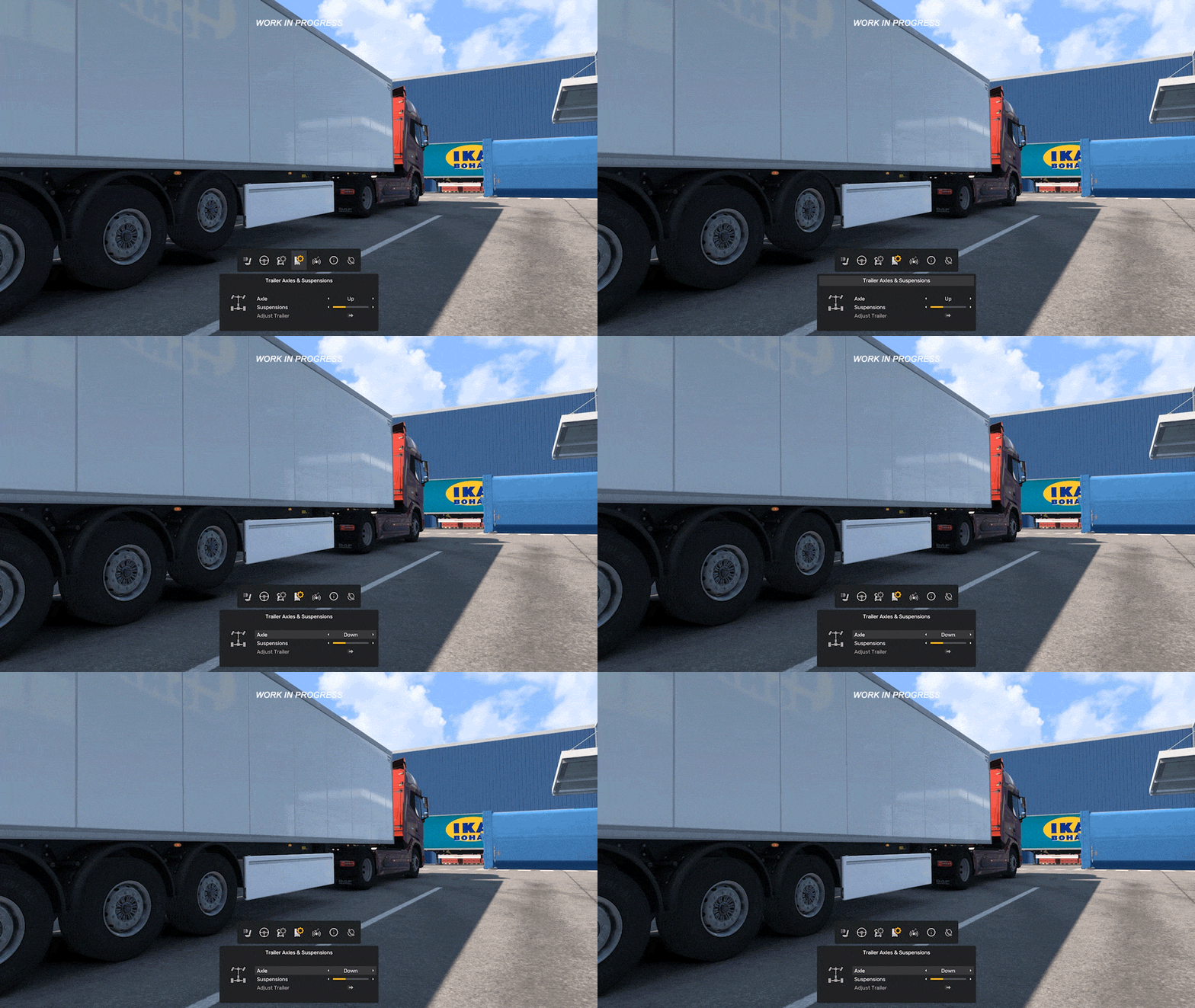 We are very excited about the possibilities this system opens up, not only for trucks, but eventually for other vehicle types as well.



 Award
Award 1
1


 ETS2 - Telemetry server





 One Step Closer to Reality: My ETS2 Realism Preset







 Карта России «RusMap»
 Improve image quality with ReShade
 ETS2 Garage Optimization Guide: Best Trailer Setup for Every City


 ВНИМАНИЕ! Прочитайте следующие два абзаца!
Прежде чем задавать свой вопрос ознакомьтесь с прикрепленным ниже гайдом, скорее всего там уже есть ответ. Не нашли ответ в FAQ? Воспо�...
ВНИМАНИЕ! Прочитайте следующие два абзаца!
Прежде чем задавать свой вопрос ознакомьтесь с прикрепленным ниже гайдом, скорее всего там уже есть ответ. Не нашли ответ в FAQ? Воспо�... 

 Loading

