



Install Steam
sign in
|
language
简体中文 (Simplified Chinese)
繁體中文 (Traditional Chinese)
日本語 (Japanese)
한국어 (Korean)
ไทย (Thai)
Bahasa Indonesia (Indonesian)
Bahasa Melayu (Malay) BETA
Български (Bulgarian)
Čeština (Czech)
Dansk (Danish)
Deutsch (German)
Español - España (Spanish - Spain)
Español - Latinoamérica (Spanish - Latin America)
Ελληνικά (Greek)
Français (French)
Italiano (Italian)
Magyar (Hungarian)
Nederlands (Dutch)
Norsk (Norwegian)
Polski (Polish)
Português (Portuguese - Portugal)
Português - Brasil (Portuguese - Brazil)
Română (Romanian)
Русский (Russian)
Suomi (Finnish)
Svenska (Swedish)
Türkçe (Turkish)
Tiếng Việt (Vietnamese)
Українська (Ukrainian)
Report a translation problem


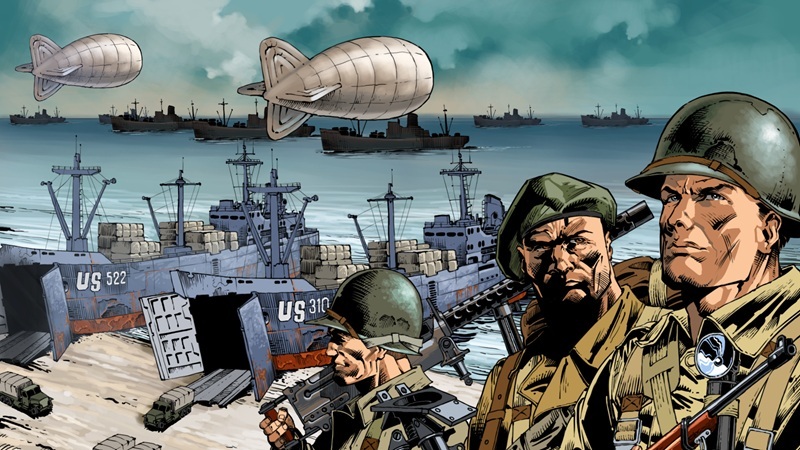 In the "Reinforcements received" events, you’ll upgrade your army with unique and well-armed squads, rare weapons, vehicles and always-useful items. Main rewards will help you unlock content that normally takes more time to reach in a regular lineup.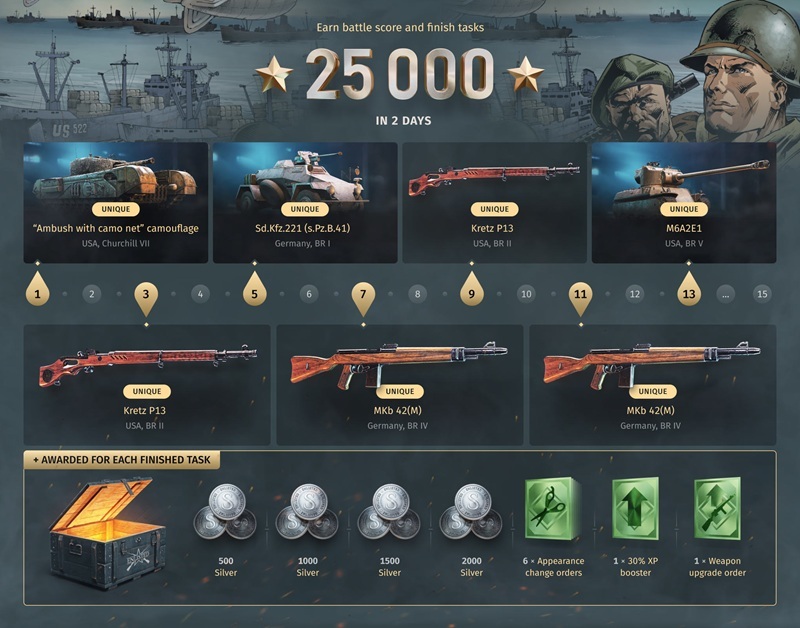

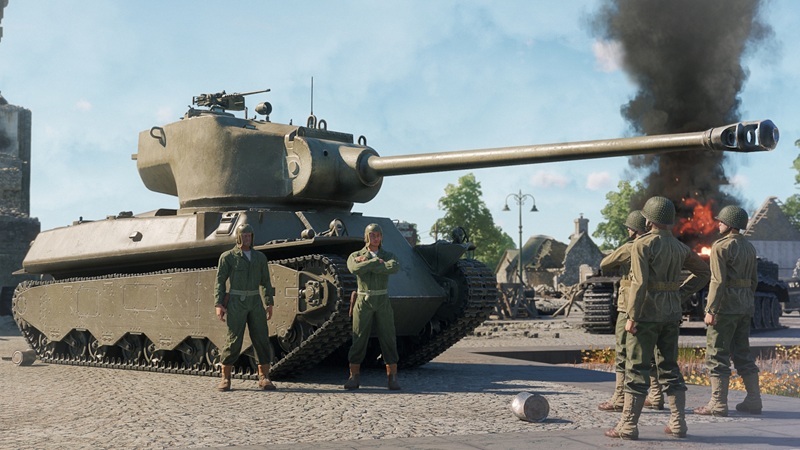

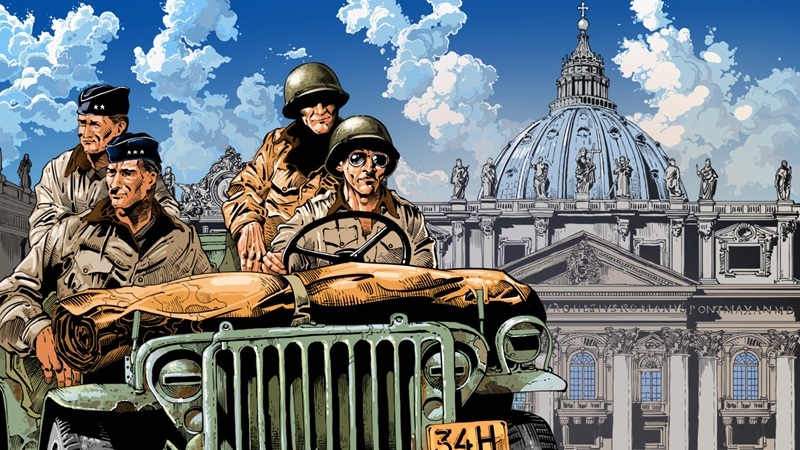 Following the Allied victory at the Battle of Monte Cassino, the road to Rome was open. On June 4, 1944, just a few days prior to the Normandy landings, American forces entered the vacant Italian capital, which had been declared an open city by the German Army.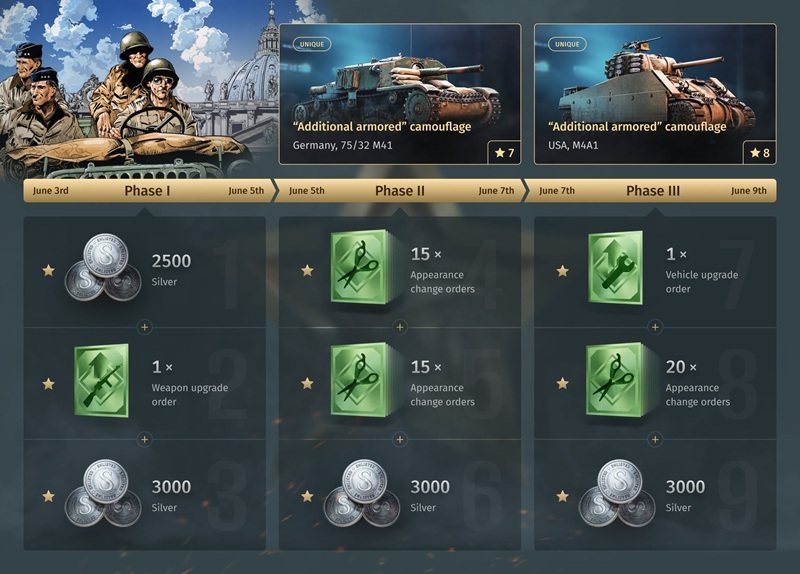
 A Detailed Guide for New Players with Tips and Tricks
  46
46
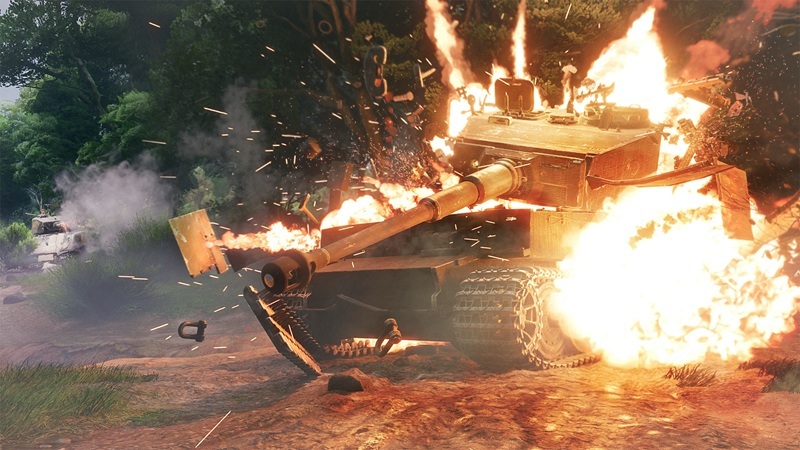 Commanders, in the upcoming "Operation Neptune" major update, you will be greeted with significantly reworked visuals when it comes to combat effects!


 Award
Award
 How to enlisted




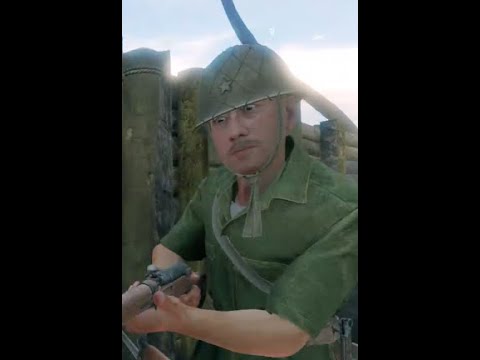


 Диверсанты
 Enlisted - poradnik (w budowie)


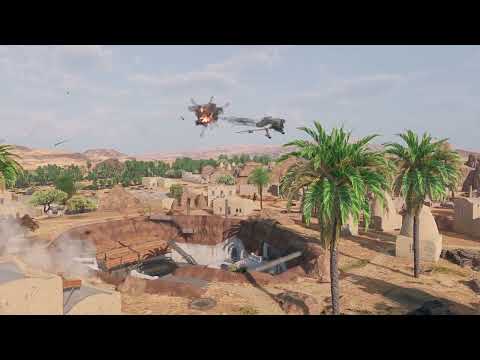



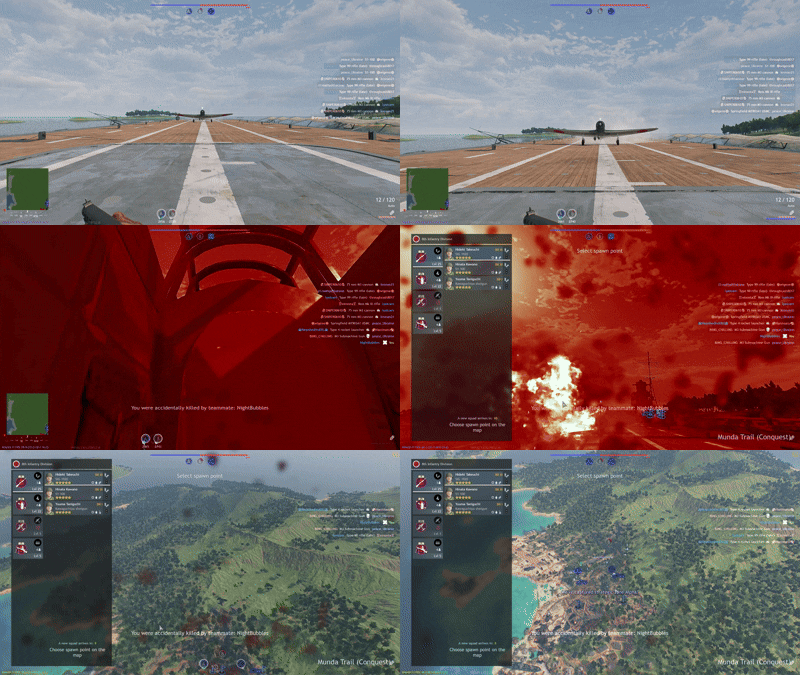


 Поиск соратников для совместных боёв


 Loading

