



Install Steam
sign in
|
language
简体中文 (Simplified Chinese)
繁體中文 (Traditional Chinese)
日本語 (Japanese)
한국어 (Korean)
ไทย (Thai)
Bahasa Indonesia (Indonesian)
Bahasa Melayu (Malay) BETA
Български (Bulgarian)
Čeština (Czech)
Dansk (Danish)
Deutsch (German)
Español - España (Spanish - Spain)
Español - Latinoamérica (Spanish - Latin America)
Ελληνικά (Greek)
Français (French)
Italiano (Italian)
Magyar (Hungarian)
Nederlands (Dutch)
Norsk (Norwegian)
Polski (Polish)
Português (Portuguese - Portugal)
Português - Brasil (Portuguese - Brazil)
Română (Romanian)
Русский (Russian)
Suomi (Finnish)
Svenska (Swedish)
Türkçe (Turkish)
Tiếng Việt (Vietnamese)
Українська (Ukrainian)
Report a translation problem

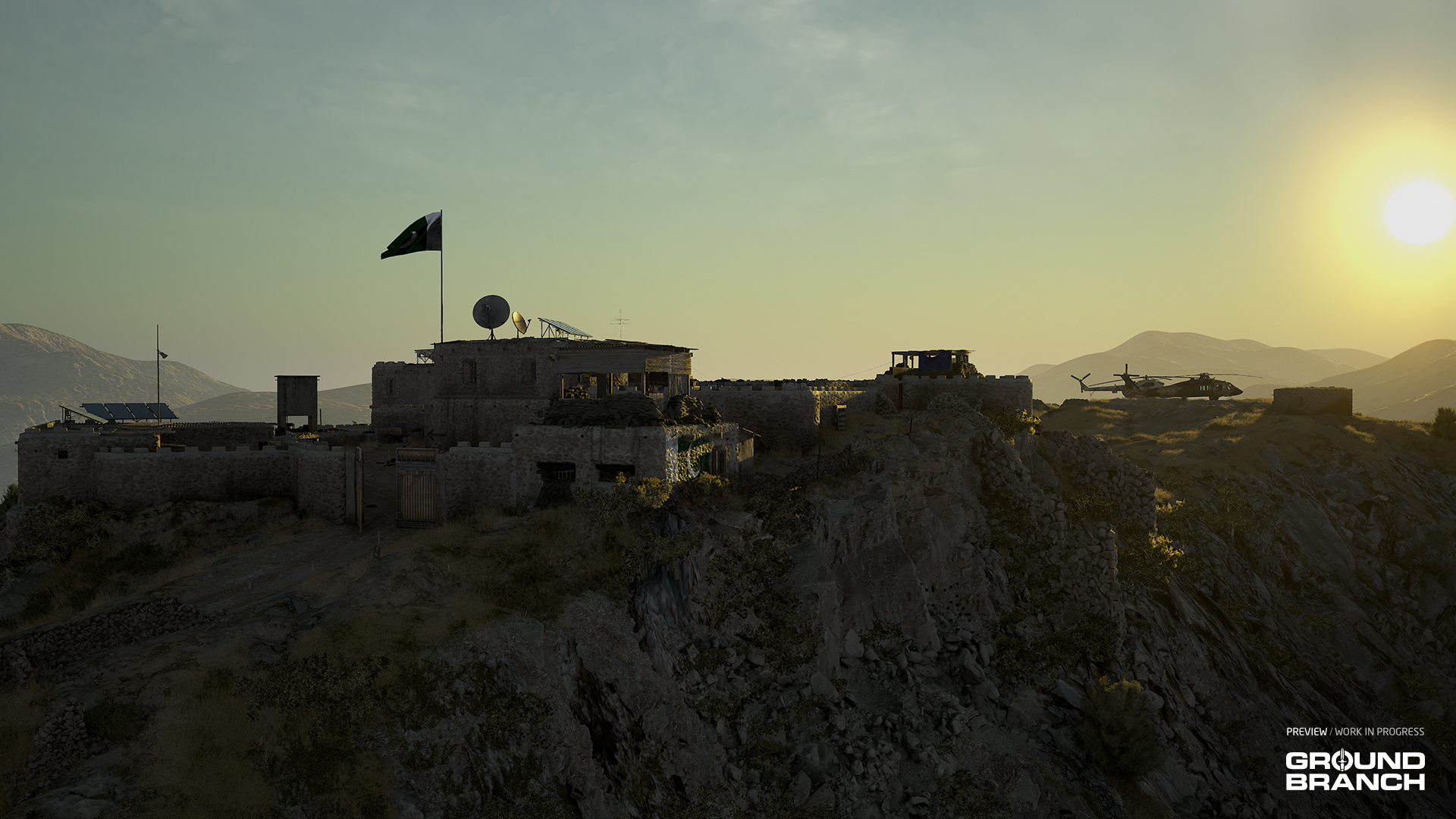
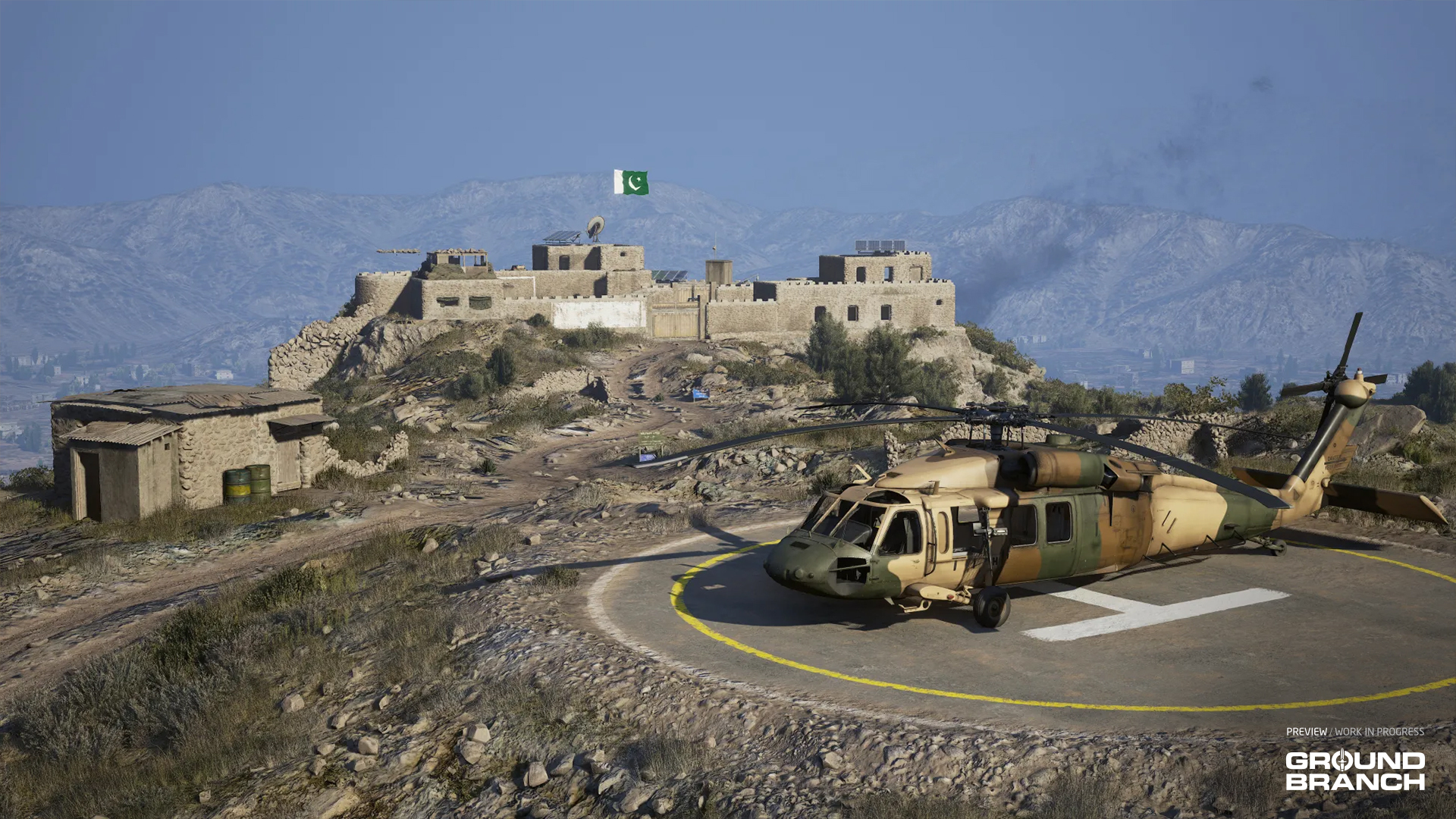 Set in the mountains of northwest Pakistan, Outpost is built around an old fort perched on a ridge right along the Afghan border. Inside the stone walls you'll find interconnected buildings, plenty of vantage points and tight passageways. Outside them, rugged terrain and sparse shrubs are about all the cover you'll get crossing a large, exposed perimeter.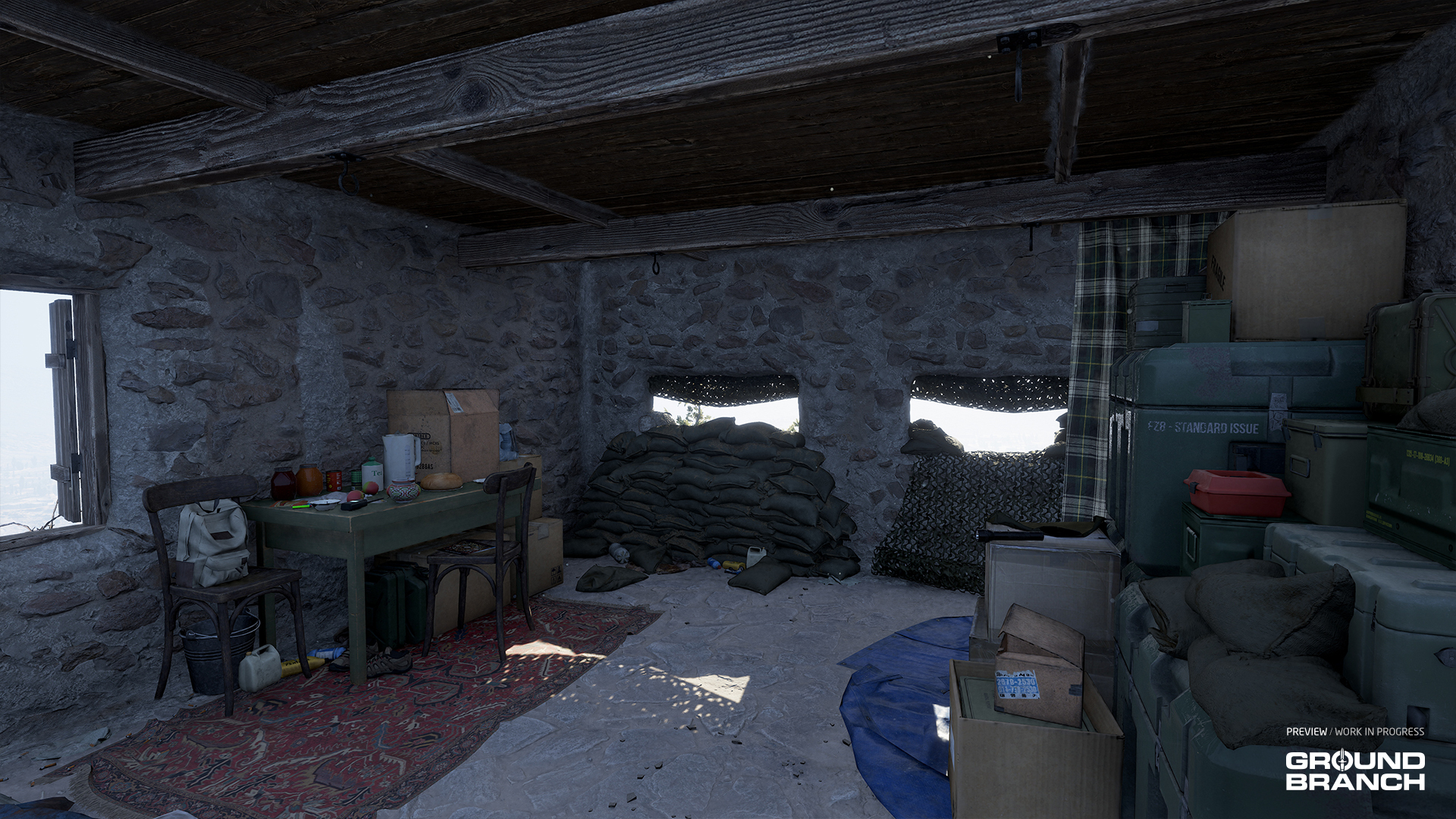
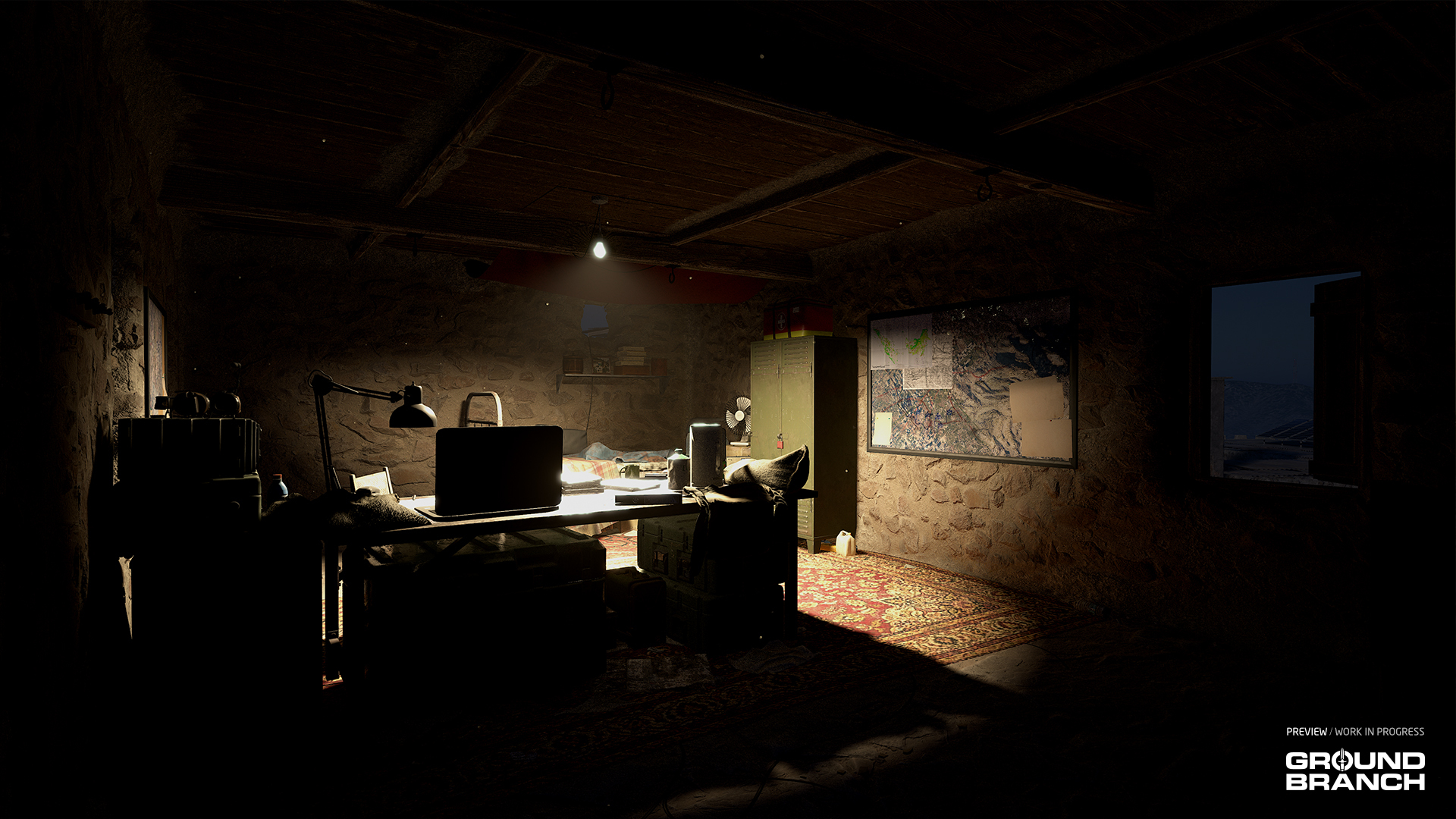 Outpost joins Airbase (747 remake), Hospital (Rundown remake), Border and Creek (overhaul) as the additions for V1.0's map selection.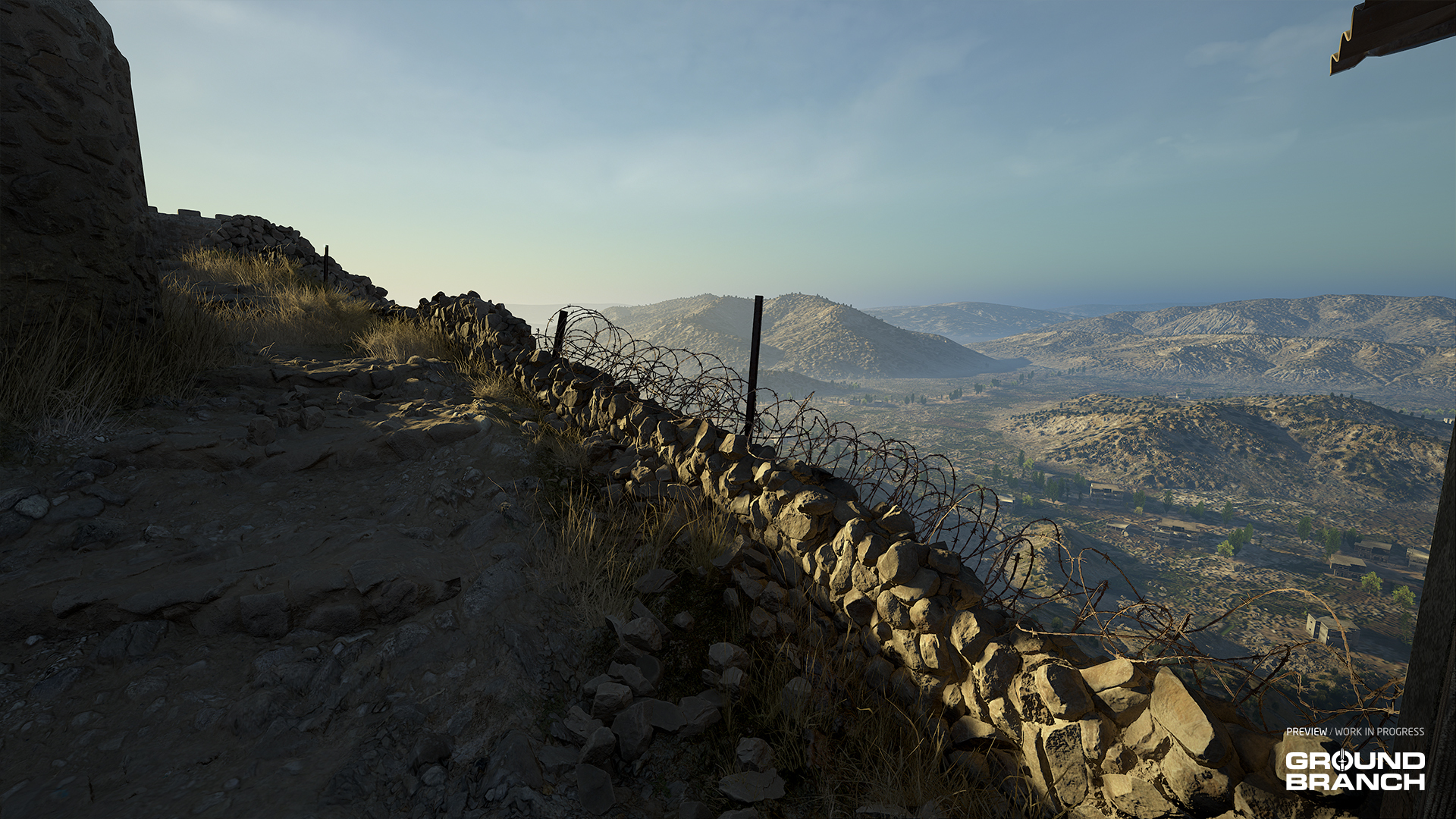
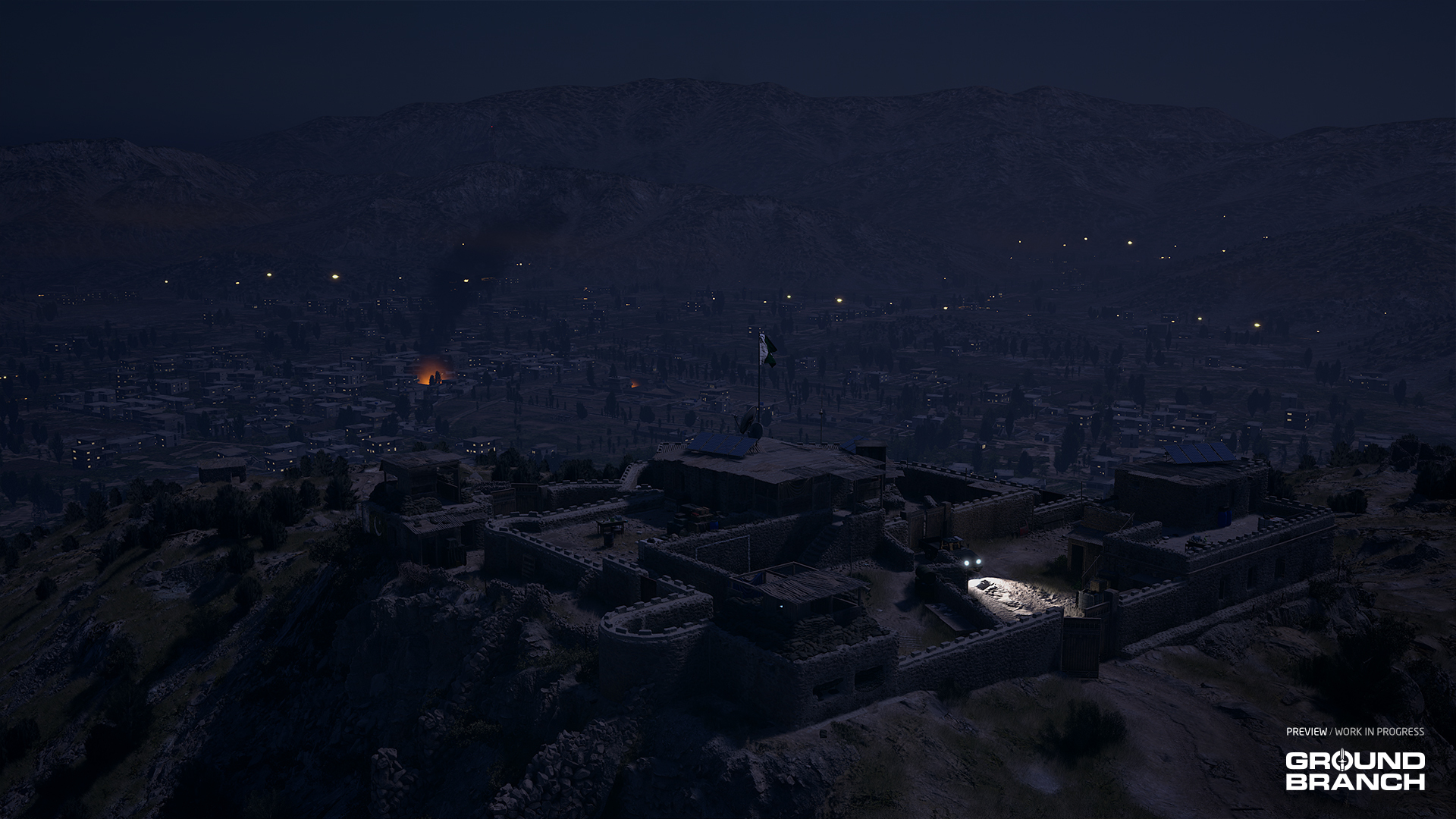 The mountain overlooks a town from an earlier mission — and you can spot recent events playing out in the distance.
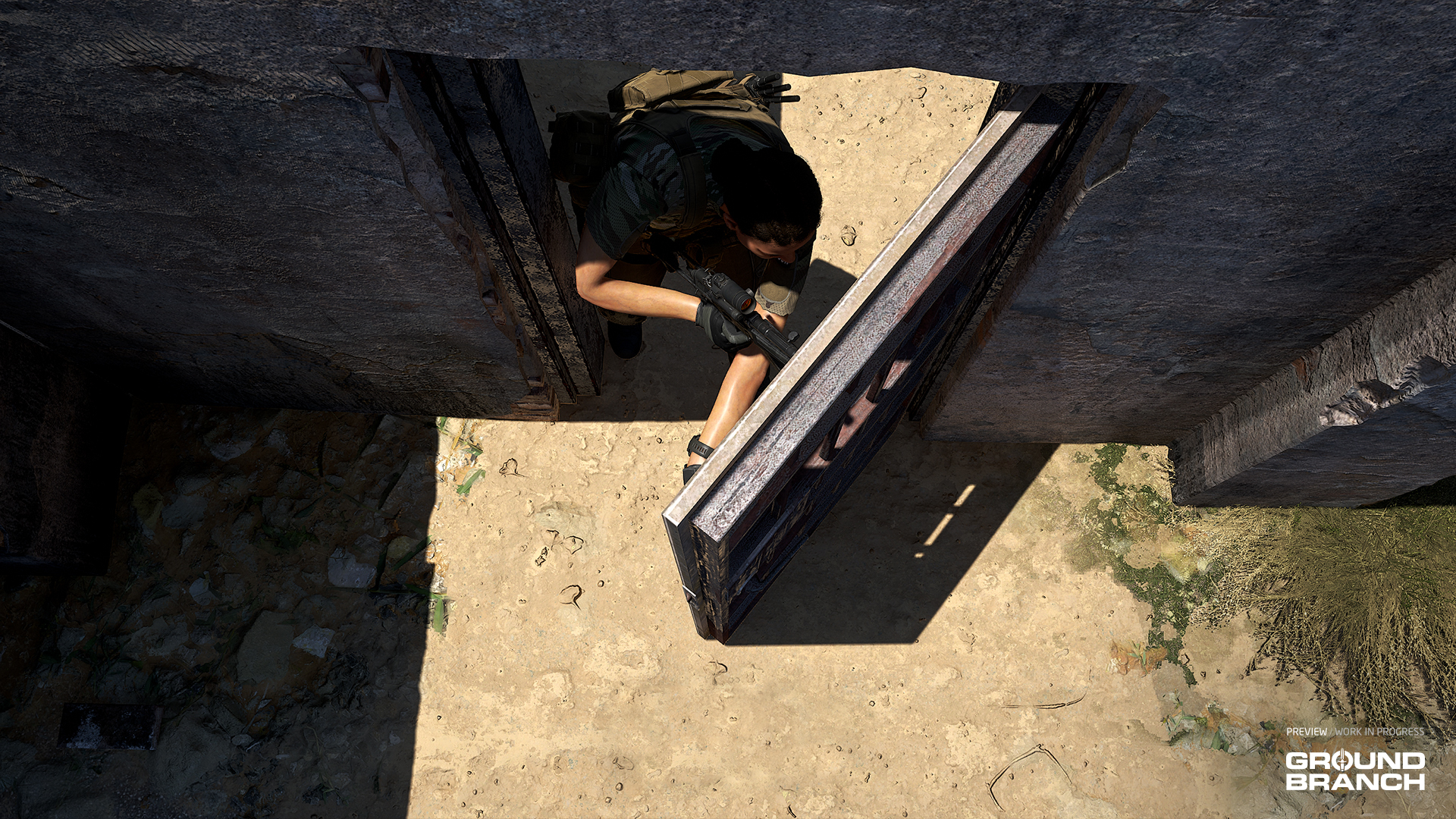 As covered last report, doors are getting locked-door support and the ability to breach them open with explosive charges or shots to the handle. Since then we've worked out a better door handling animation and set up simulated physics with the doors which will react to being pushed by characters.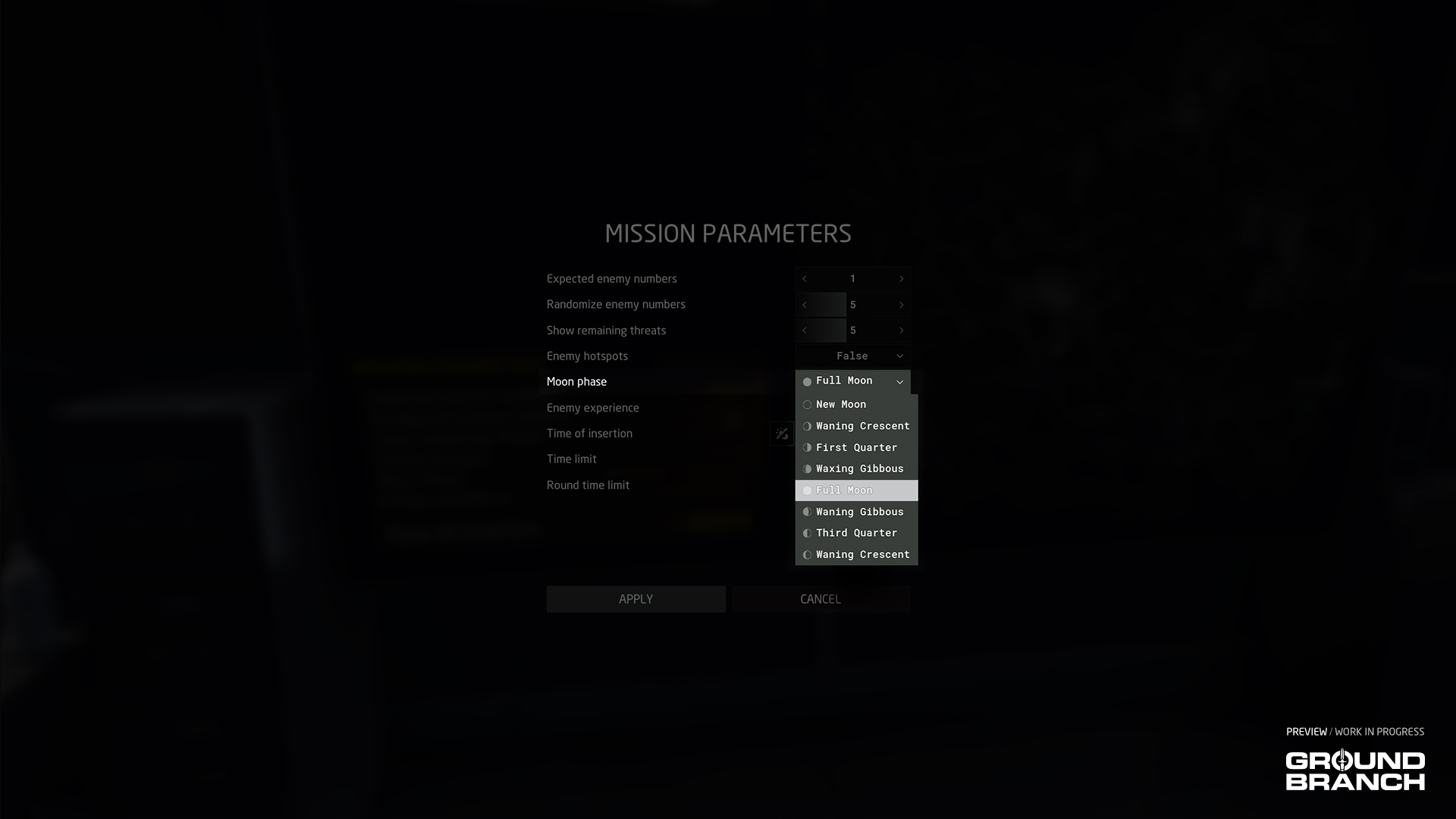
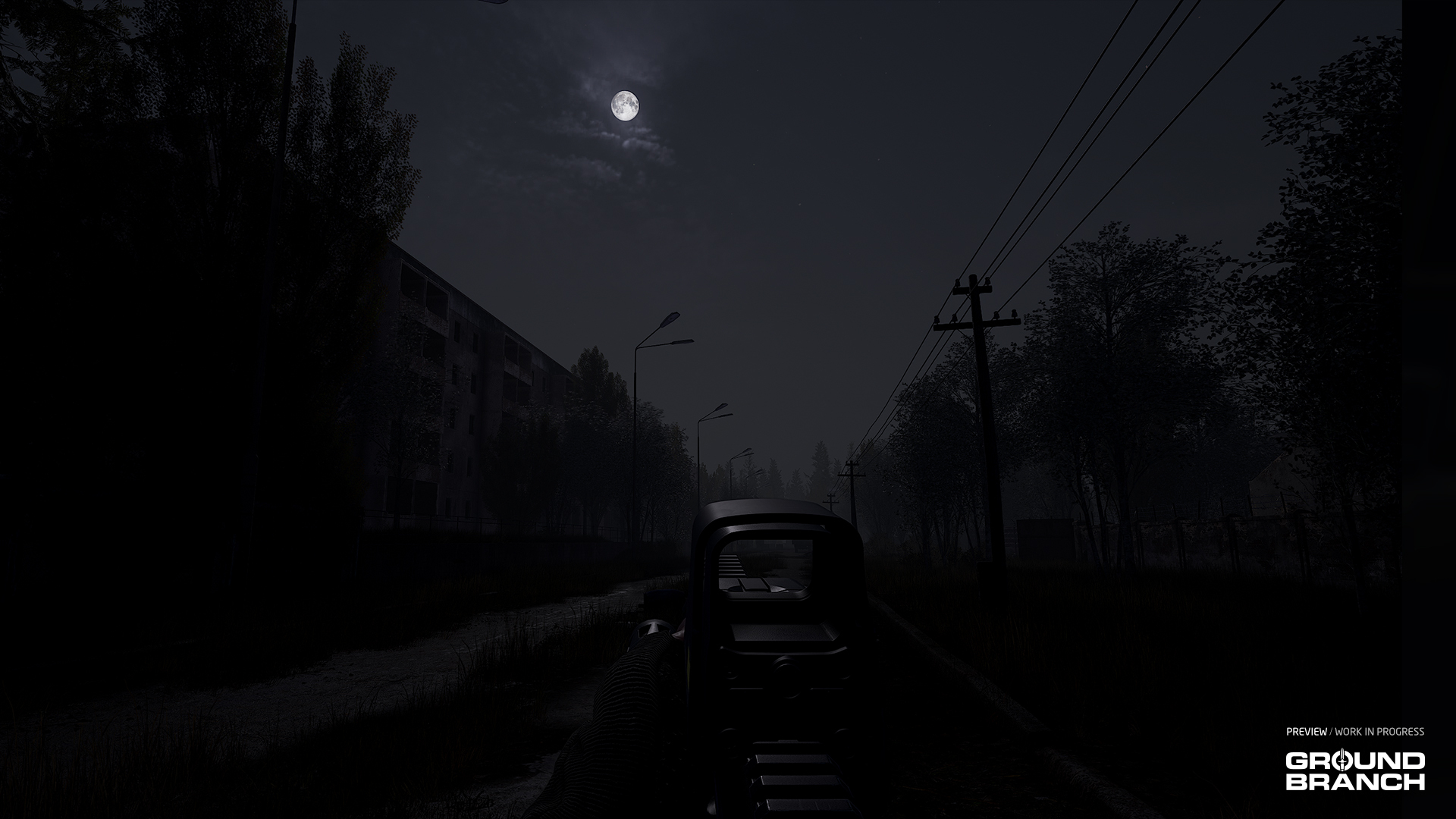 With a waxing crescent (below) or darker moon phases, you will be more concealed to the enemy, but your NVG will require an IR illuminator (available on the AN/PEQ-15 or similar modded attachment) to help illuminate dark spaces.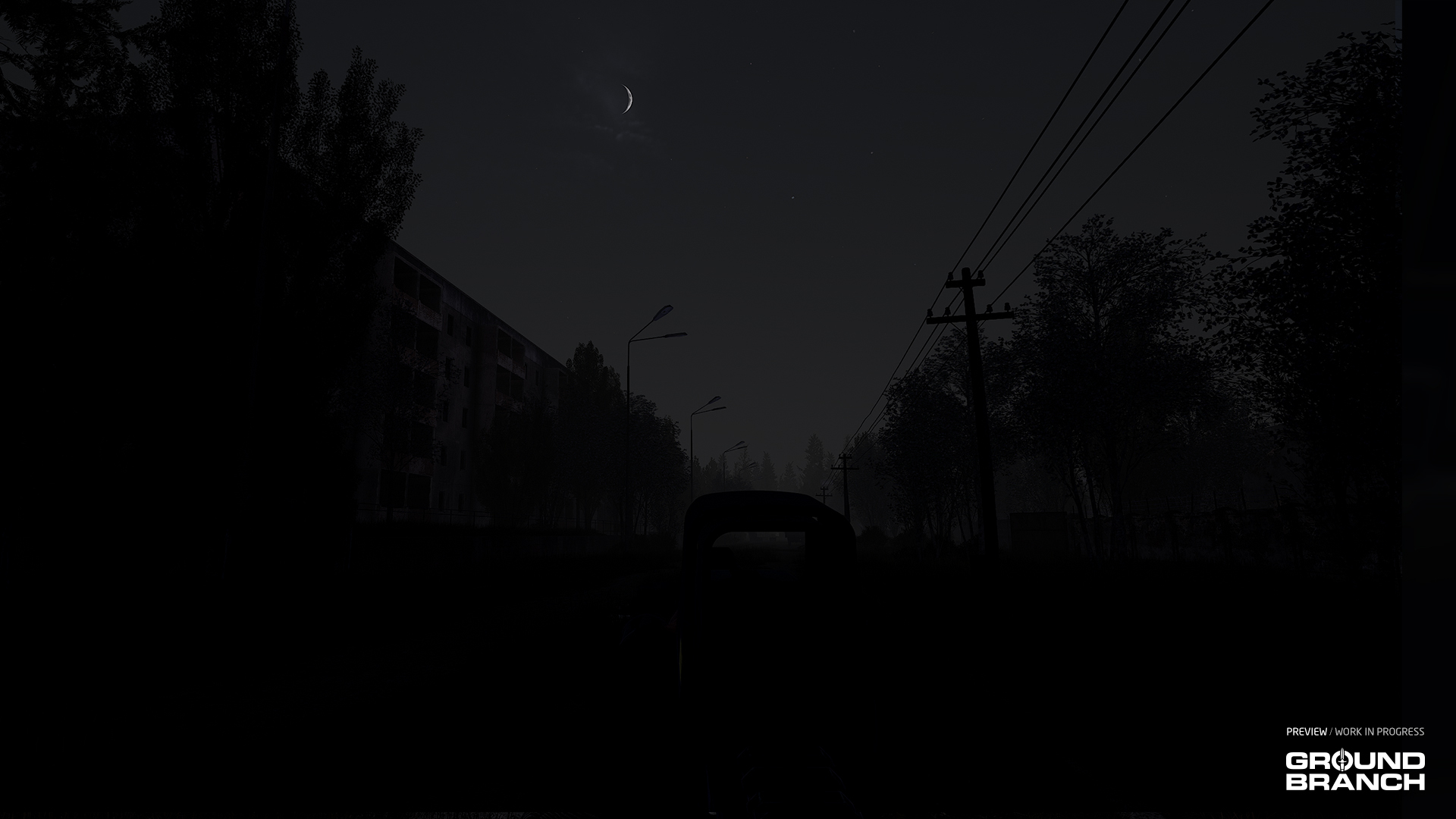
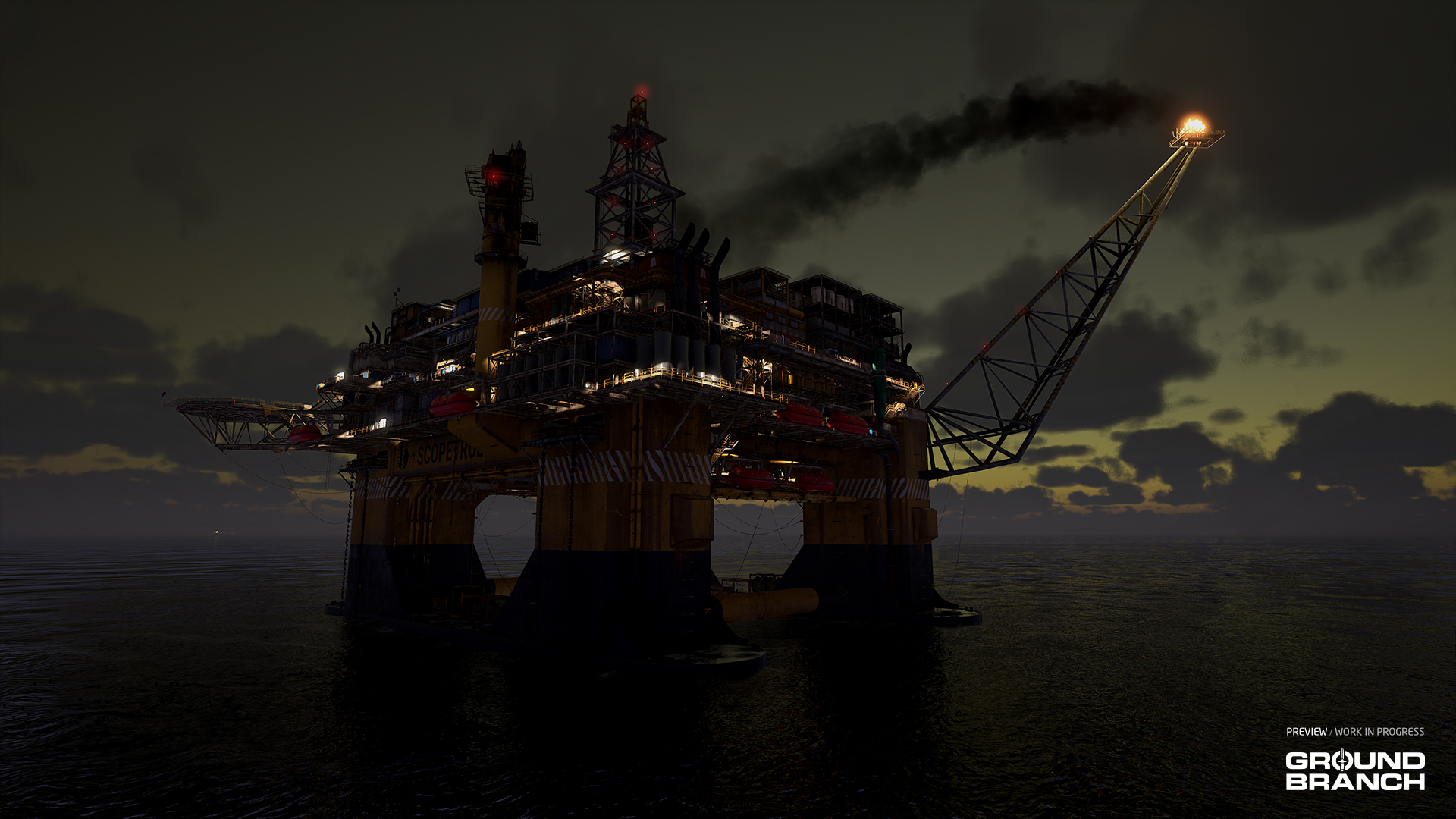 Some of the map art updates displayed on Rig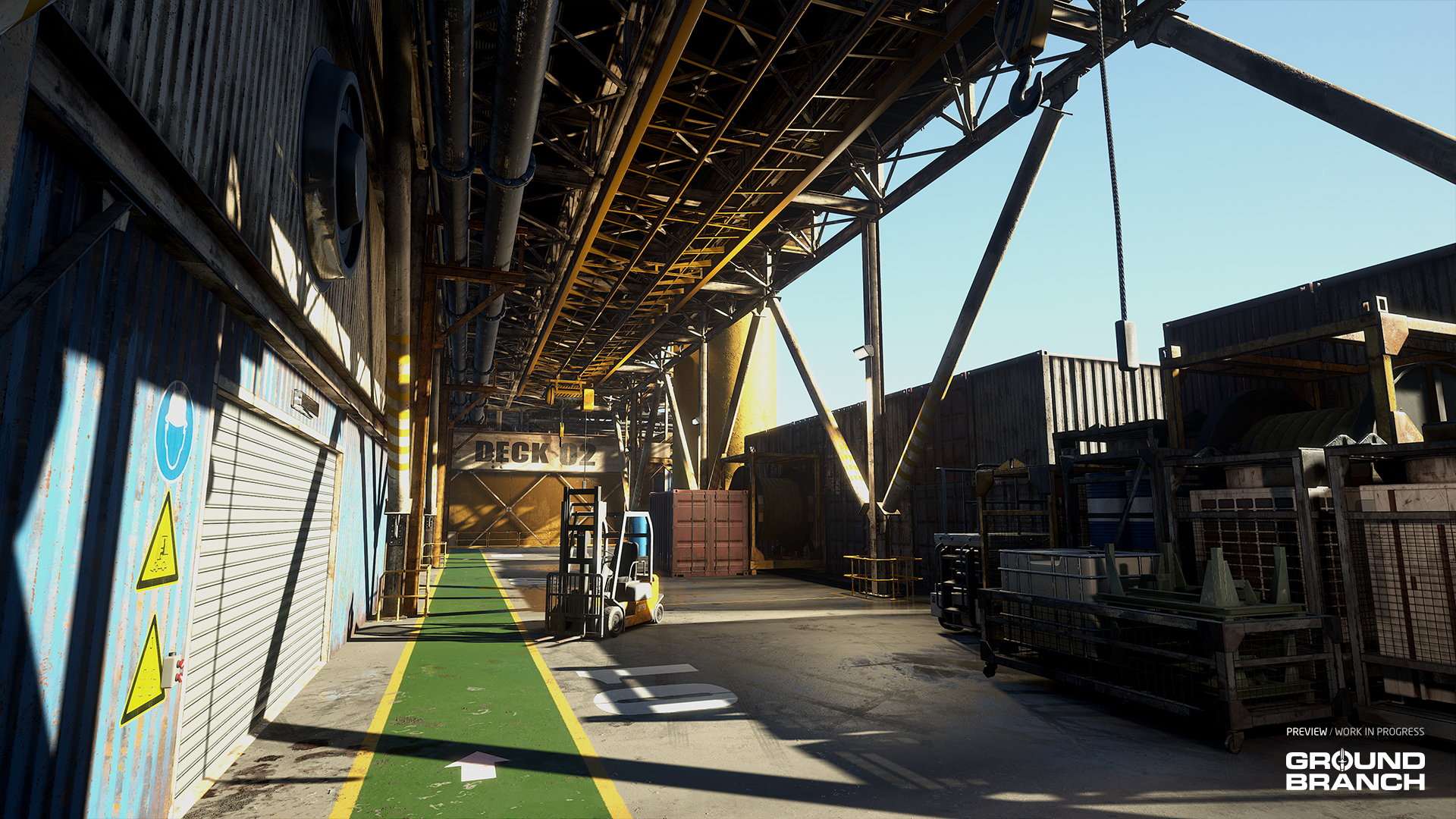
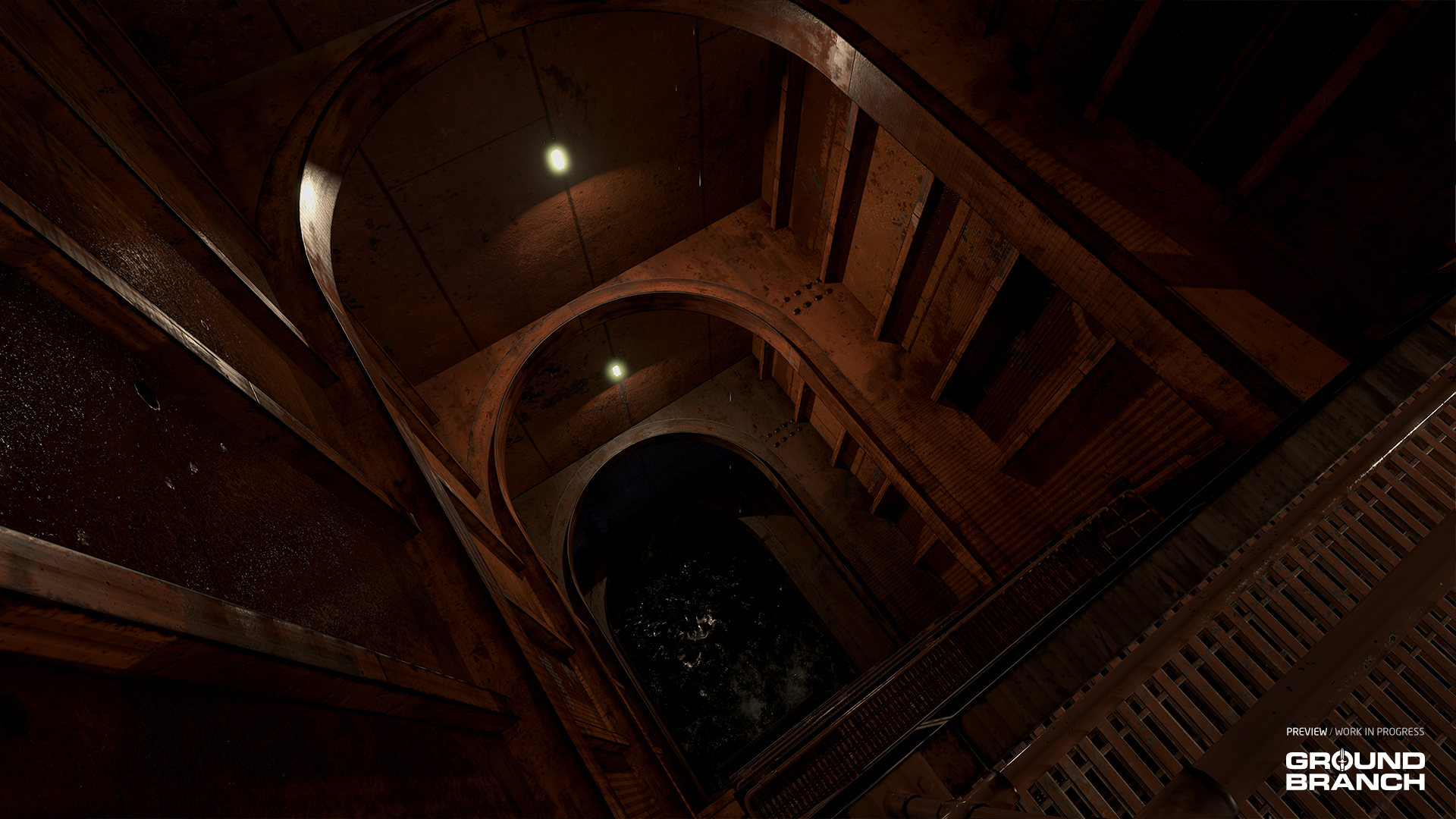
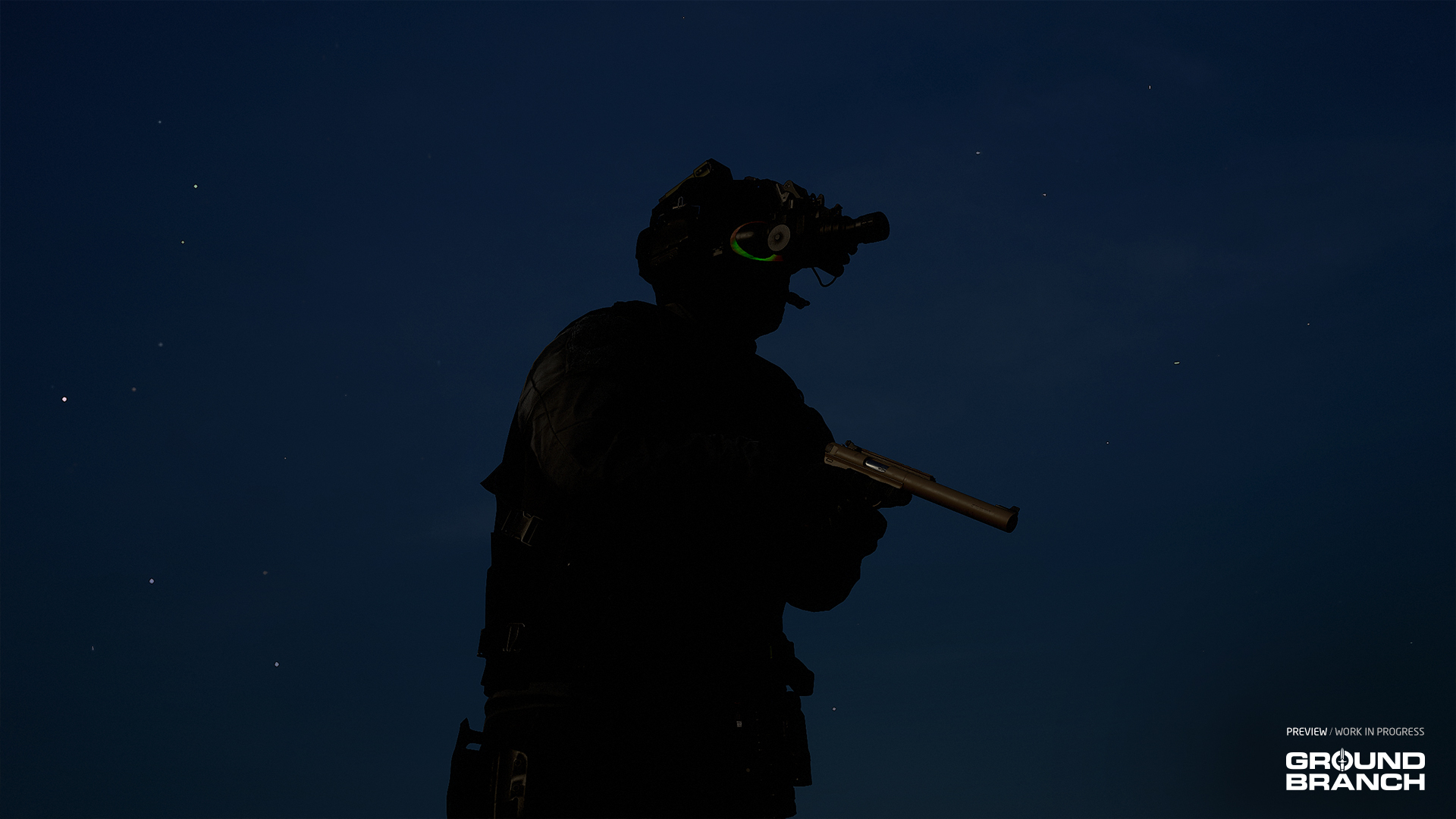 The new (or rather very old) AN/PVS-7 night vision system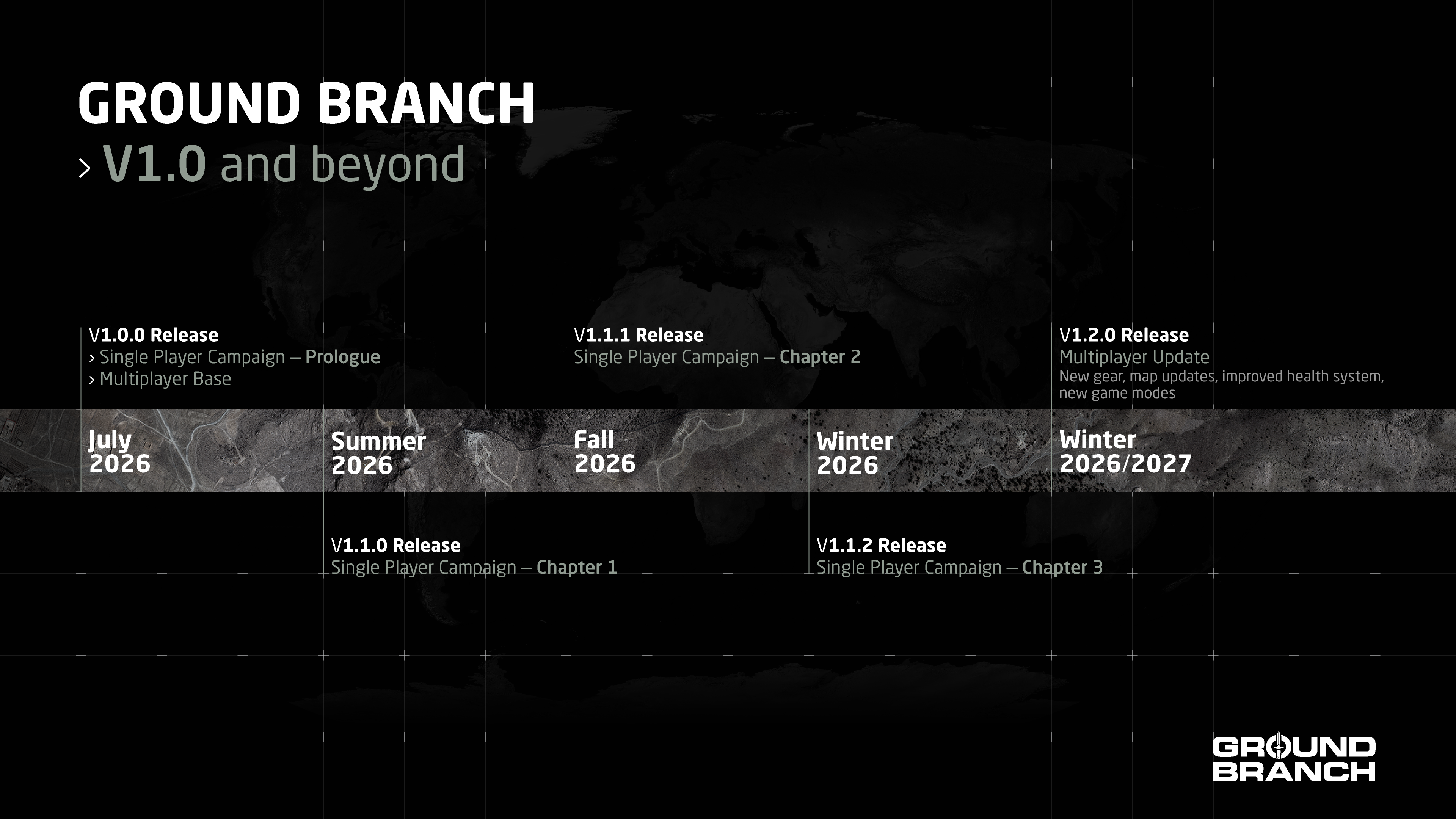




 Award
Award 9
9


 Campaign: Operation Cake Walk

 Camera Keybinds
 How To Shoot.



 Operation Do'in Your Mum




 Сюжетна кампанія: Операція "Кейк Волк" переклад українською

 Loading

