



Install Steam
login
|
language
简体中文 (Simplified Chinese)
繁體中文 (Traditional Chinese)
日本語 (Japanese)
한국어 (Korean)
ไทย (Thai)
Български (Bulgarian)
Čeština (Czech)
Dansk (Danish)
Deutsch (German)
Español - España (Spanish - Spain)
Español - Latinoamérica (Spanish - Latin America)
Ελληνικά (Greek)
Français (French)
Italiano (Italian)
Bahasa Indonesia (Indonesian)
Magyar (Hungarian)
Nederlands (Dutch)
Norsk (Norwegian)
Polski (Polish)
Português (Portuguese - Portugal)
Português - Brasil (Portuguese - Brazil)
Română (Romanian)
Русский (Russian)
Suomi (Finnish)
Svenska (Swedish)
Türkçe (Turkish)
Tiếng Việt (Vietnamese)
Українська (Ukrainian)
Report a translation problem




















 Award
Award


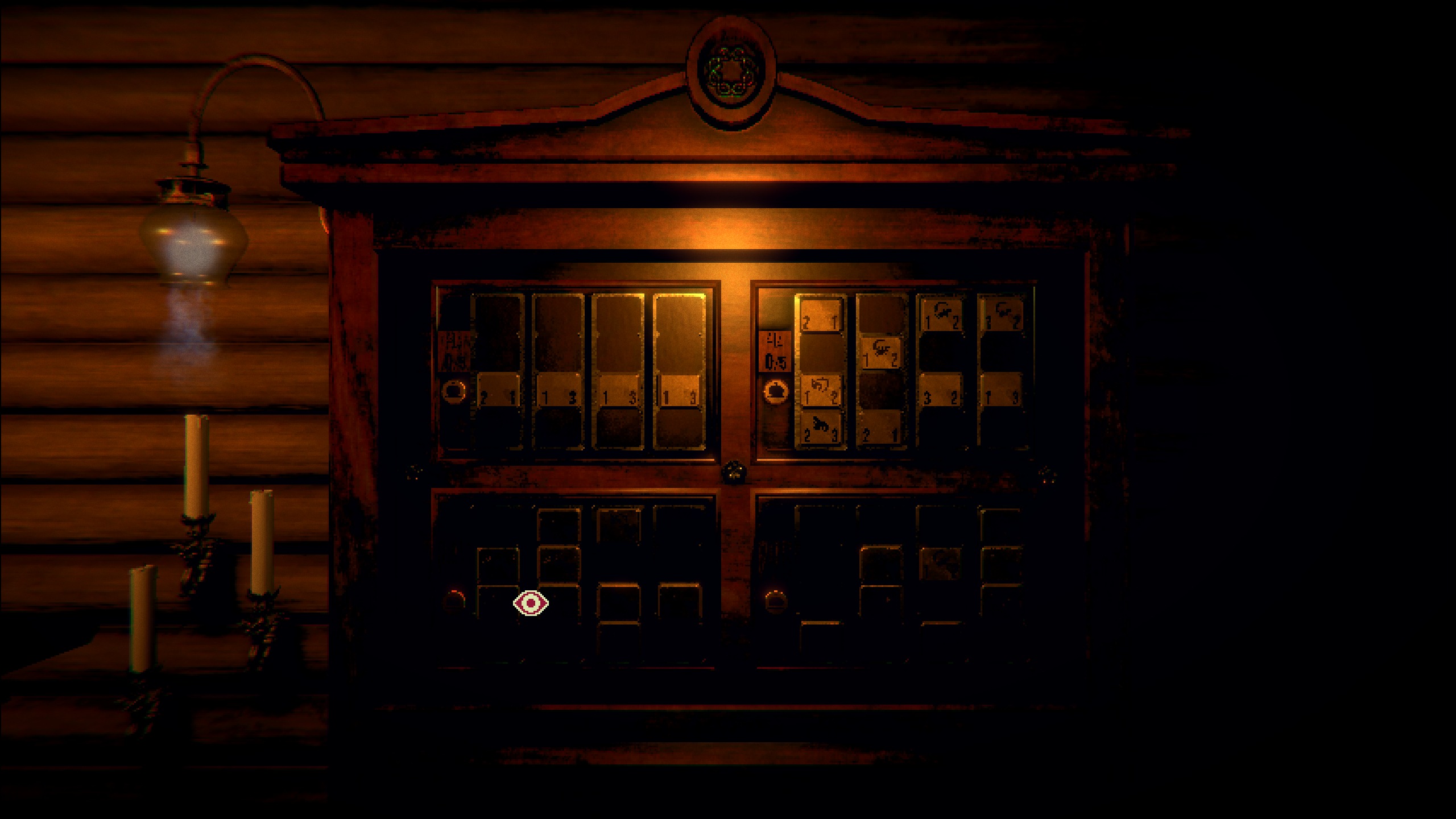
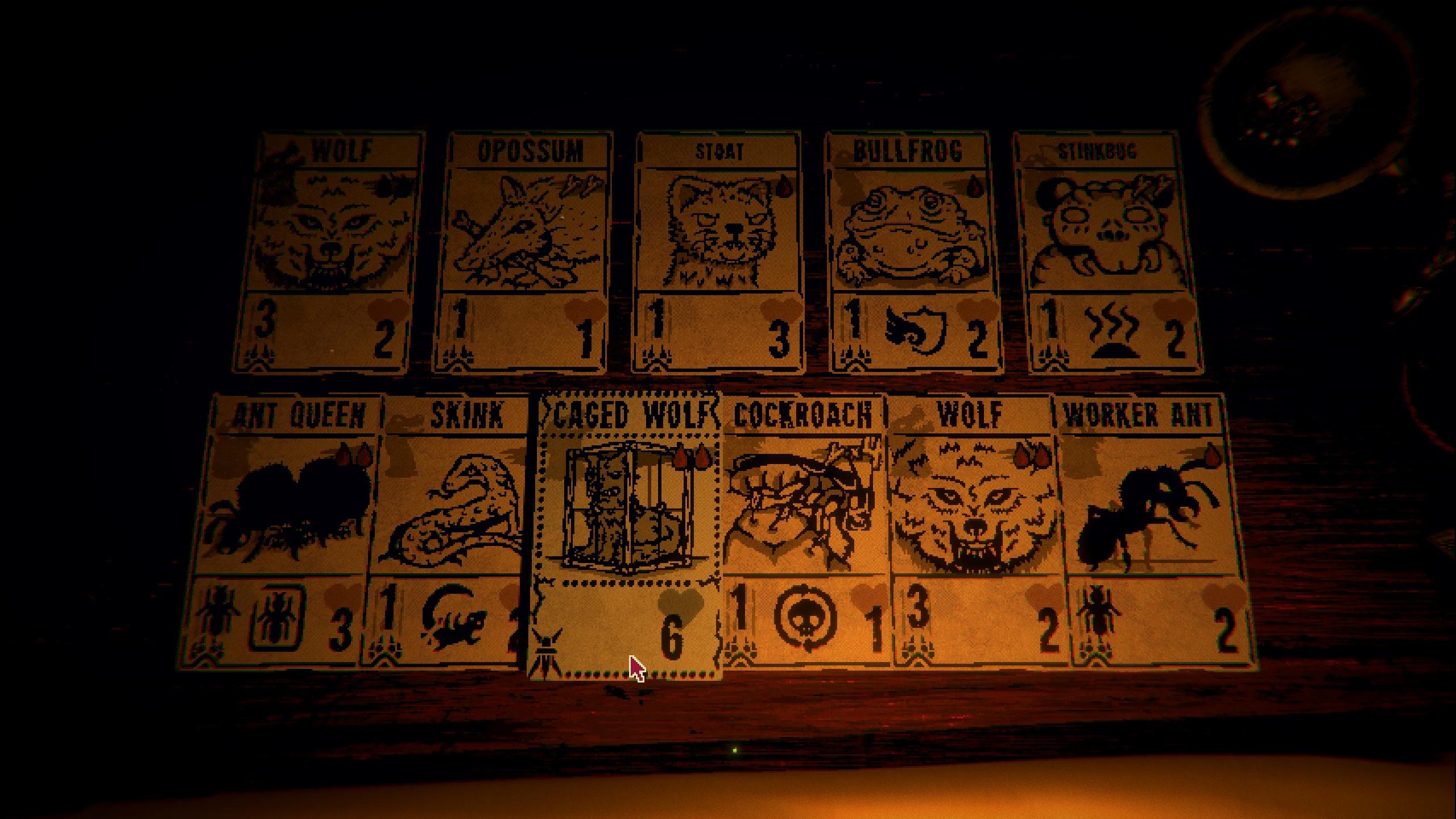



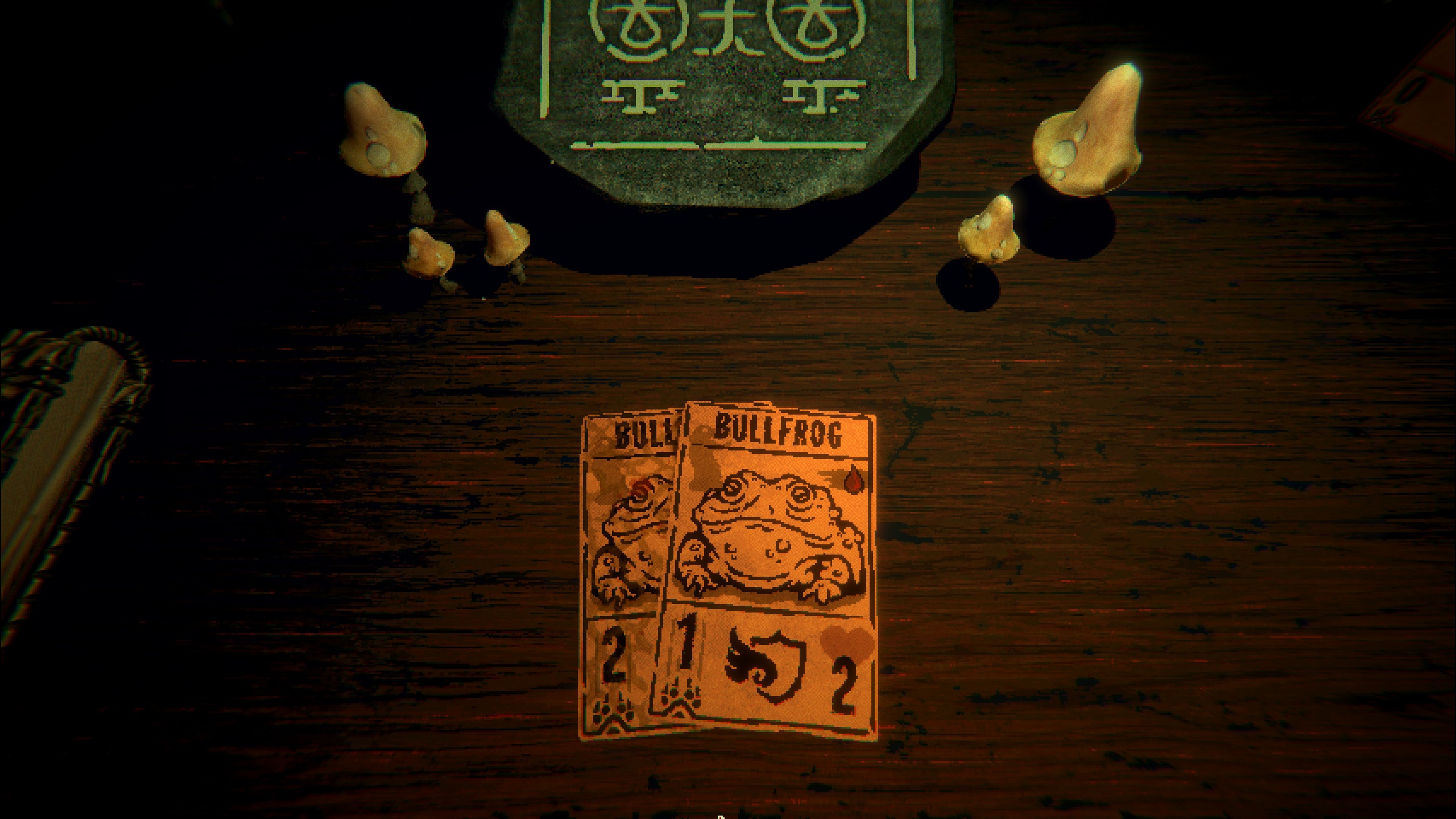
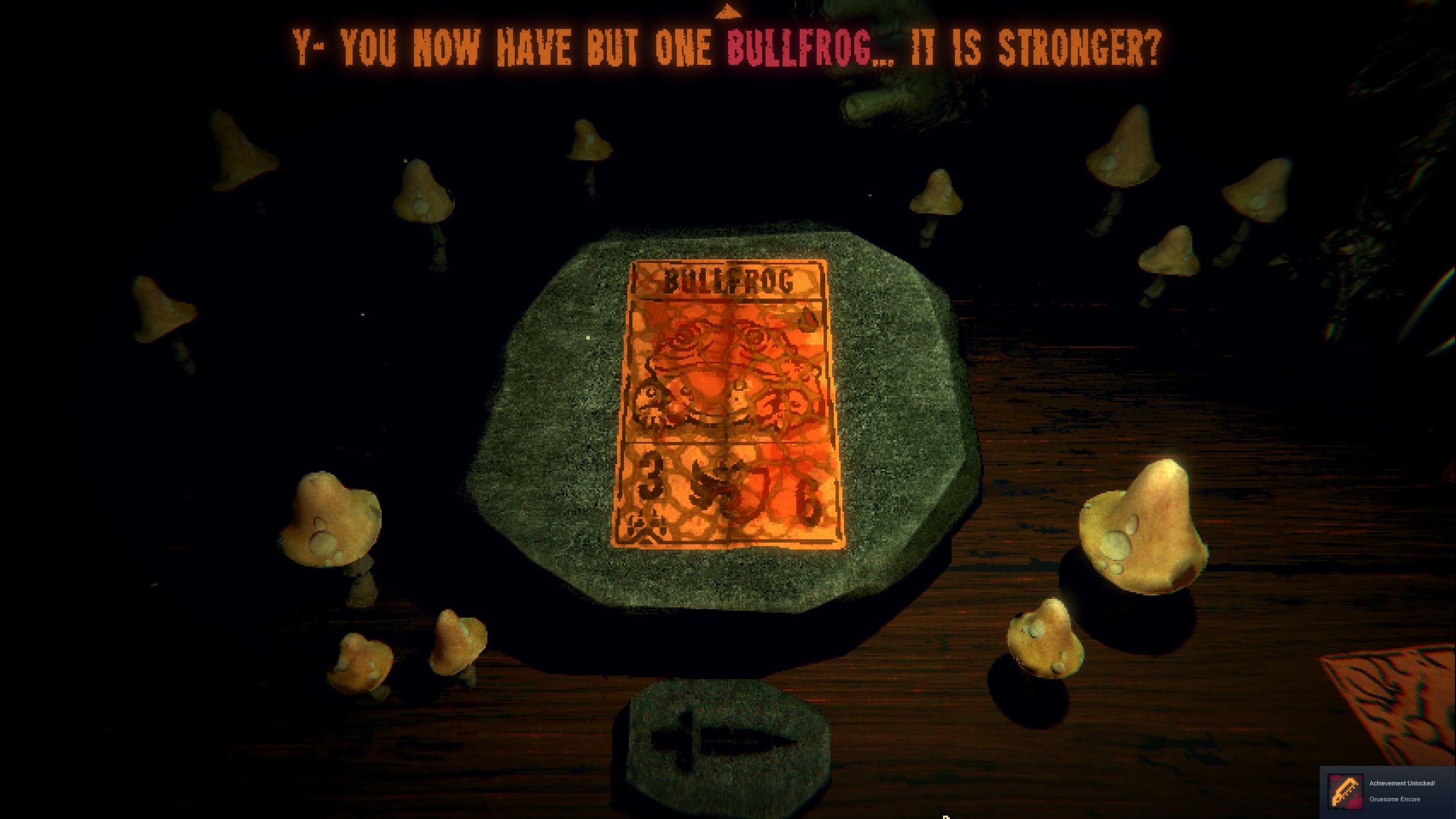

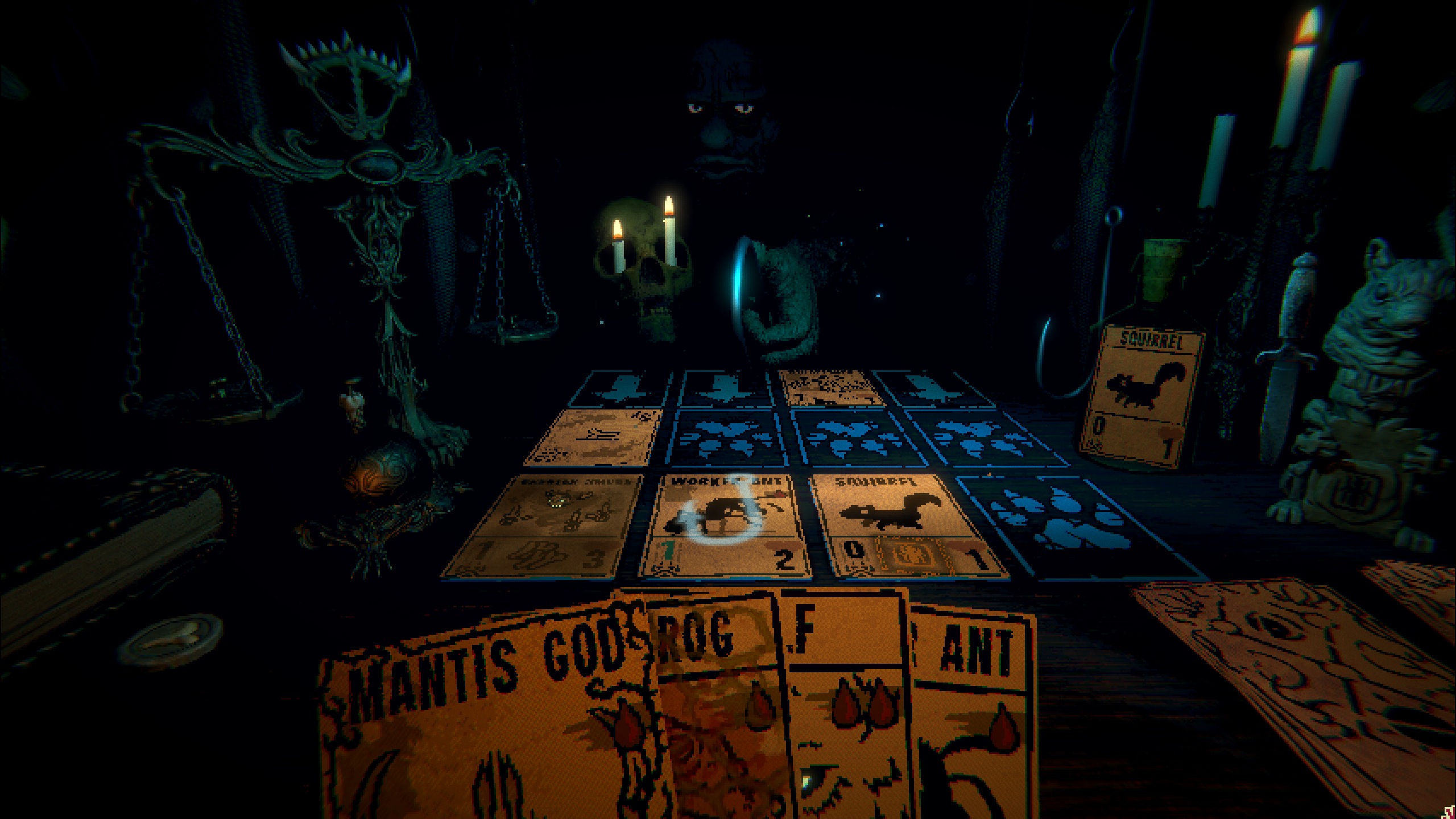
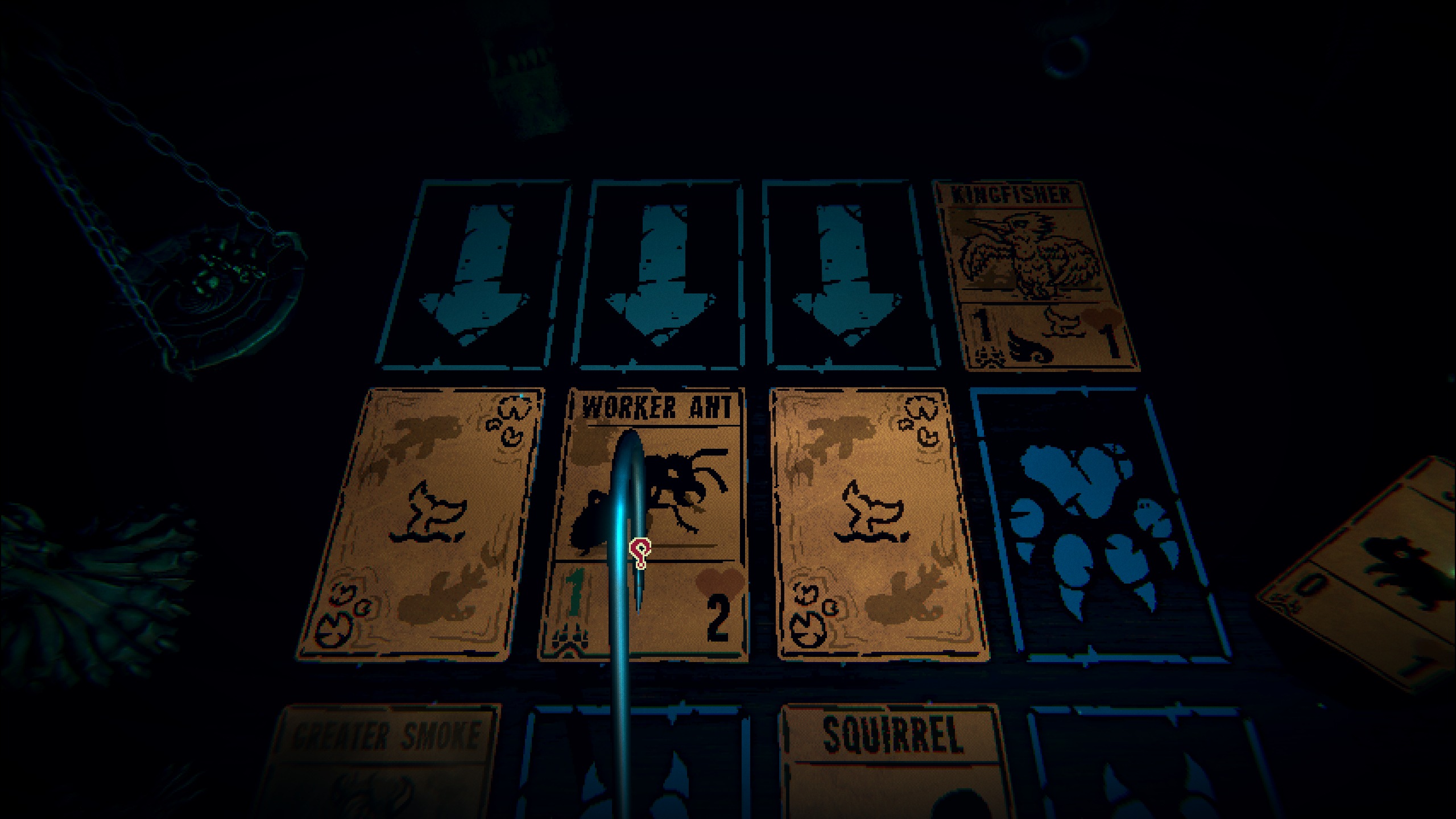

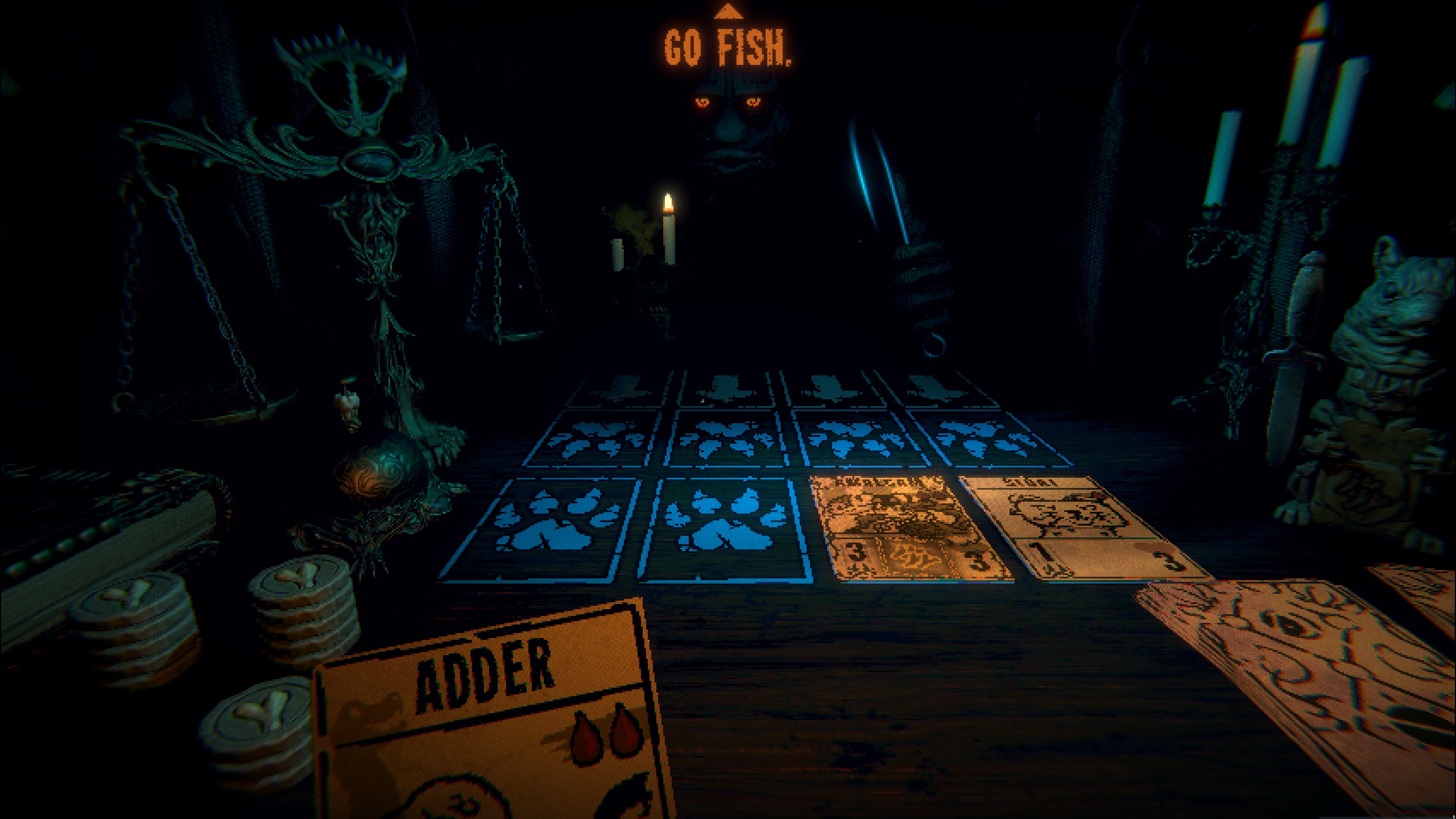
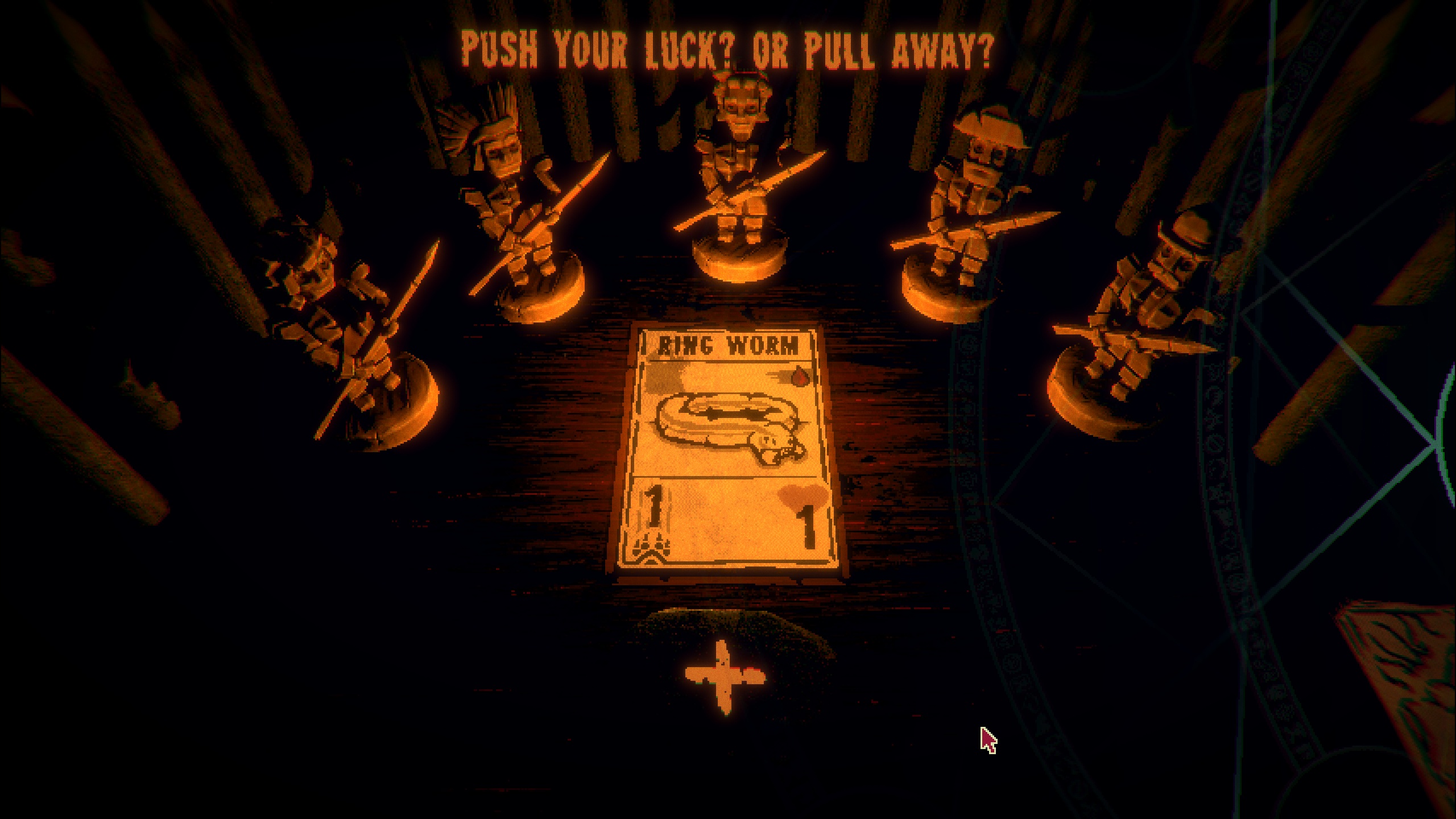
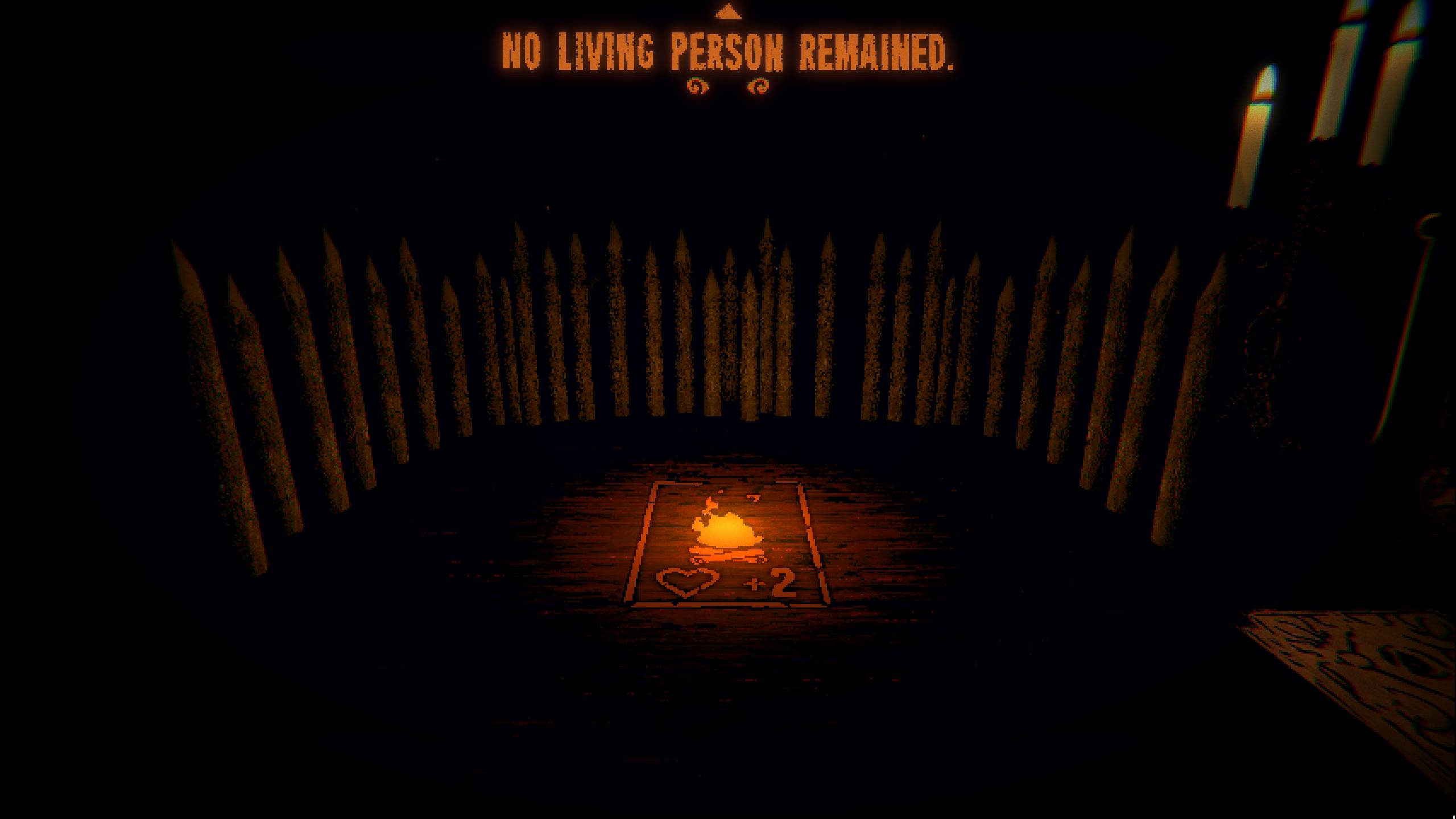
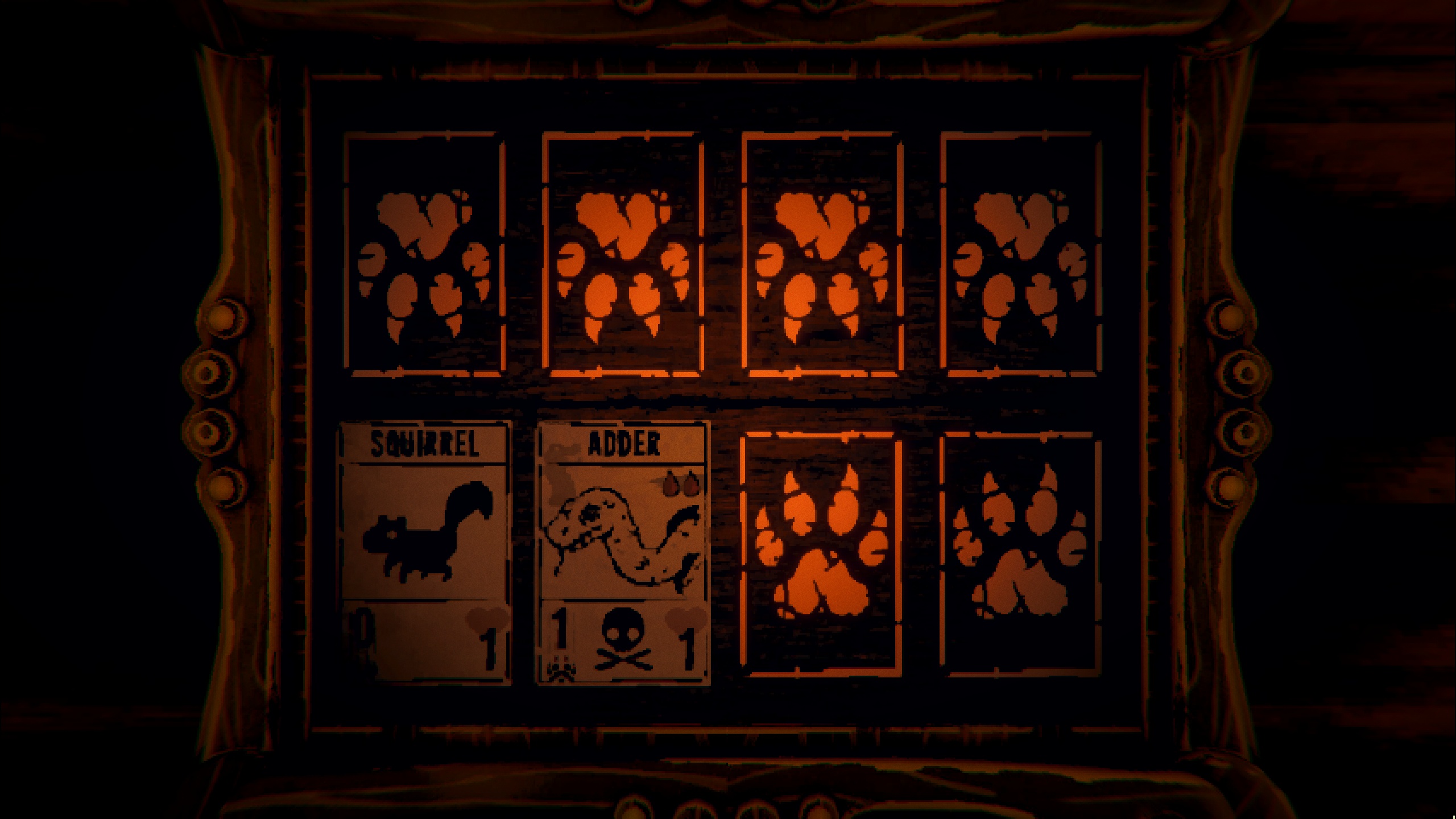
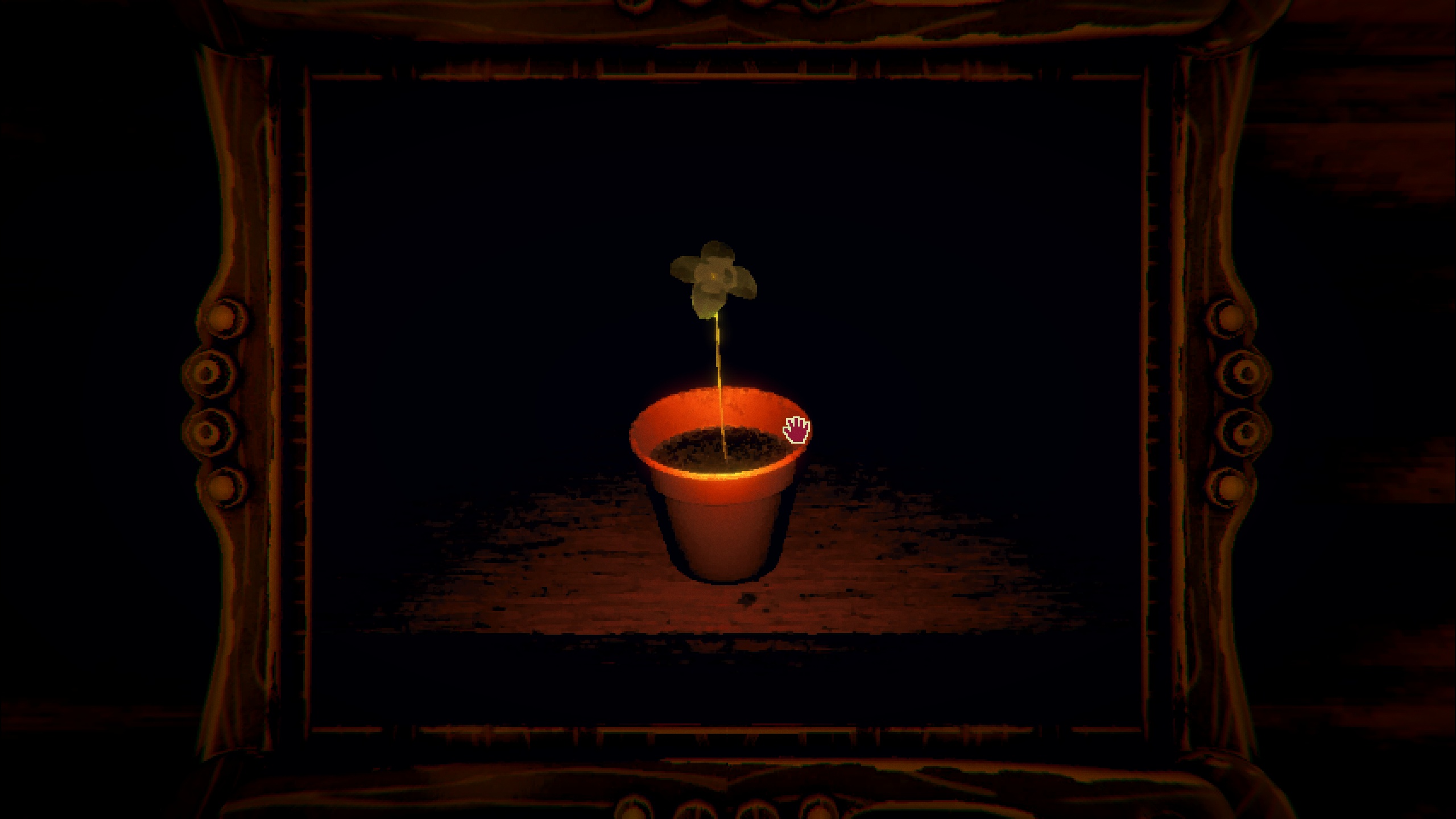
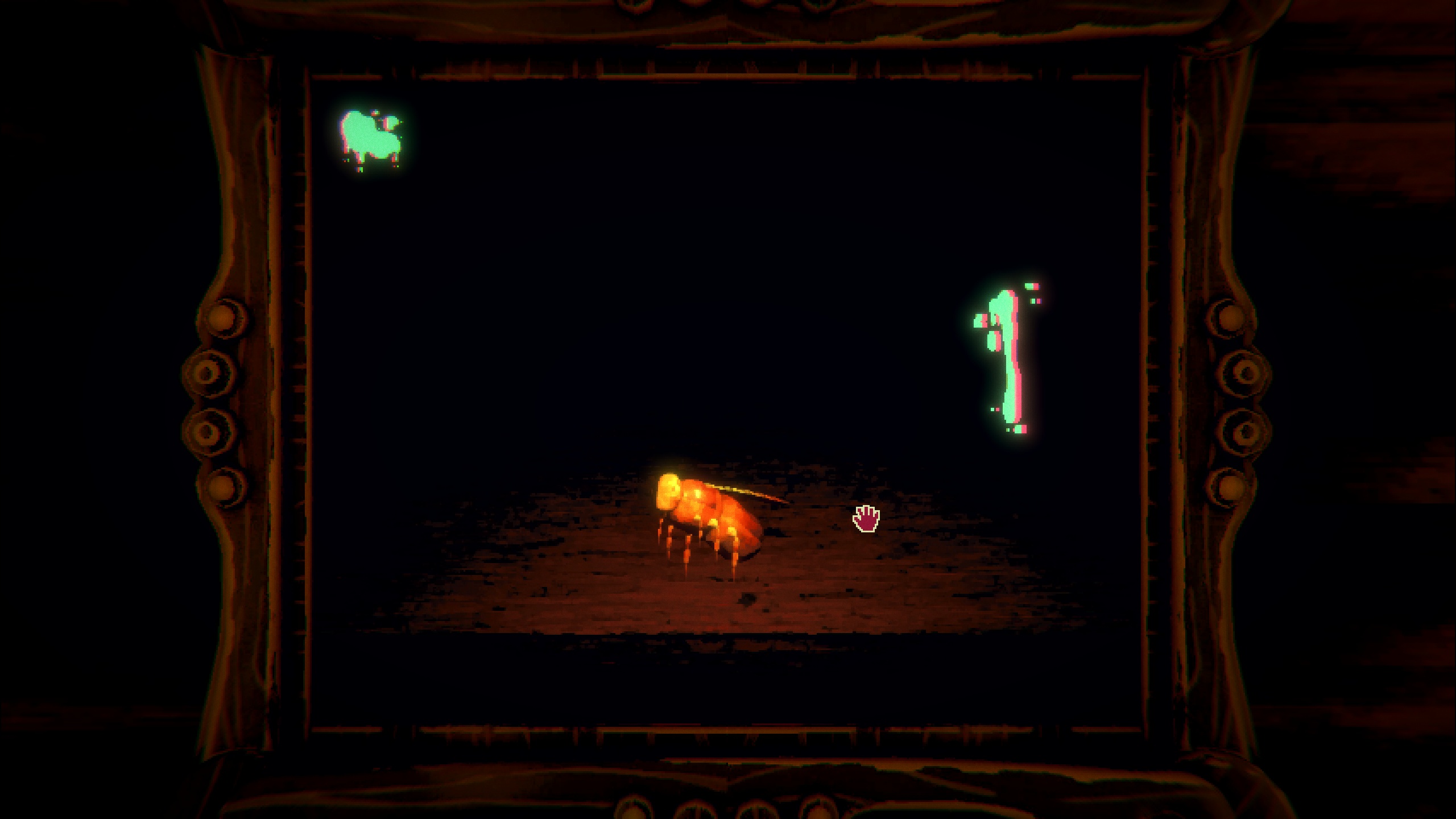
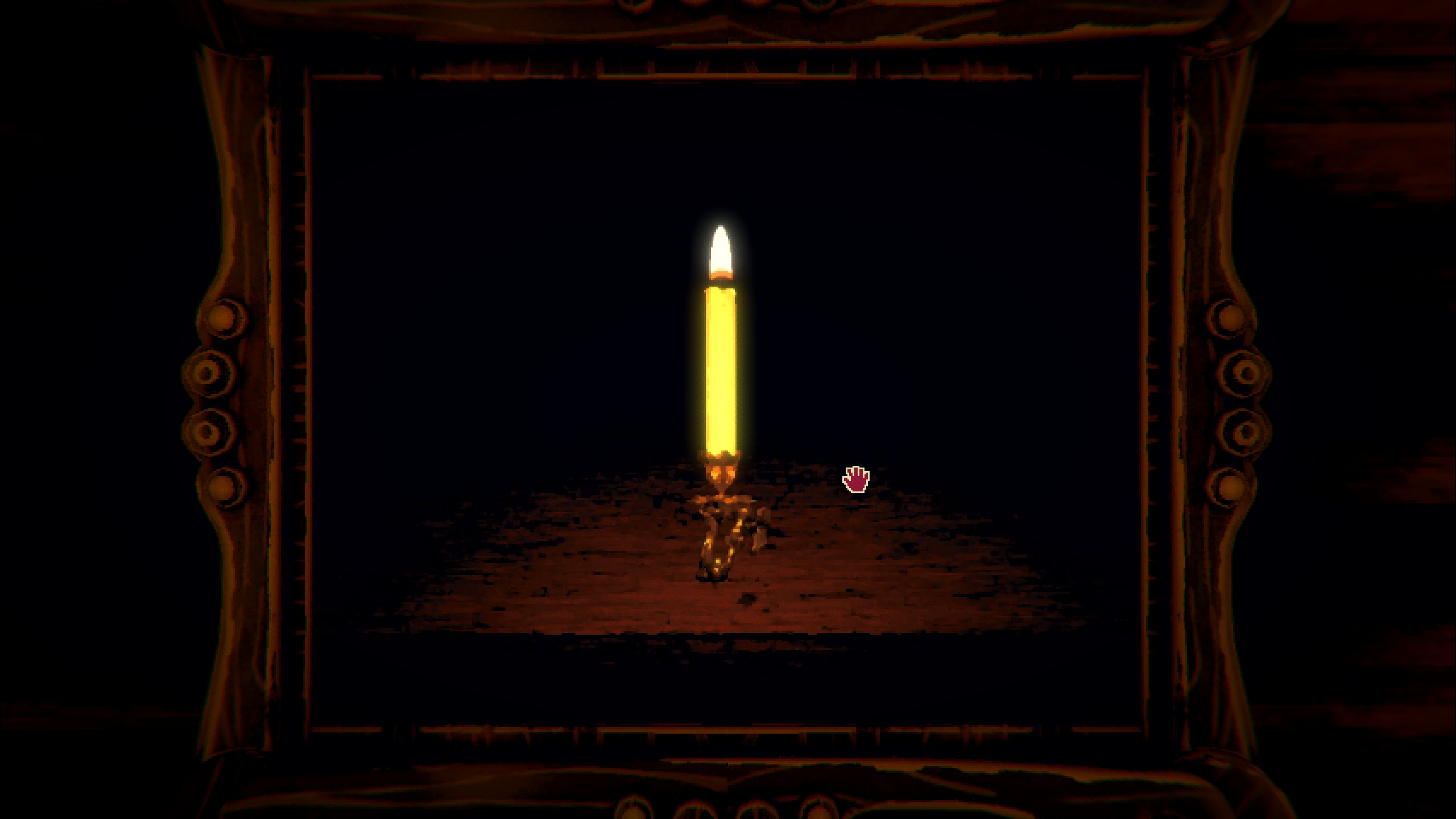
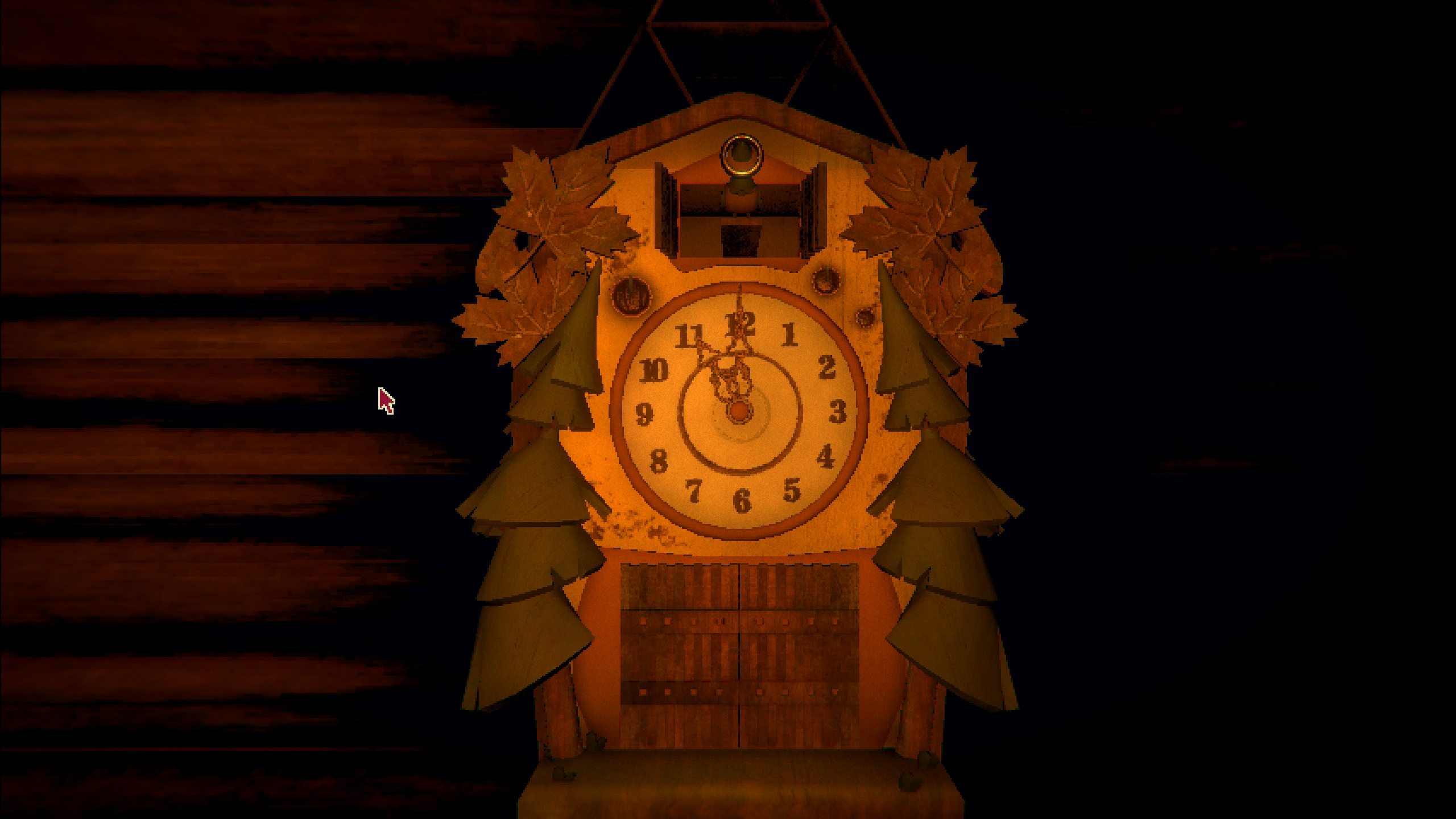
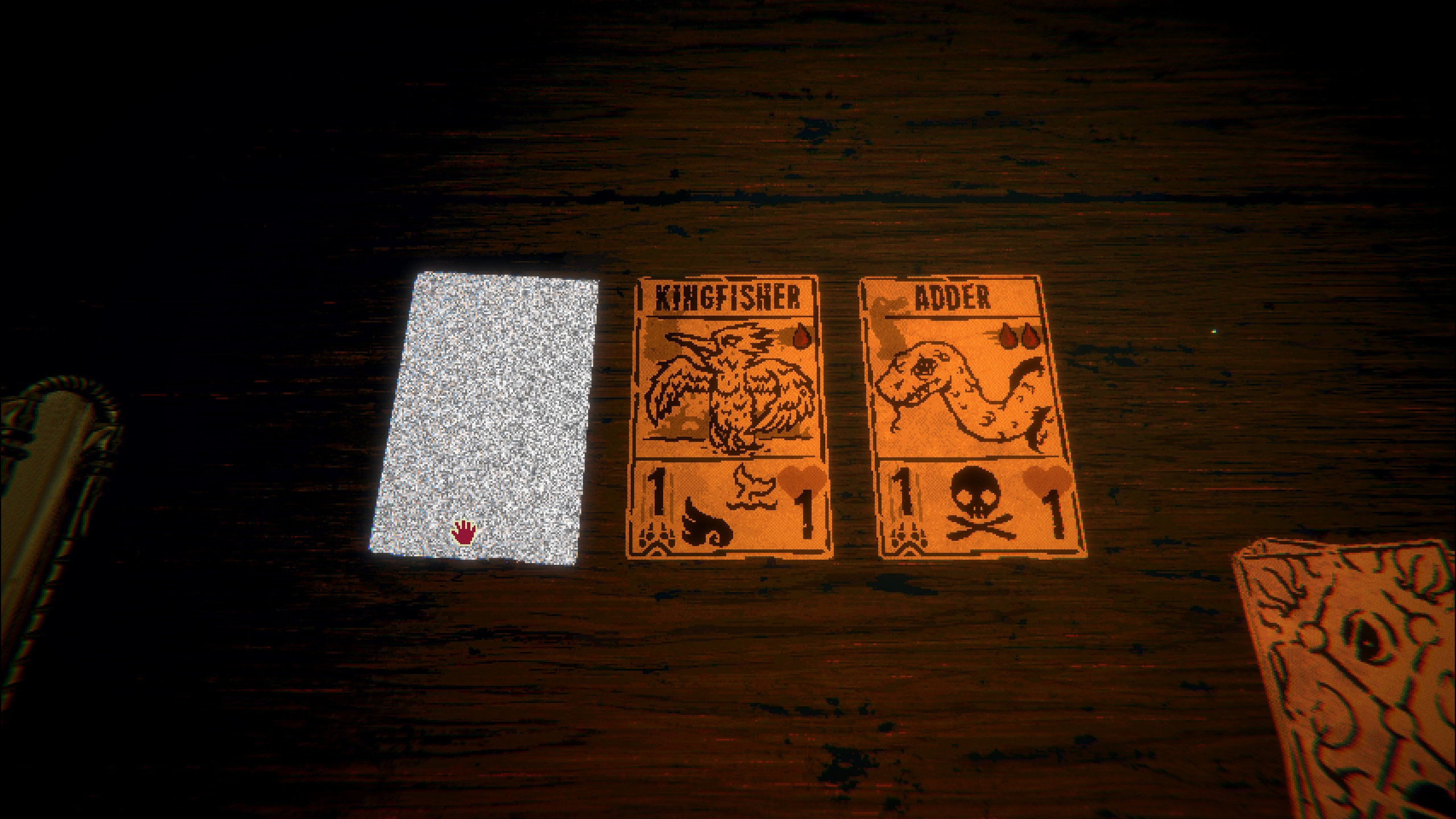
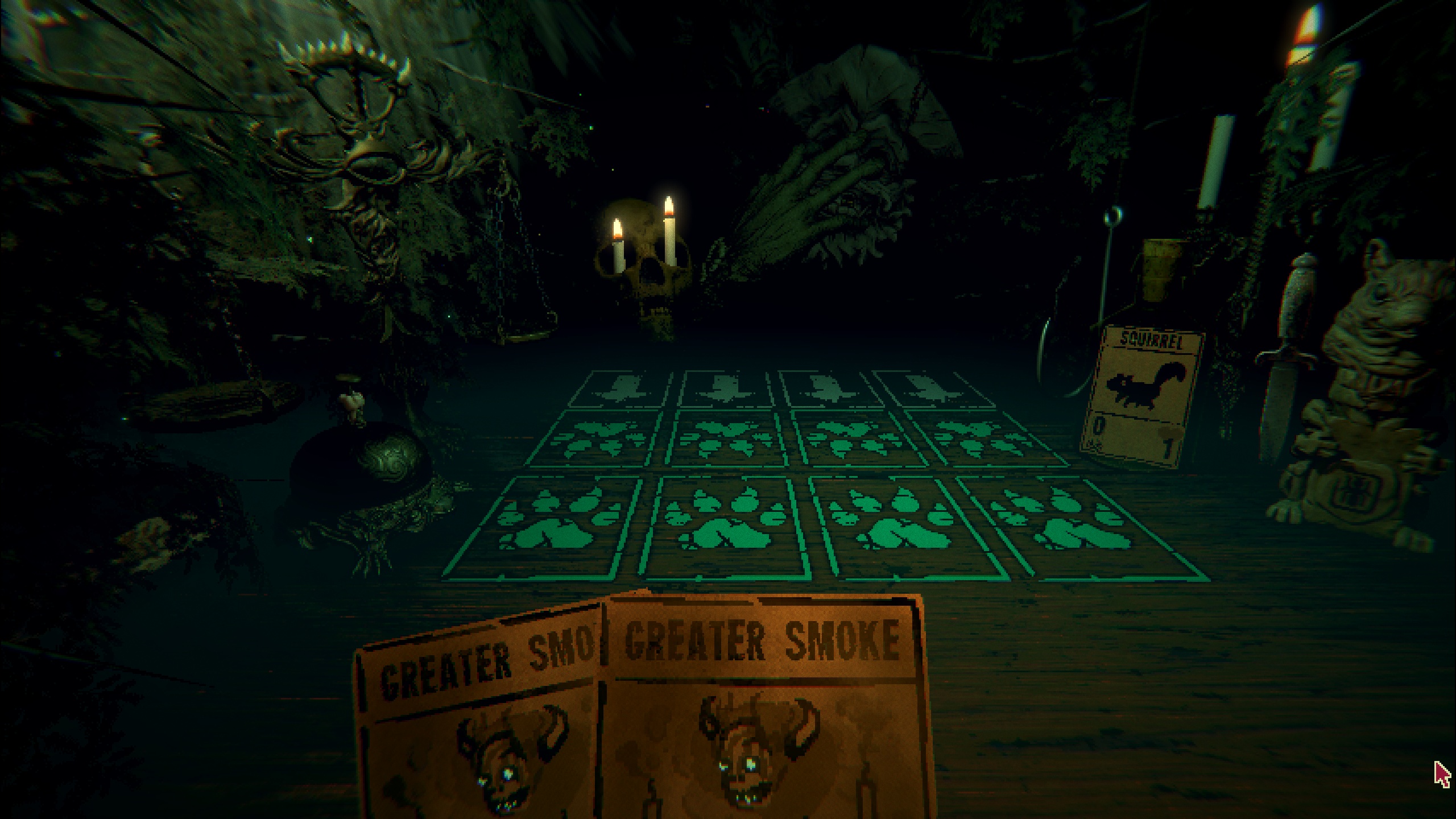
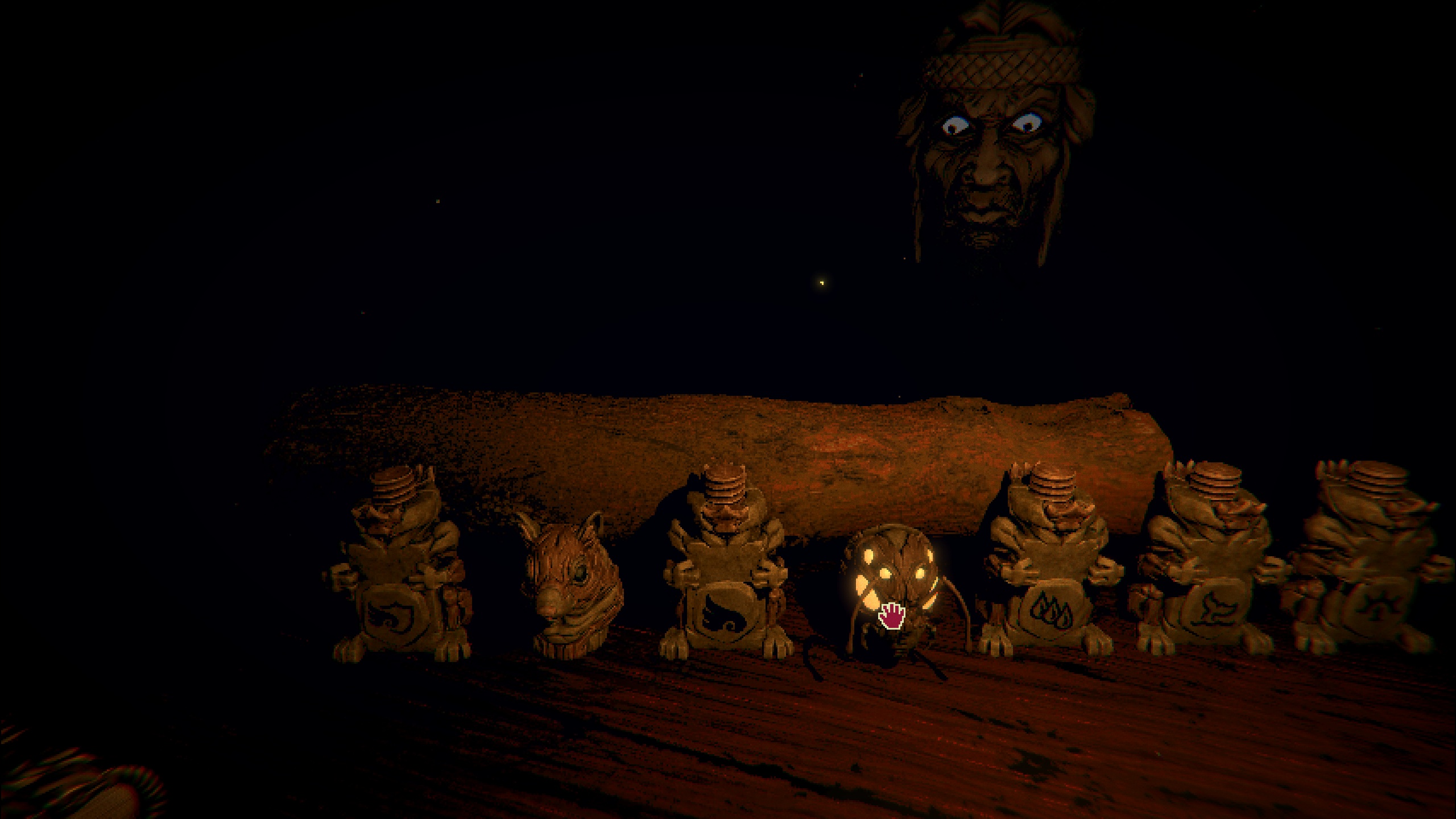
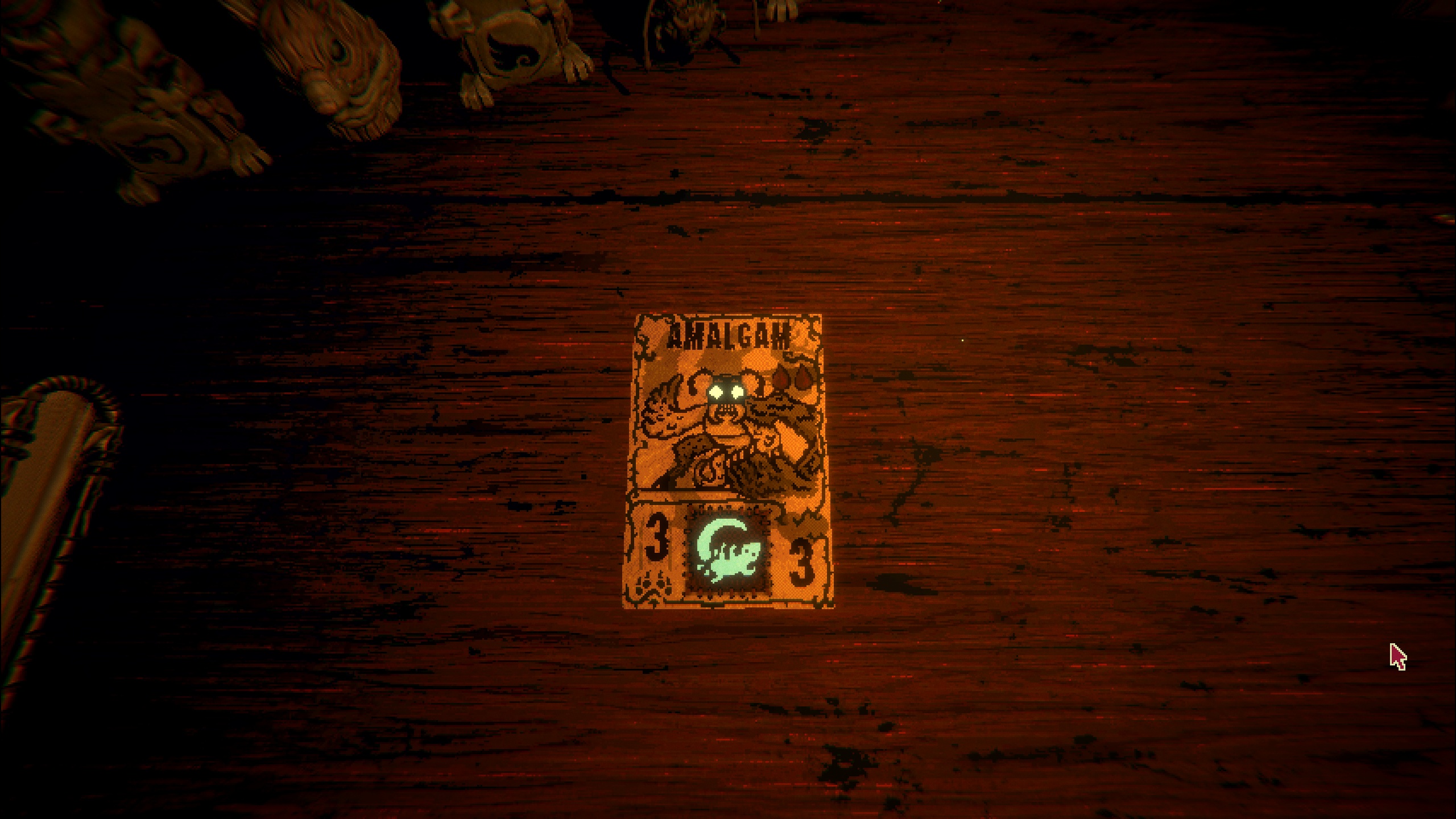
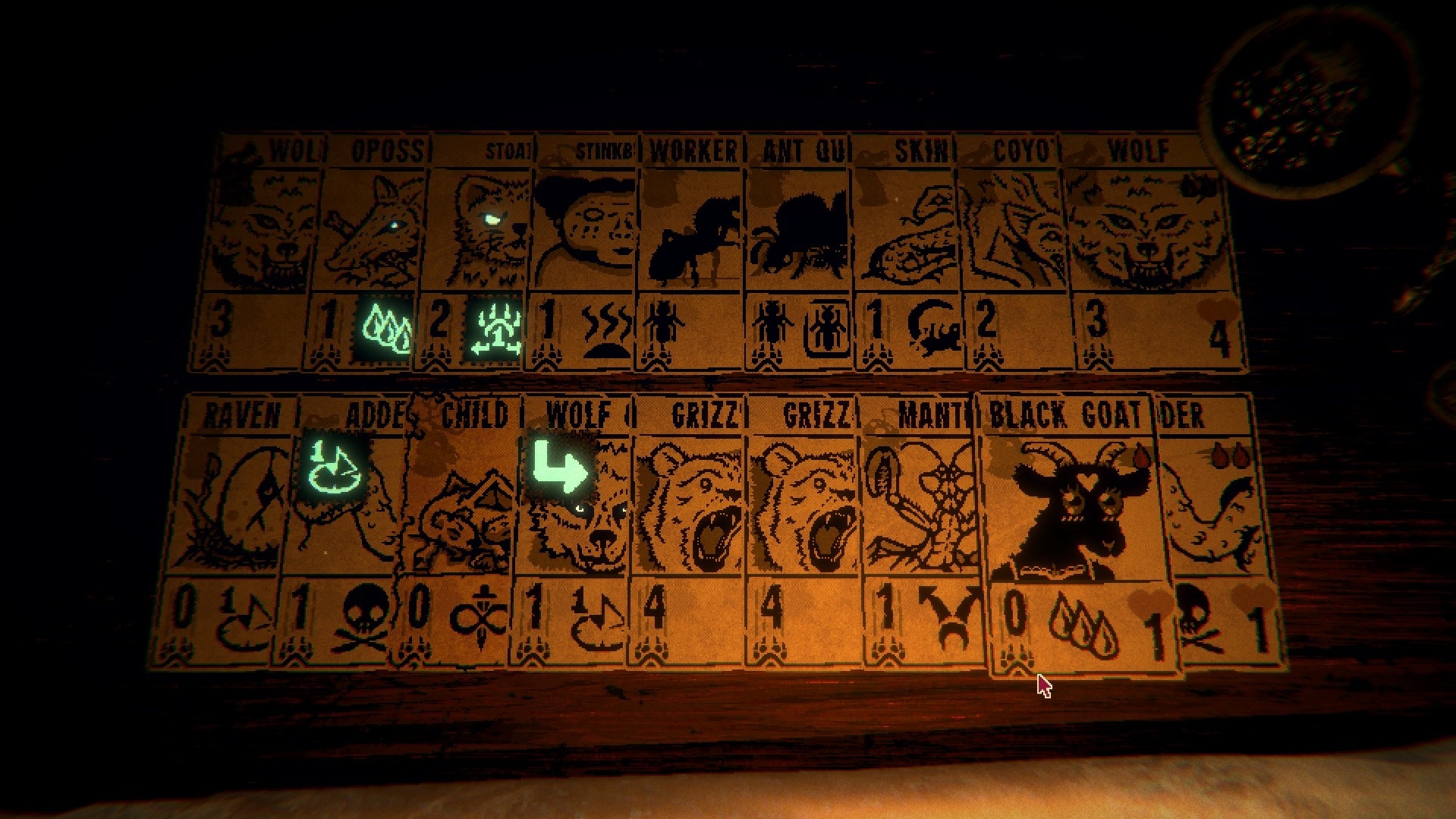
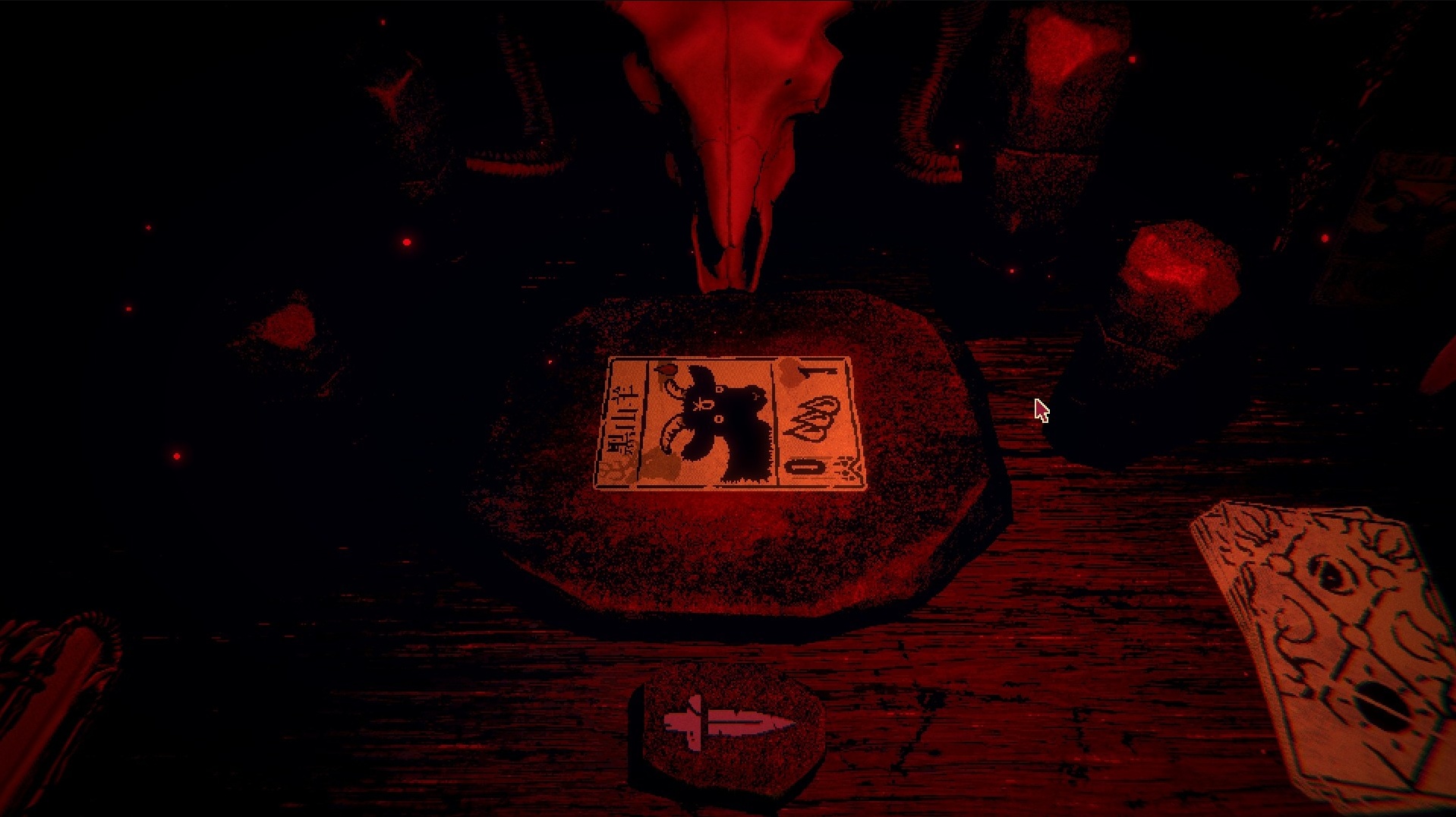
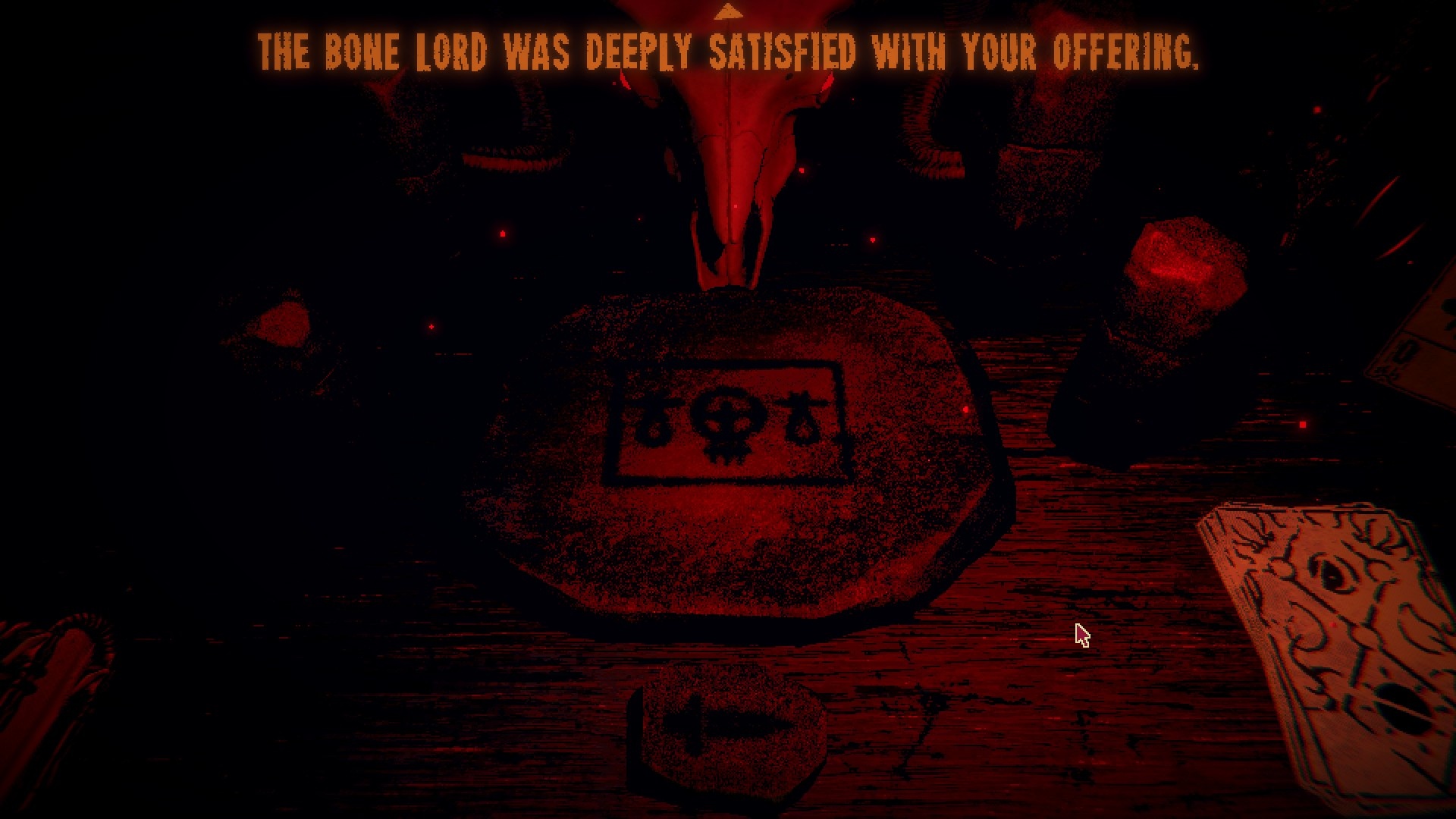


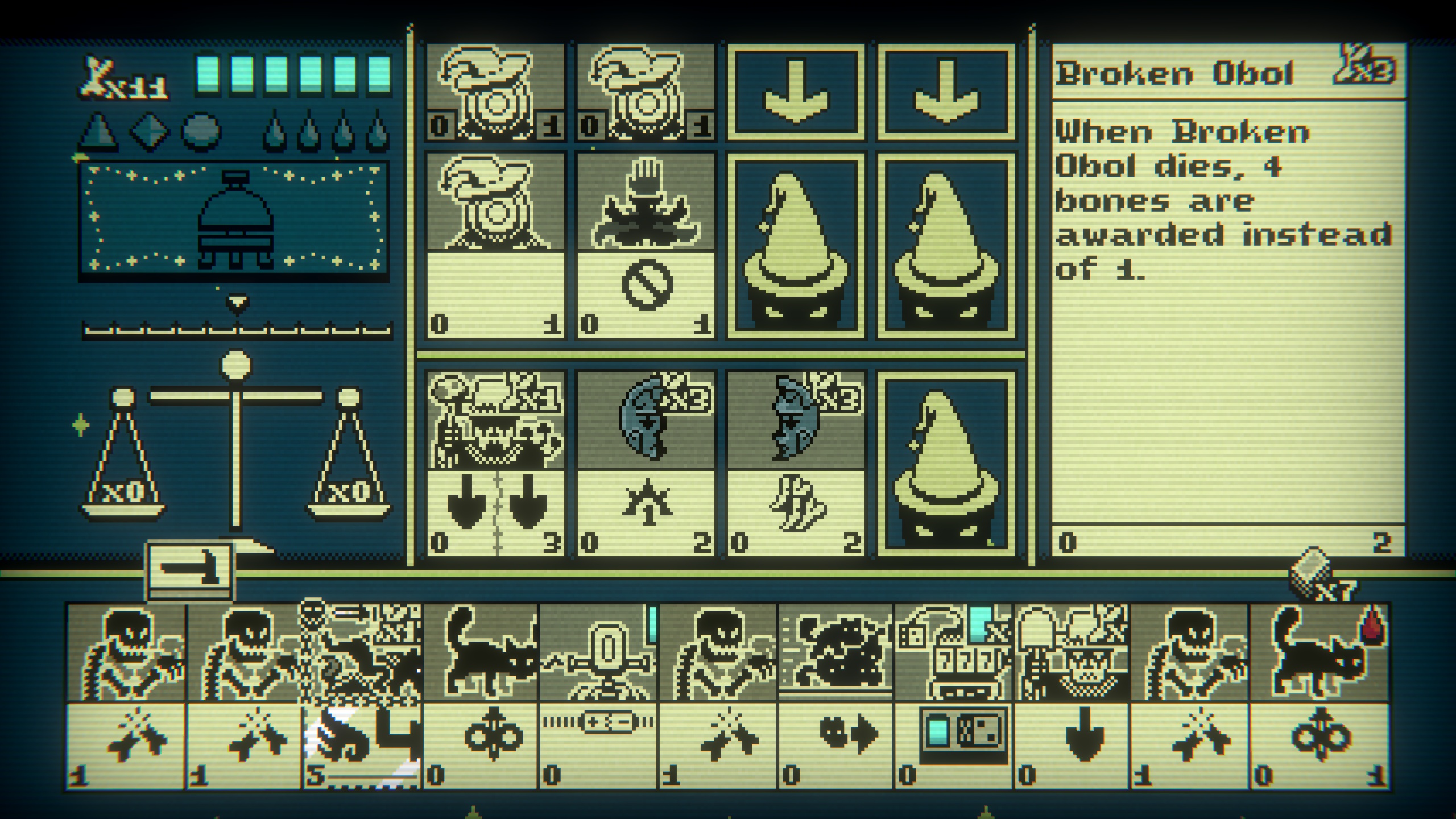
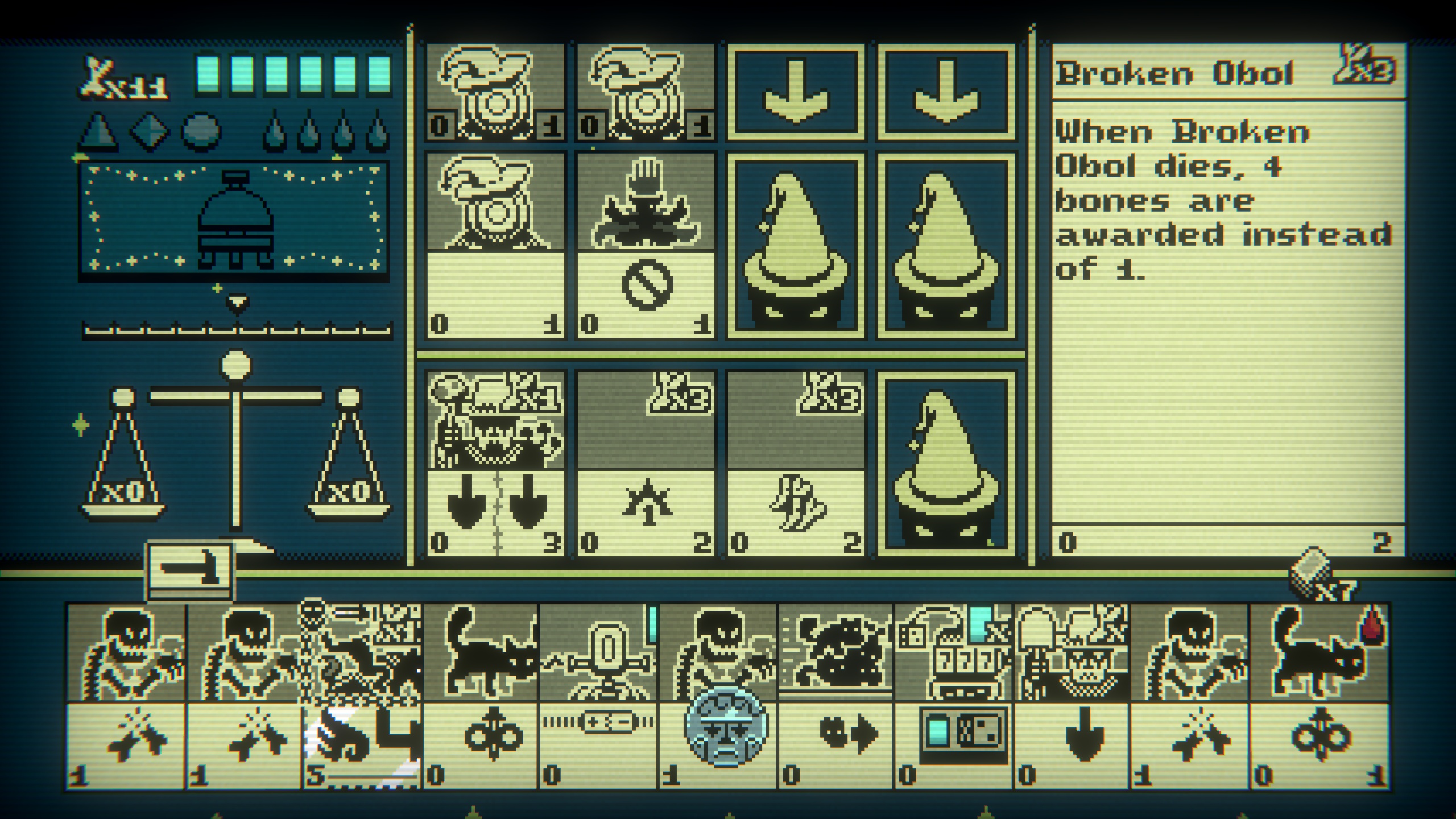
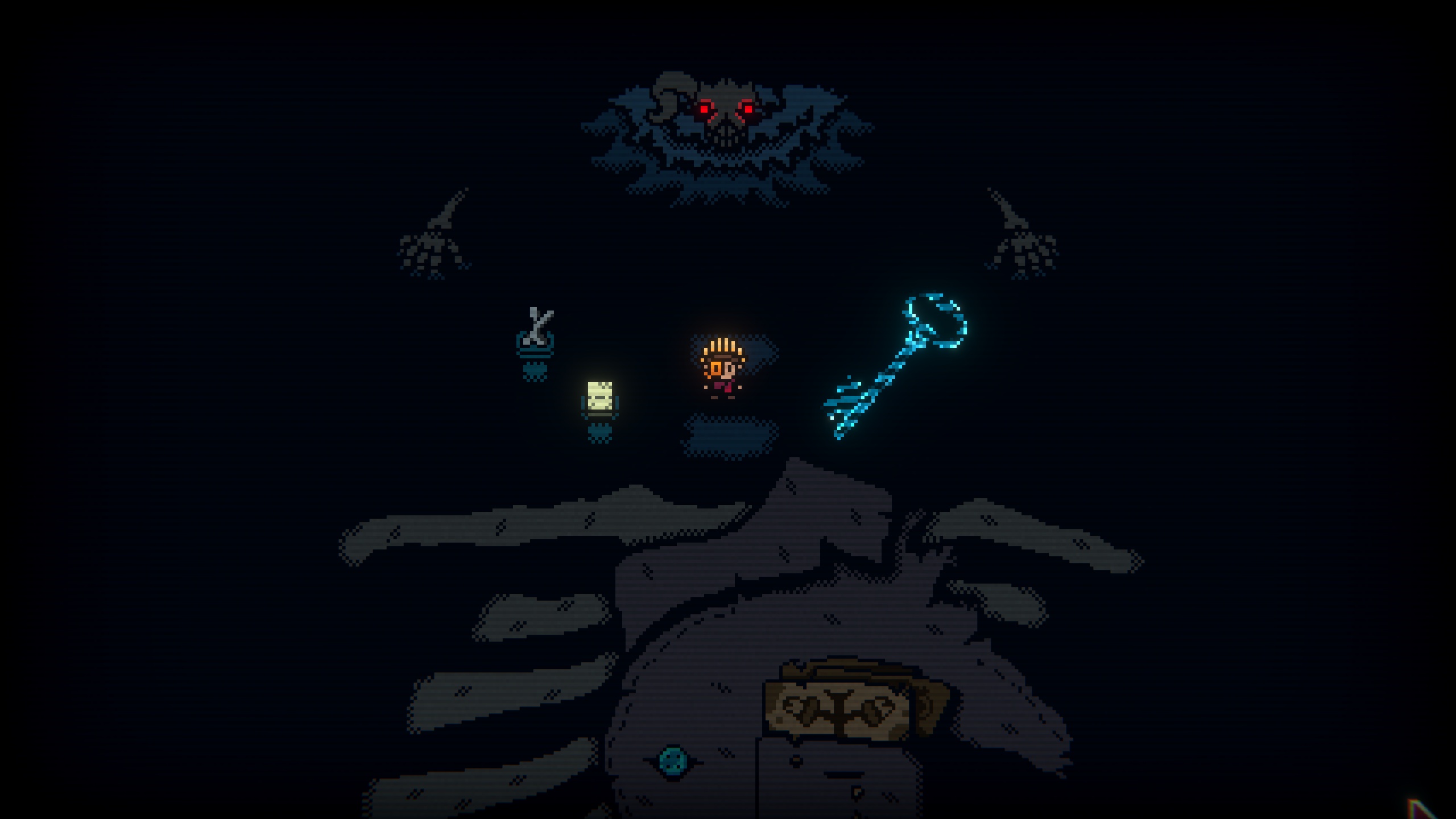

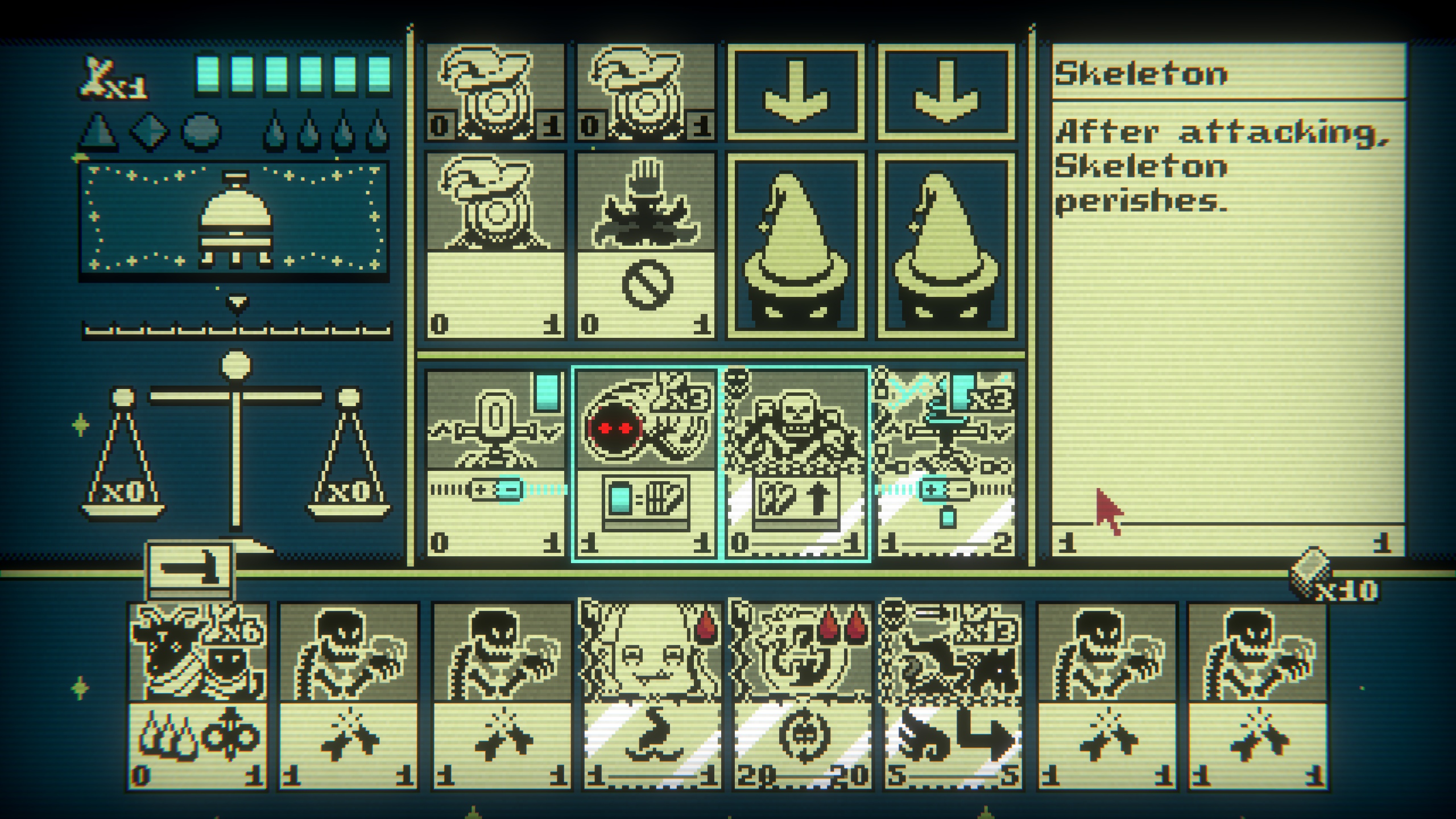
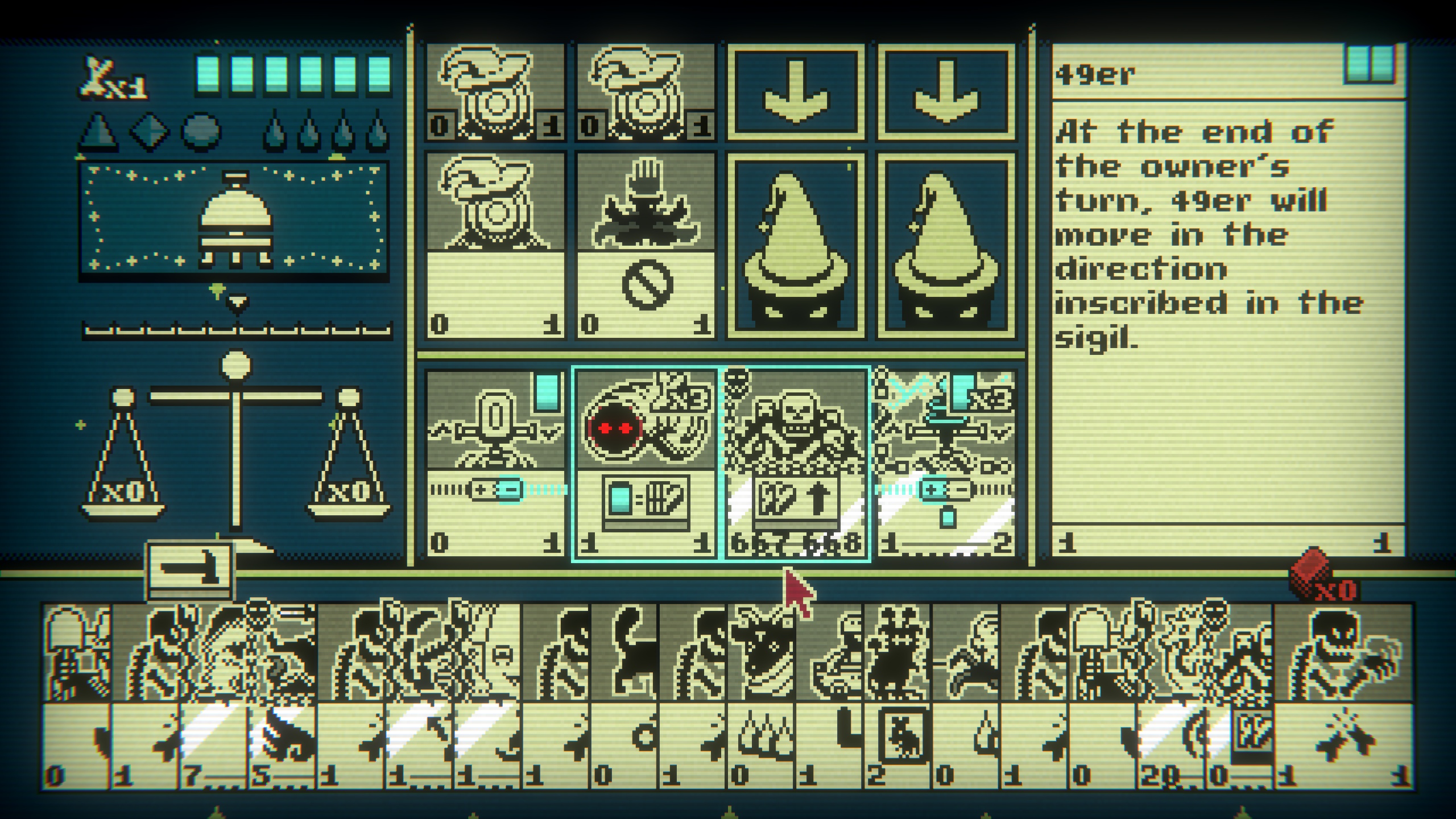
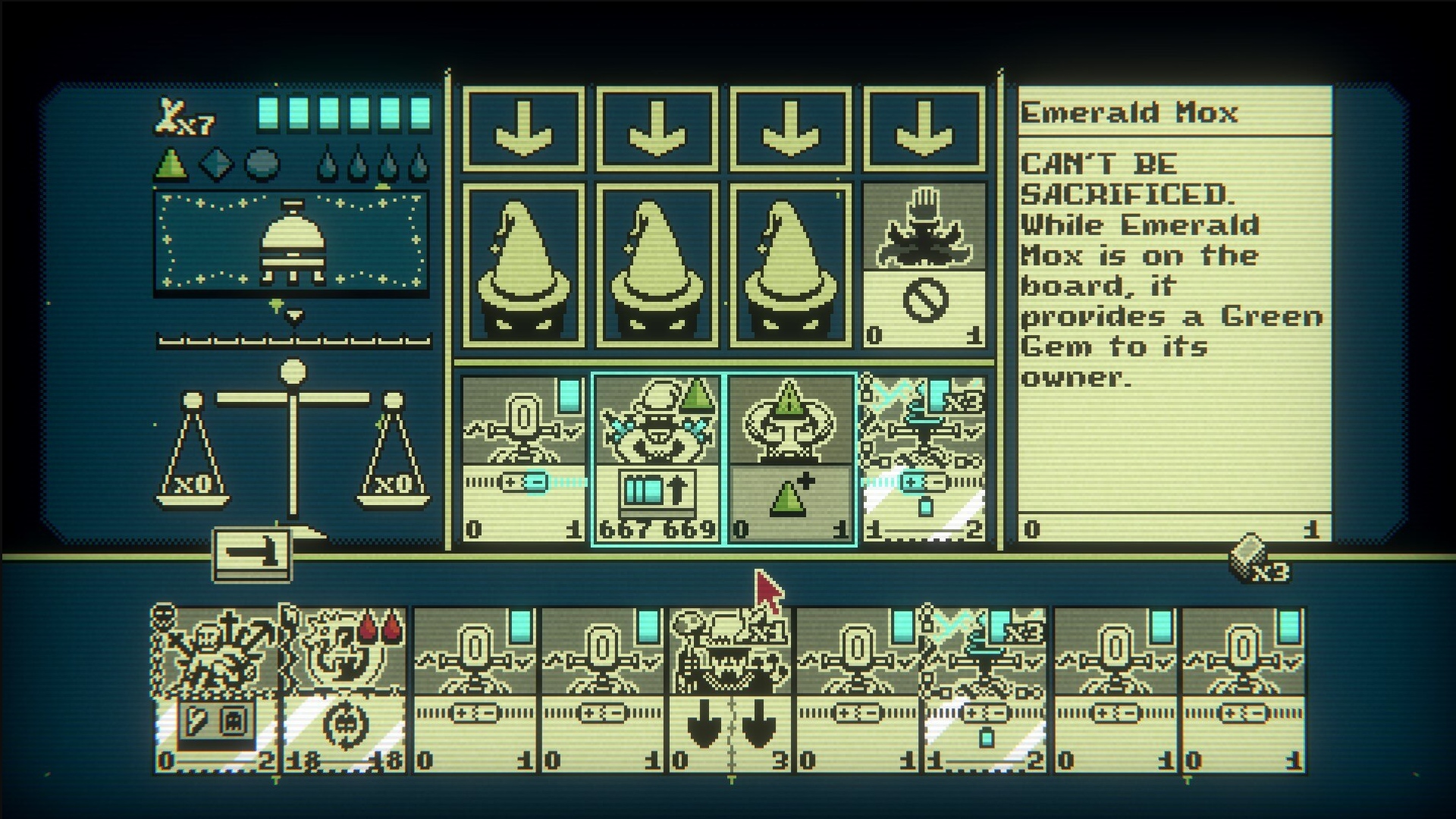

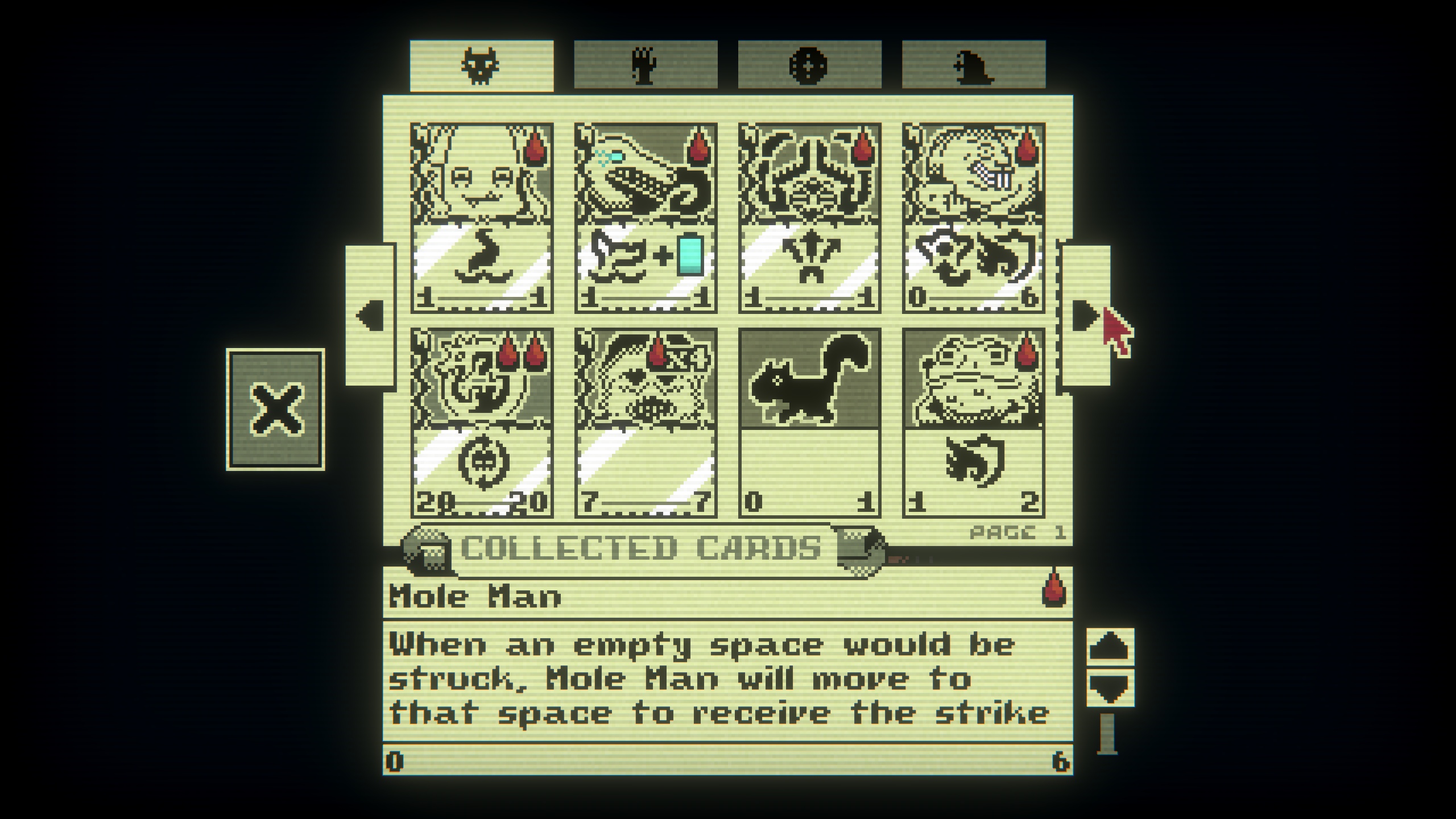
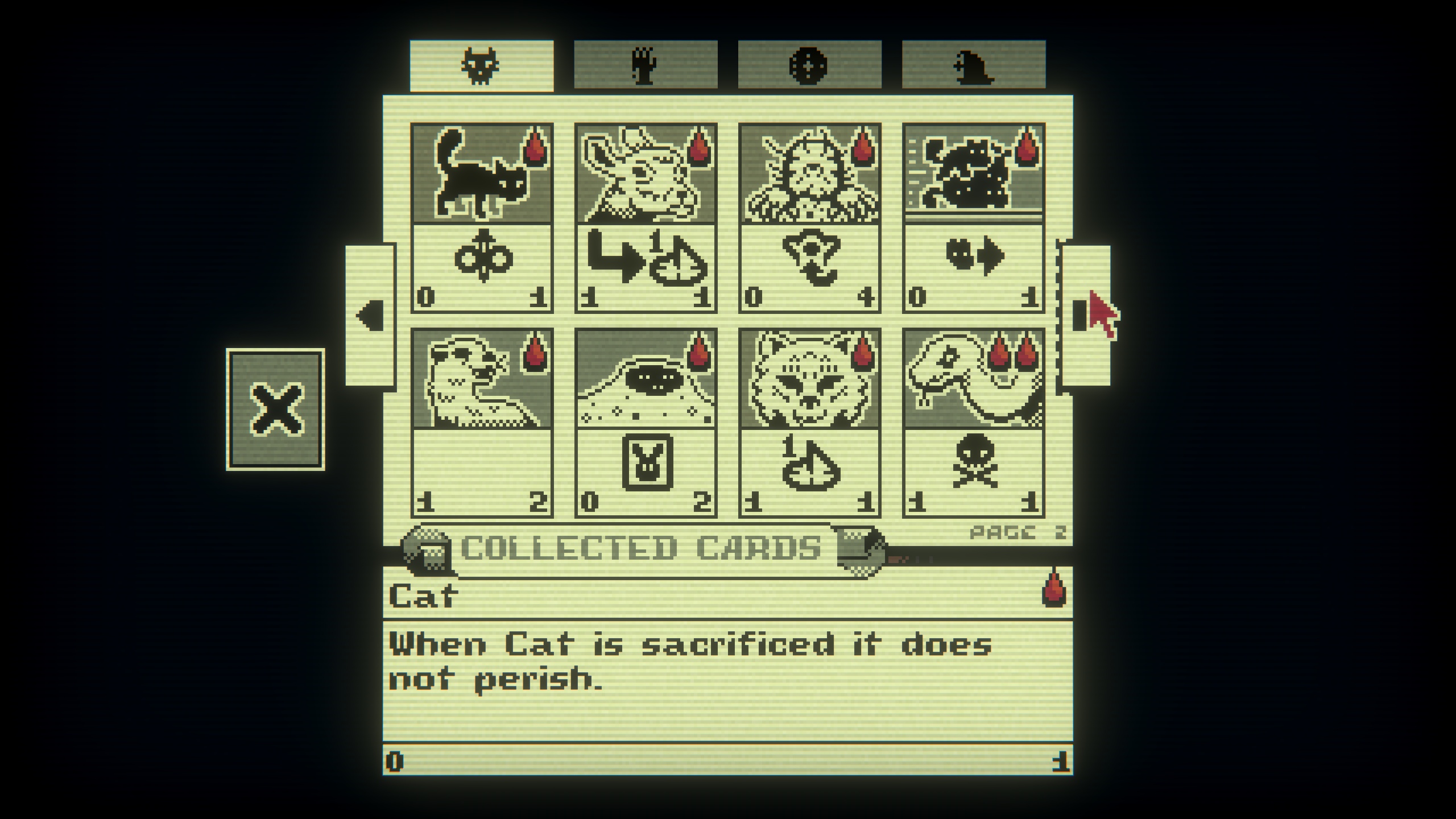
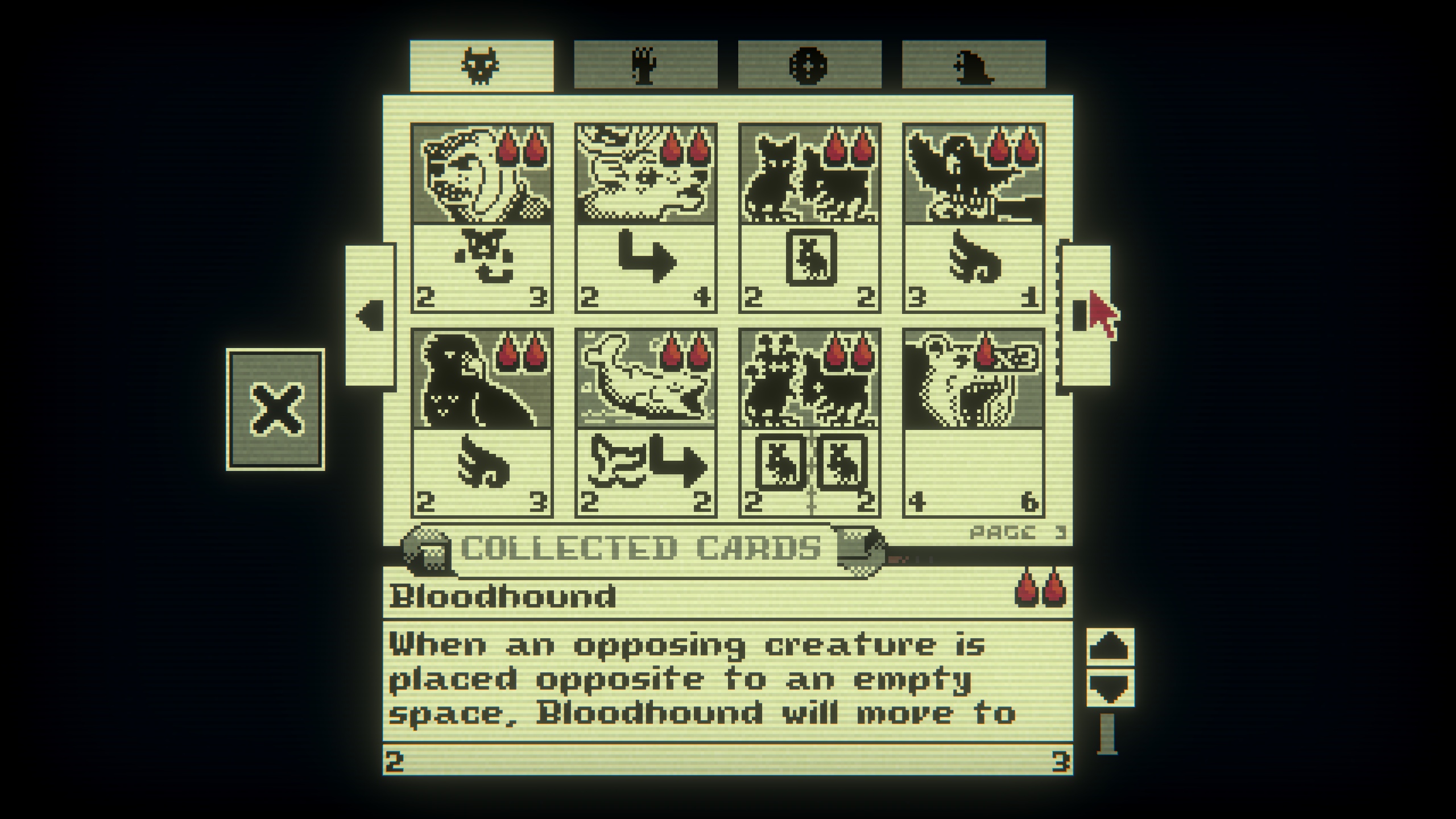
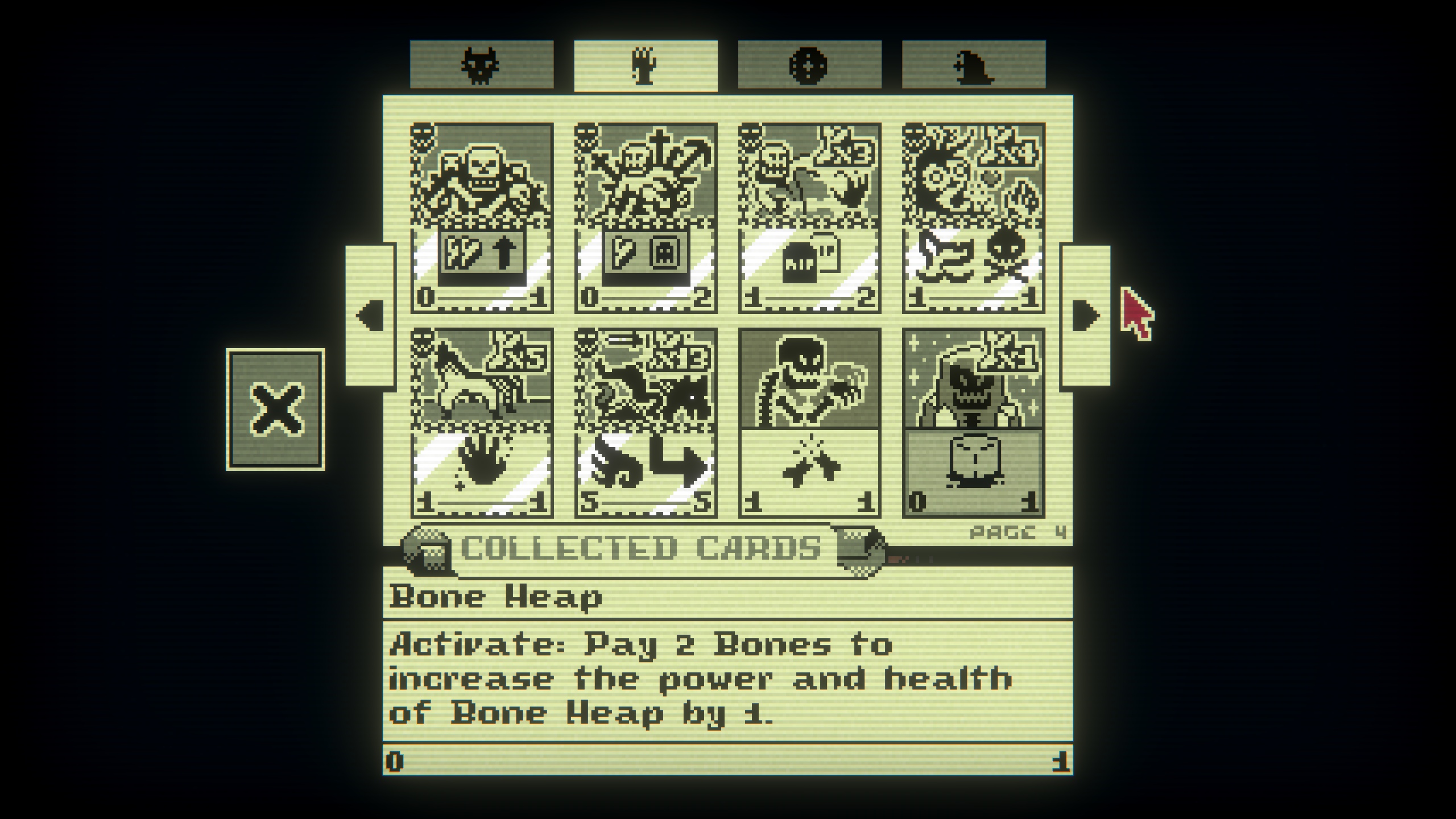
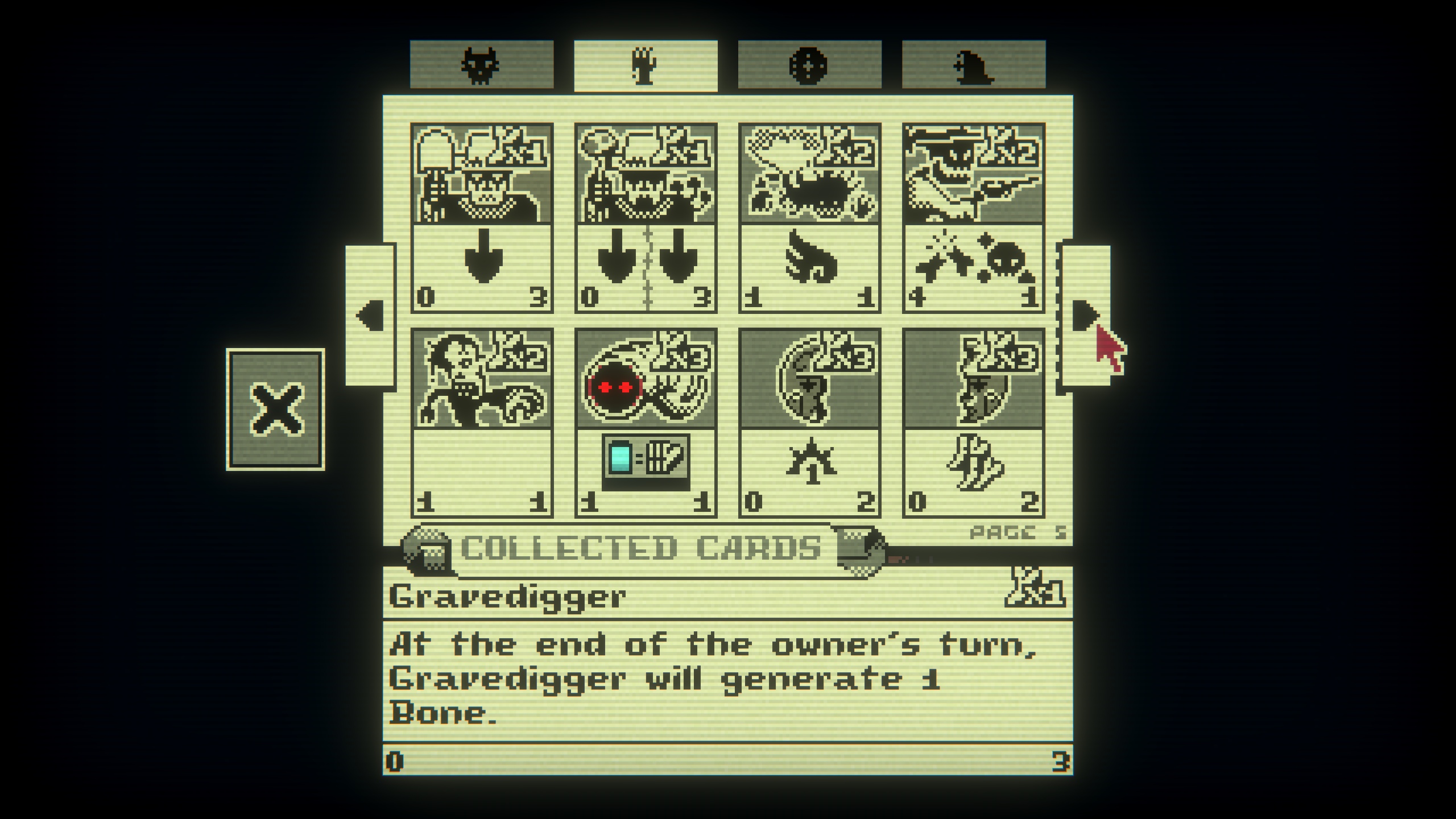
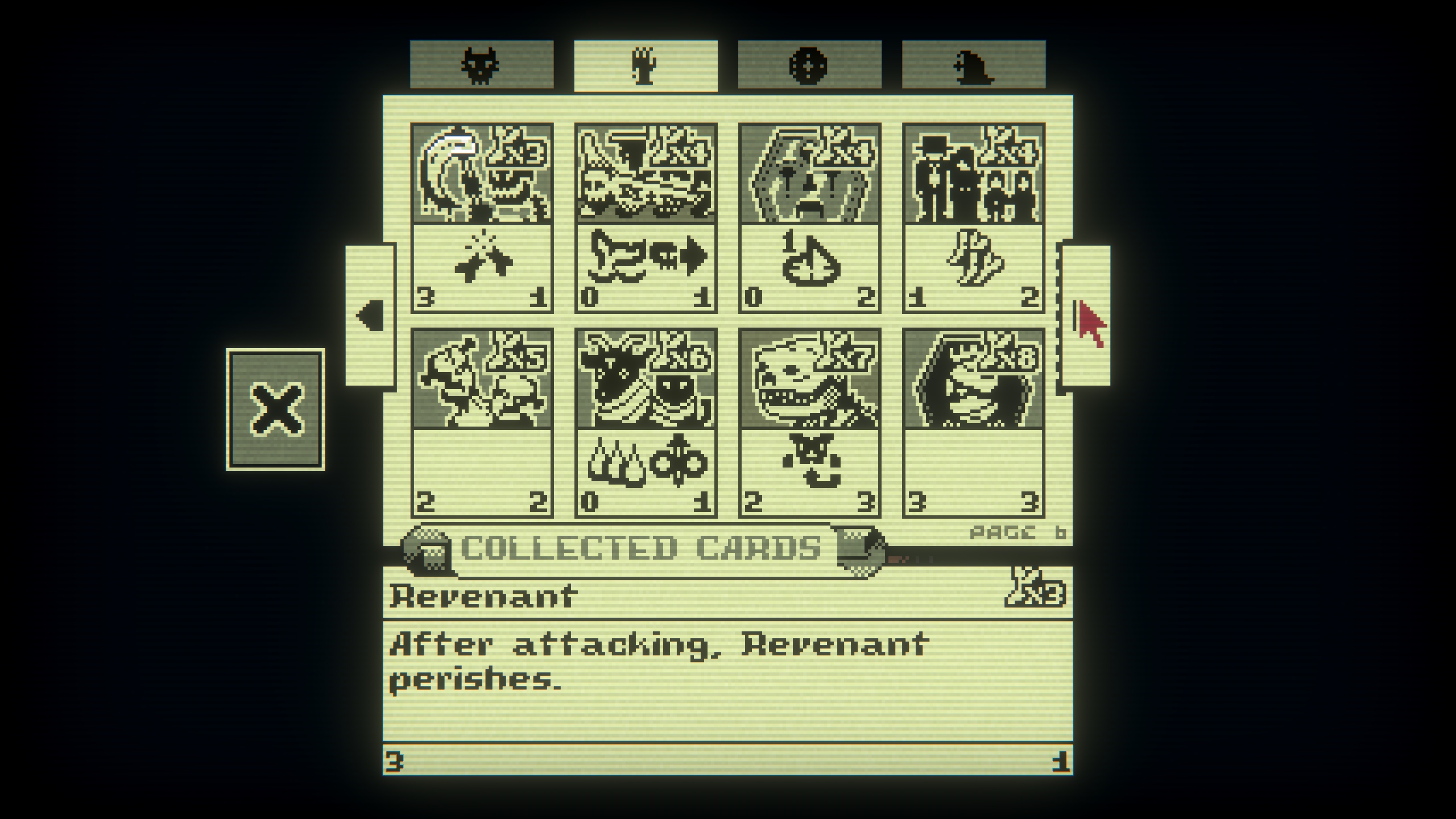
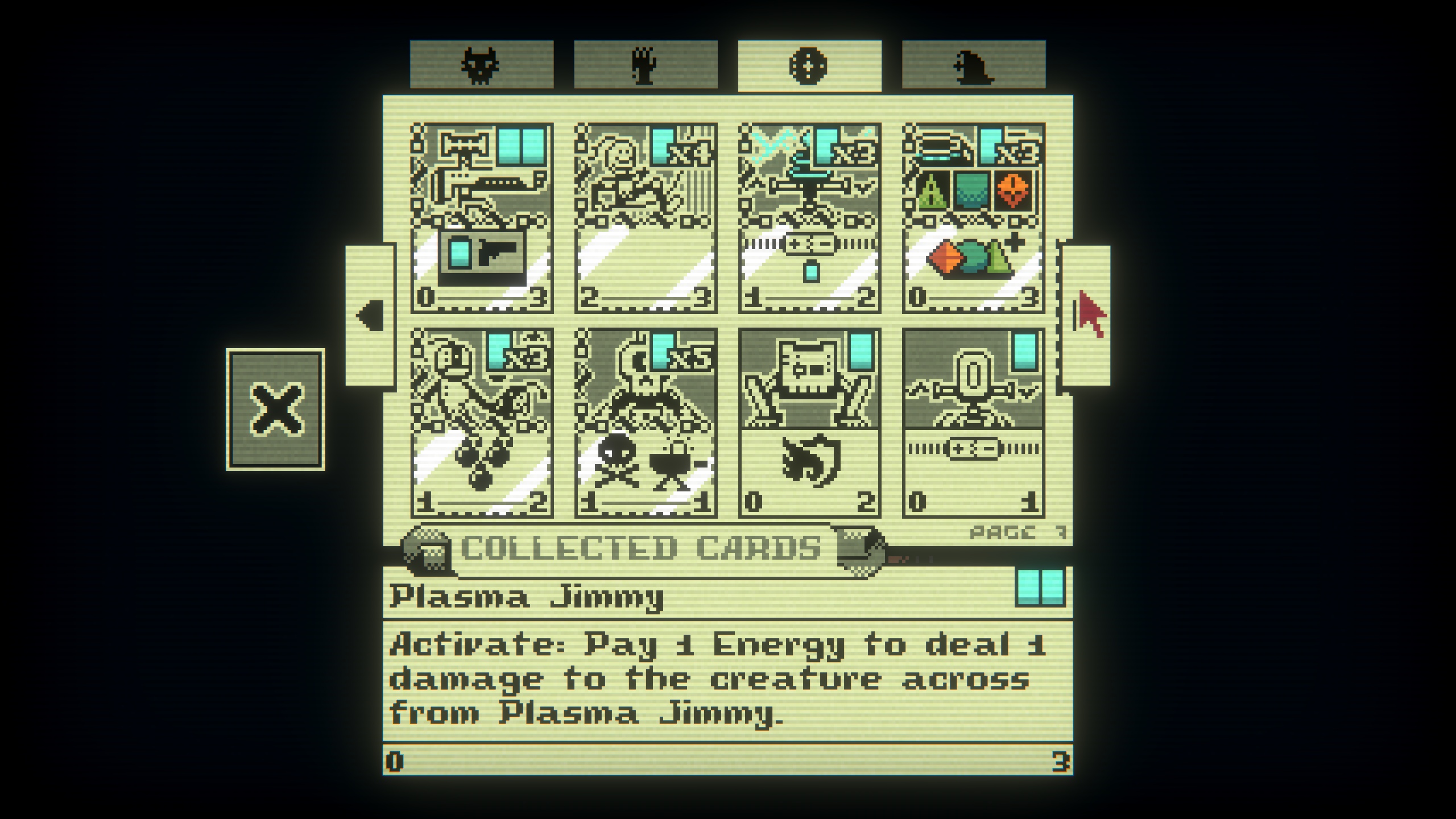
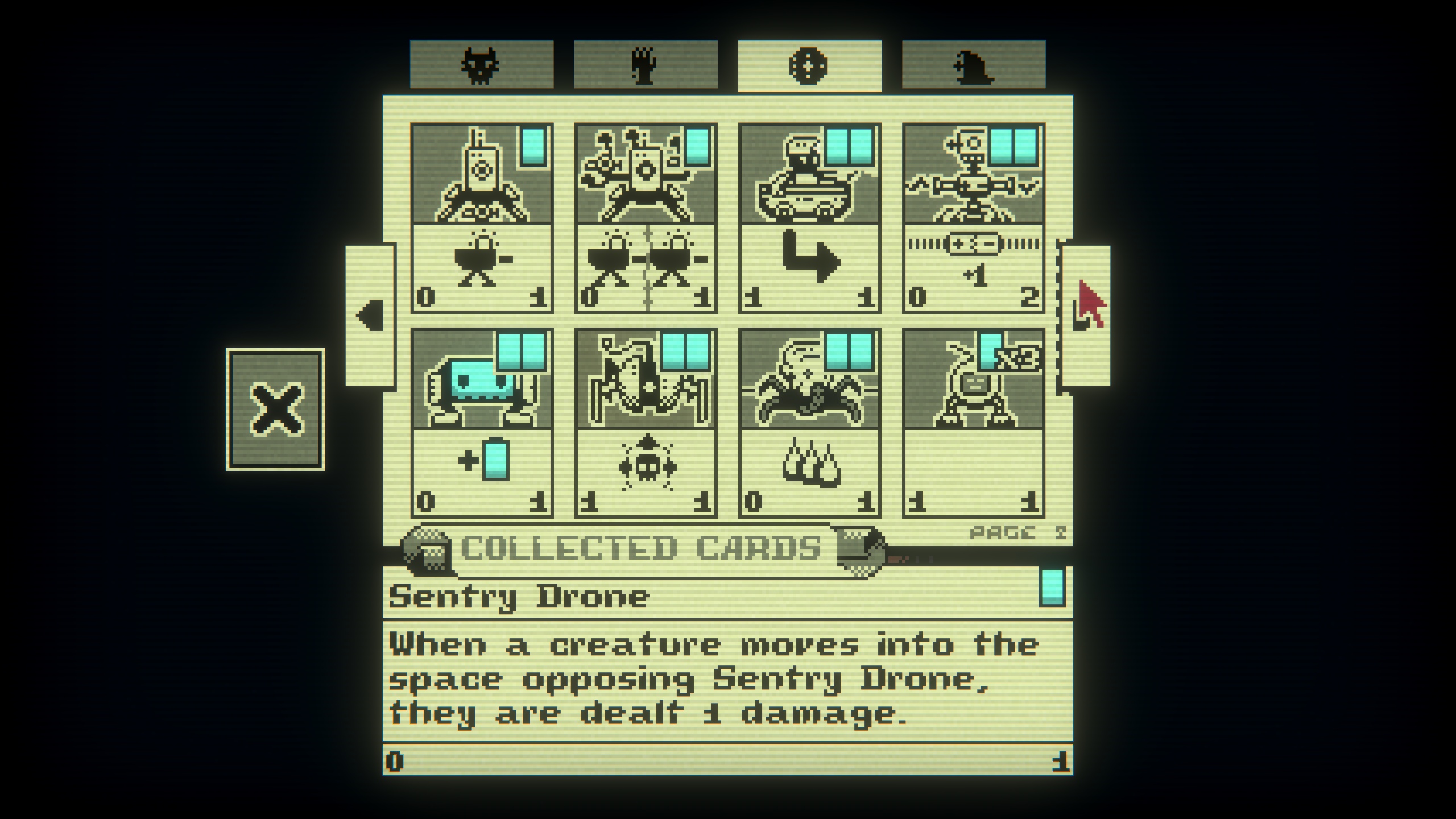
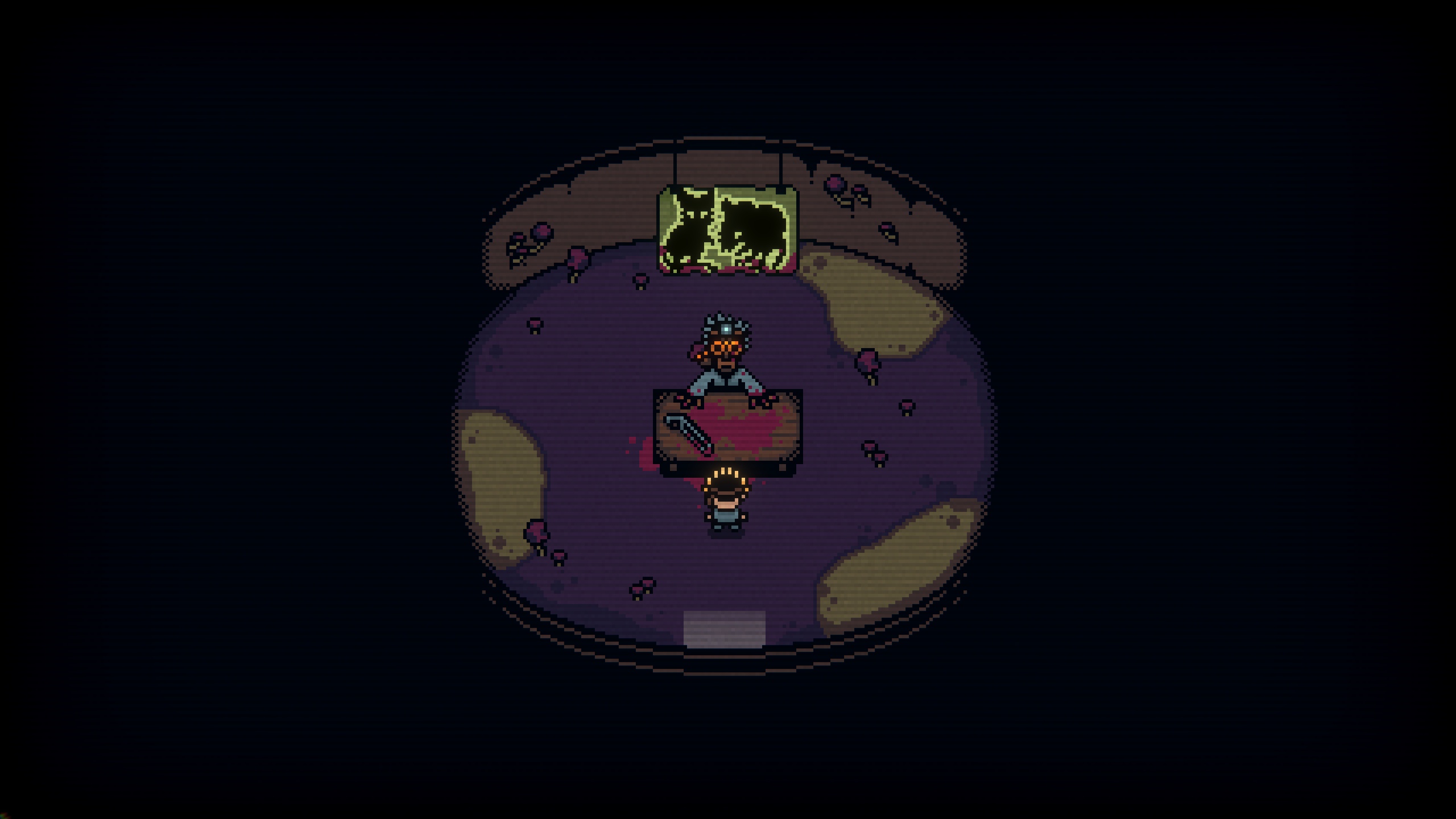
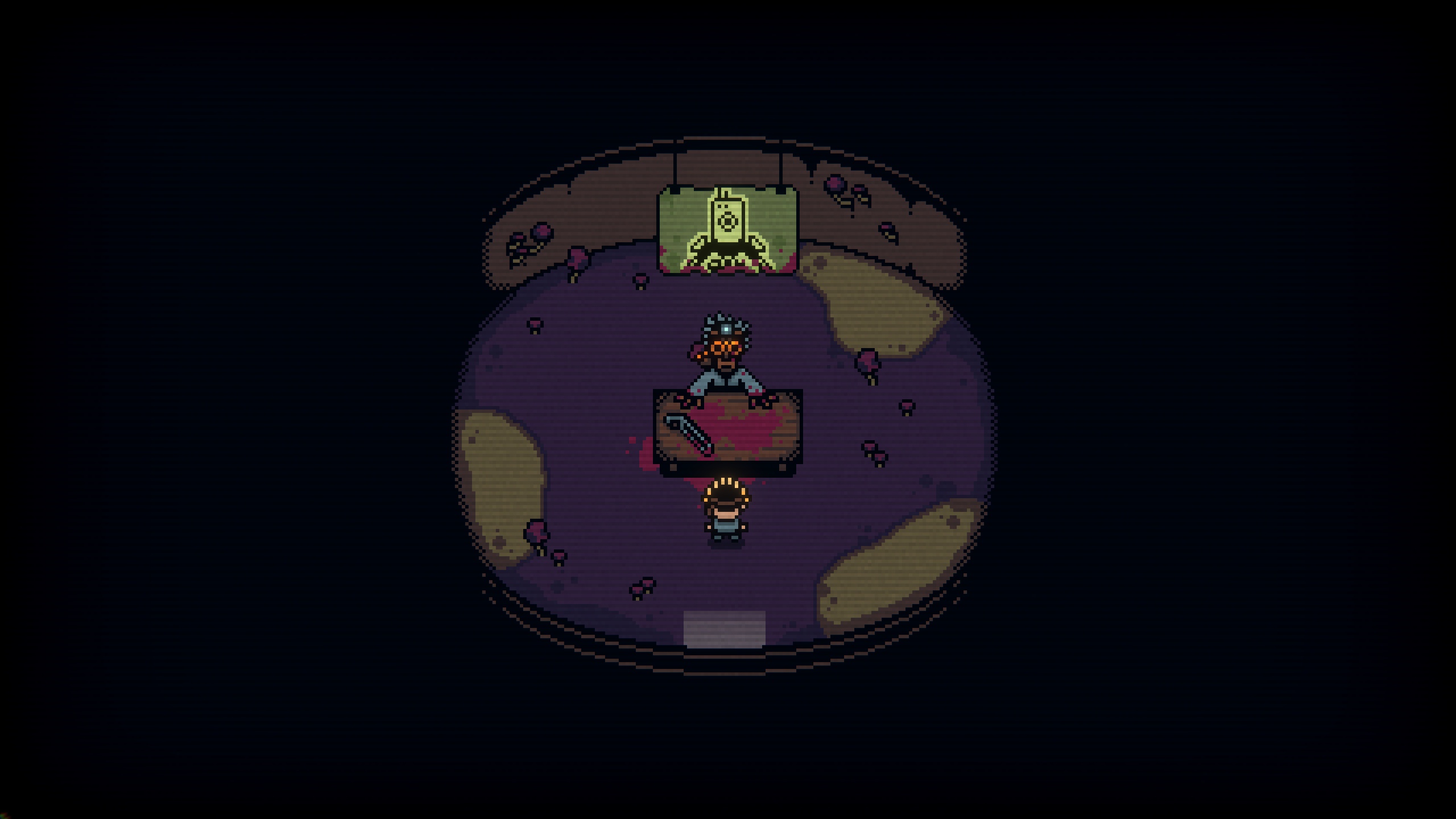
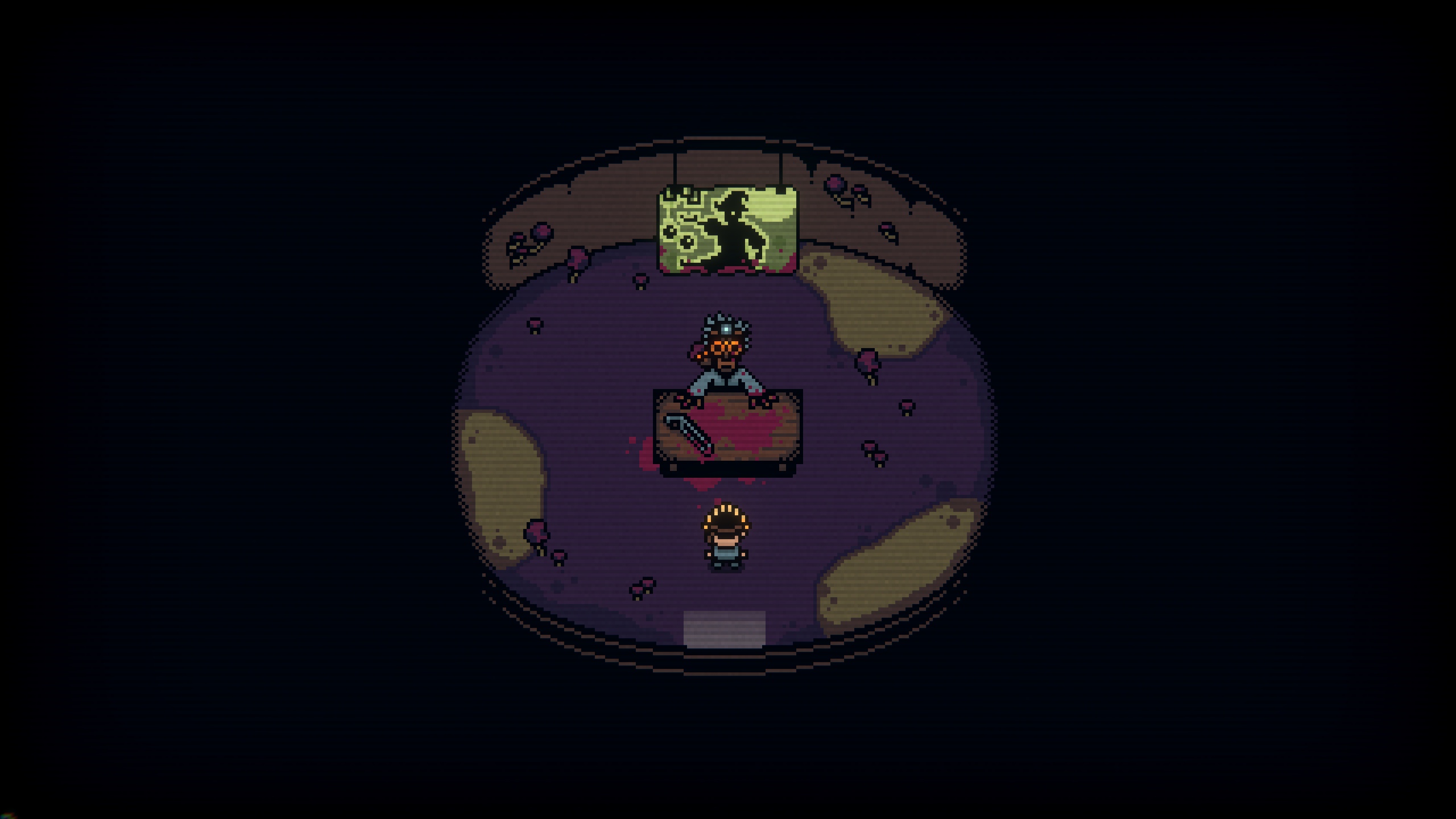
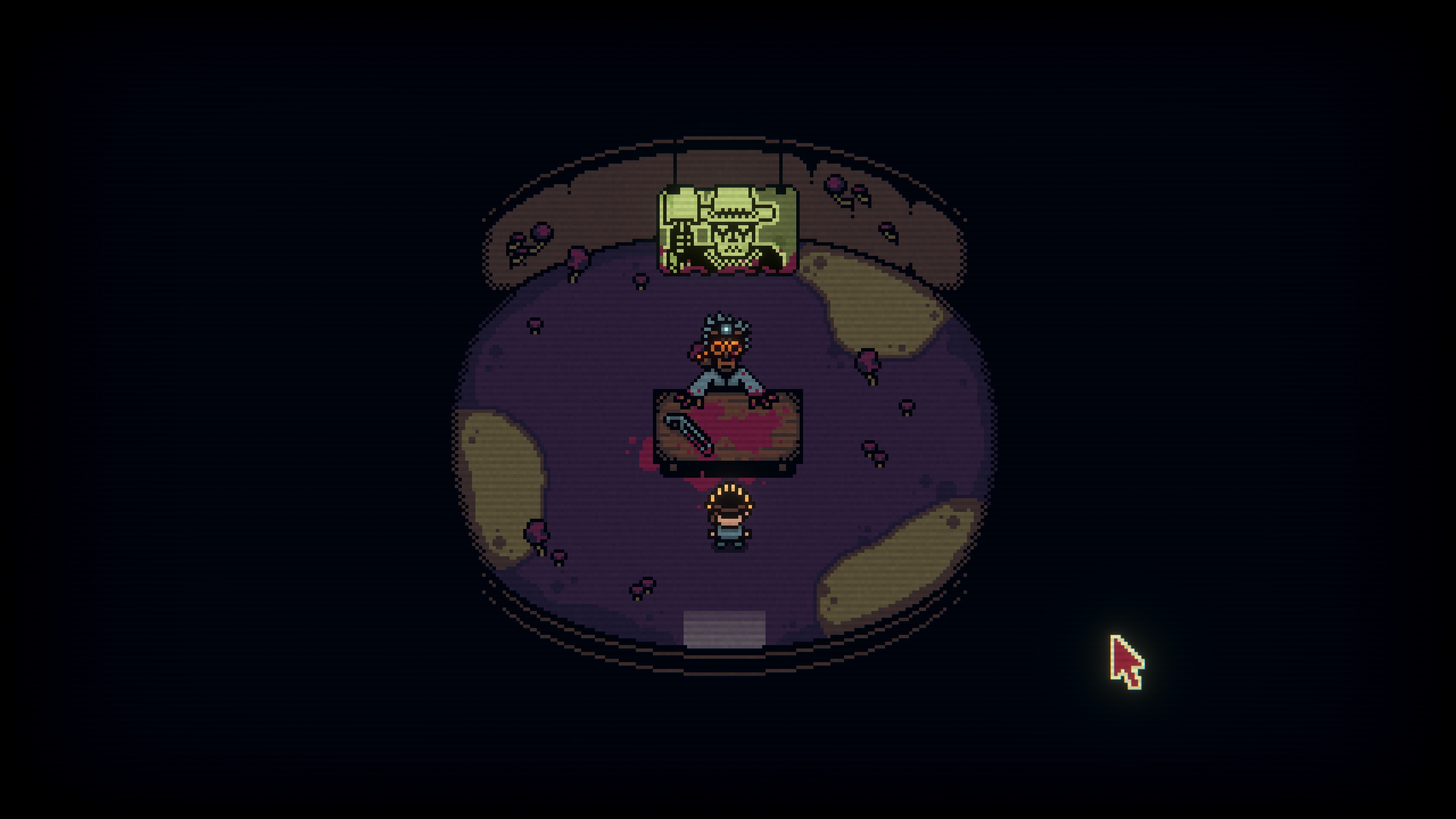
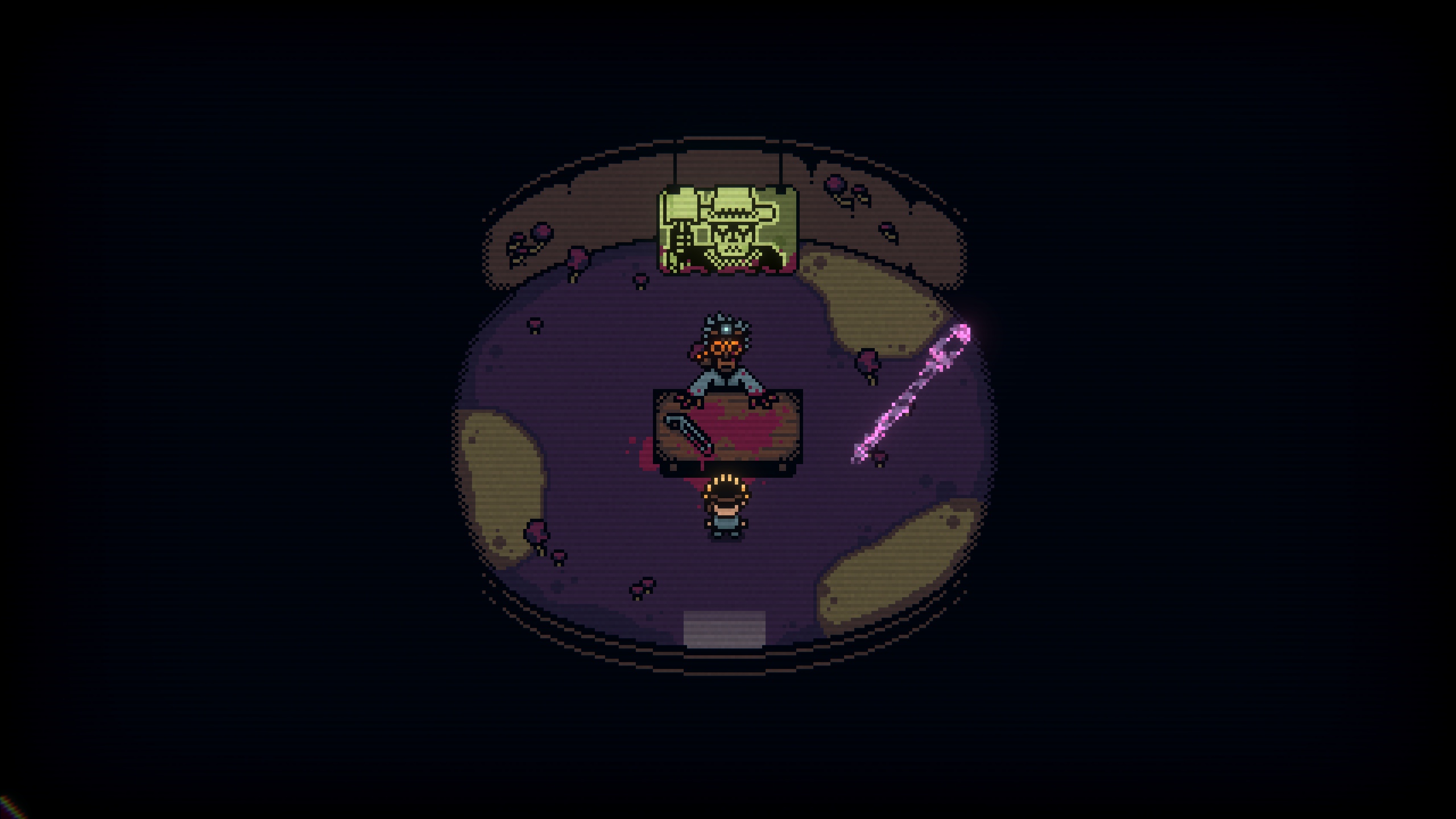
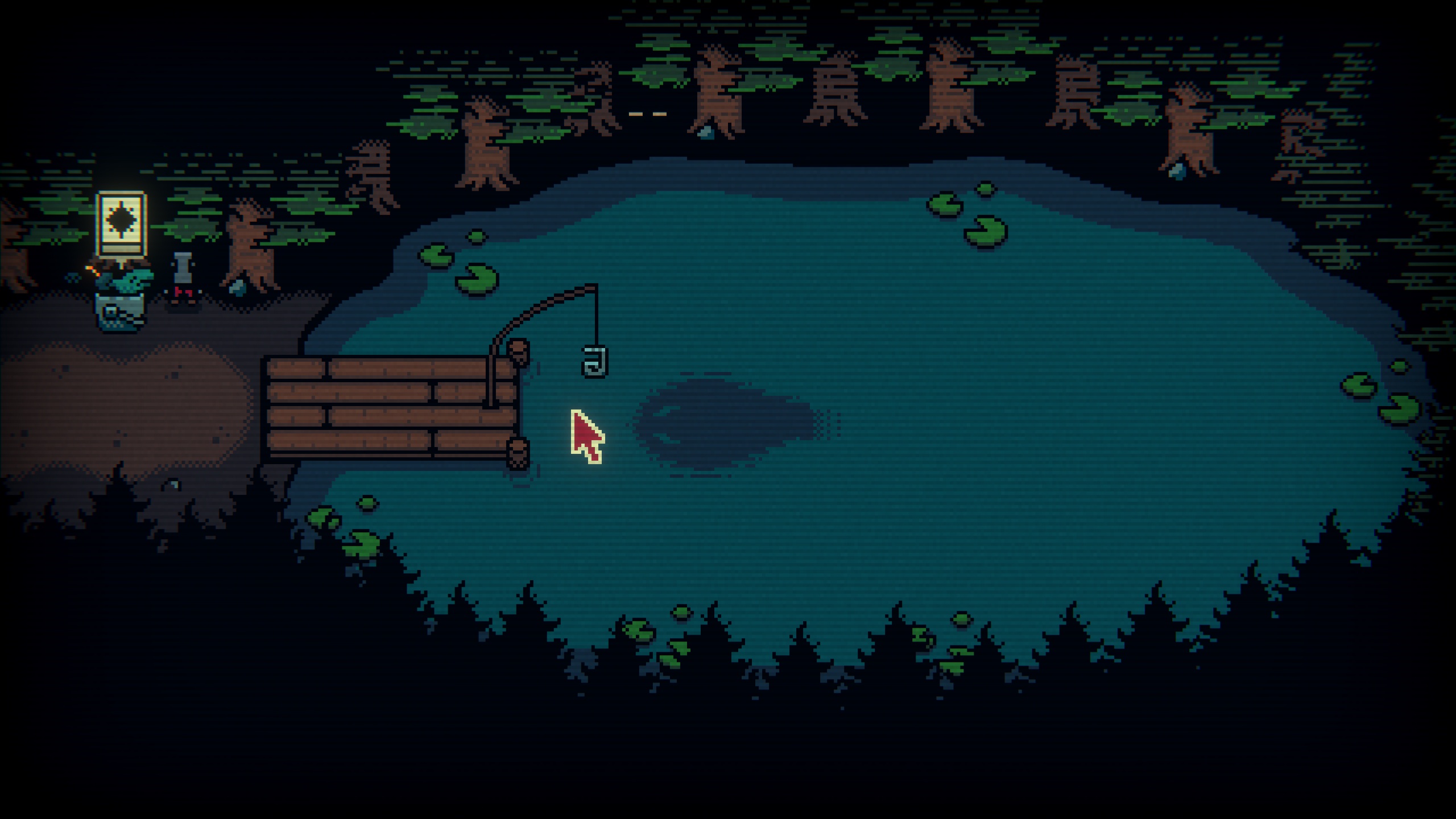
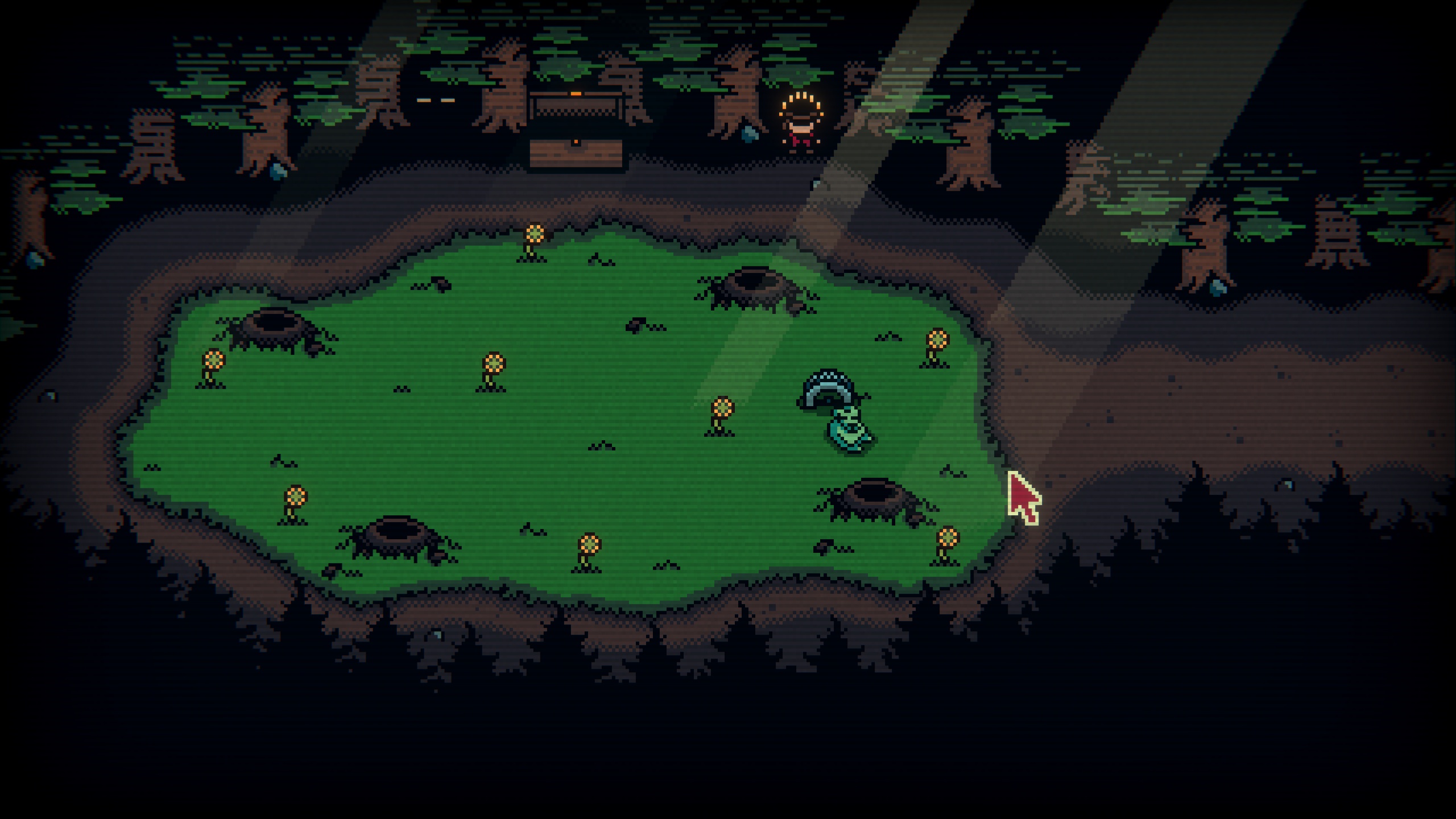
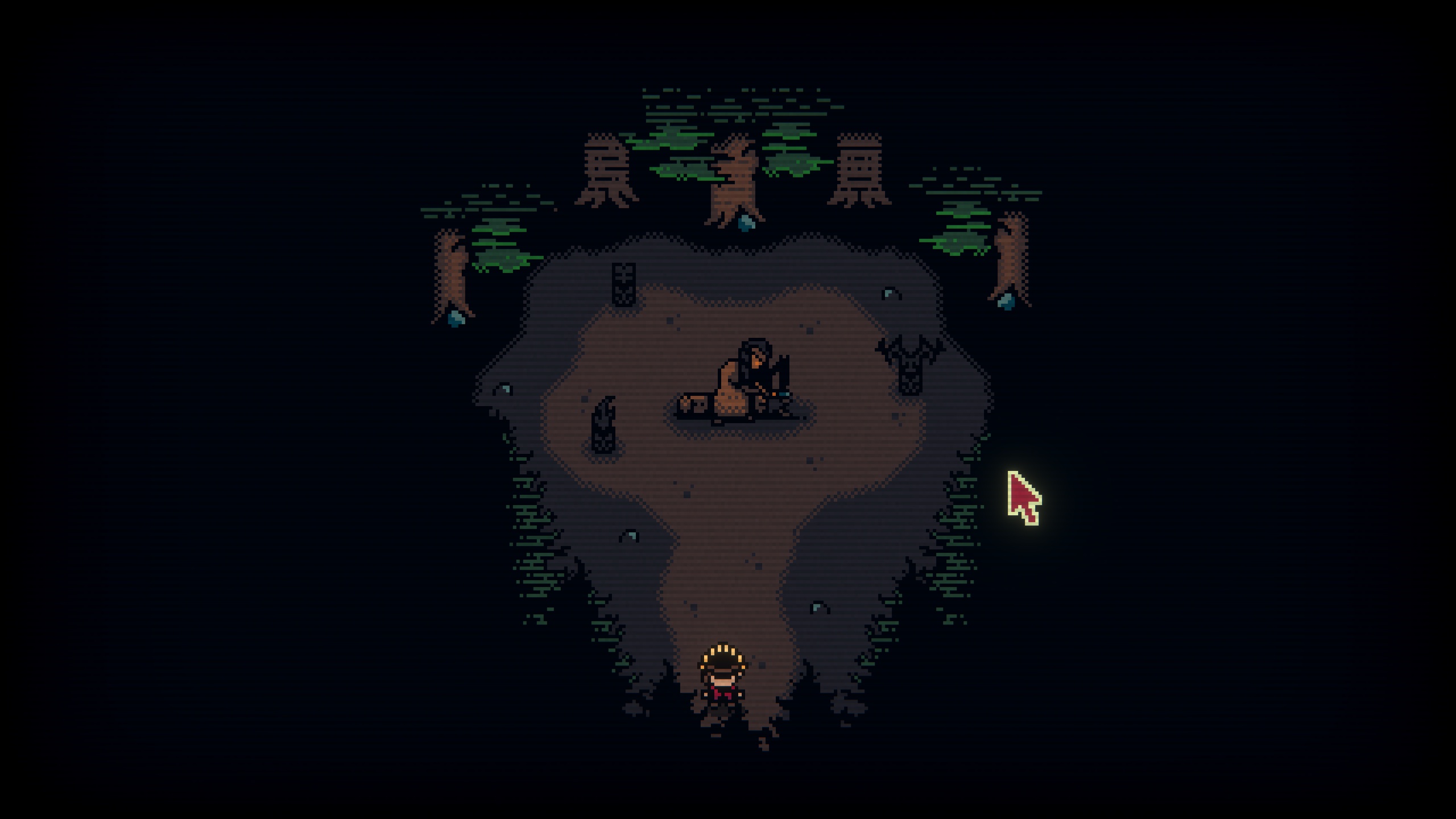
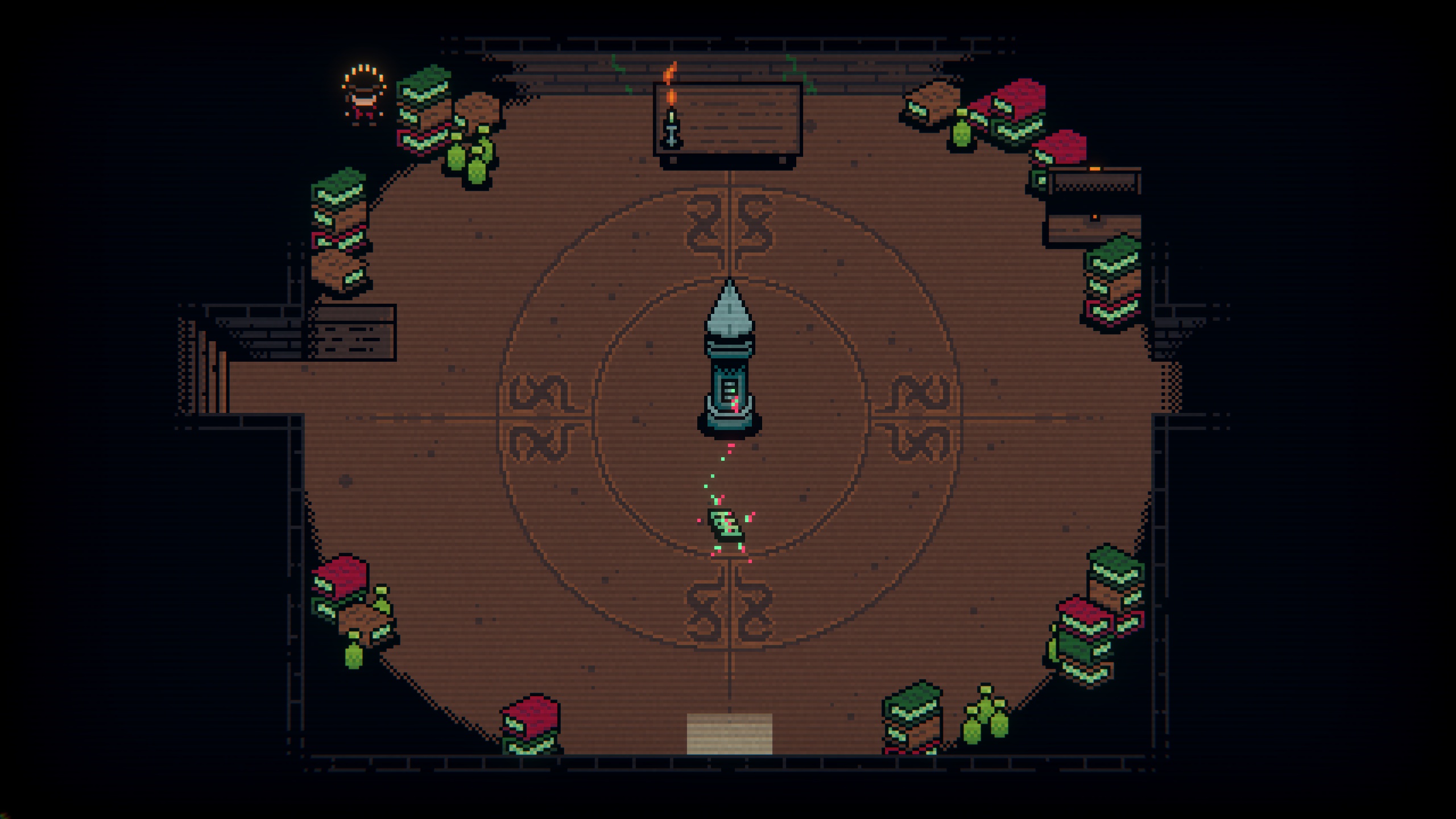
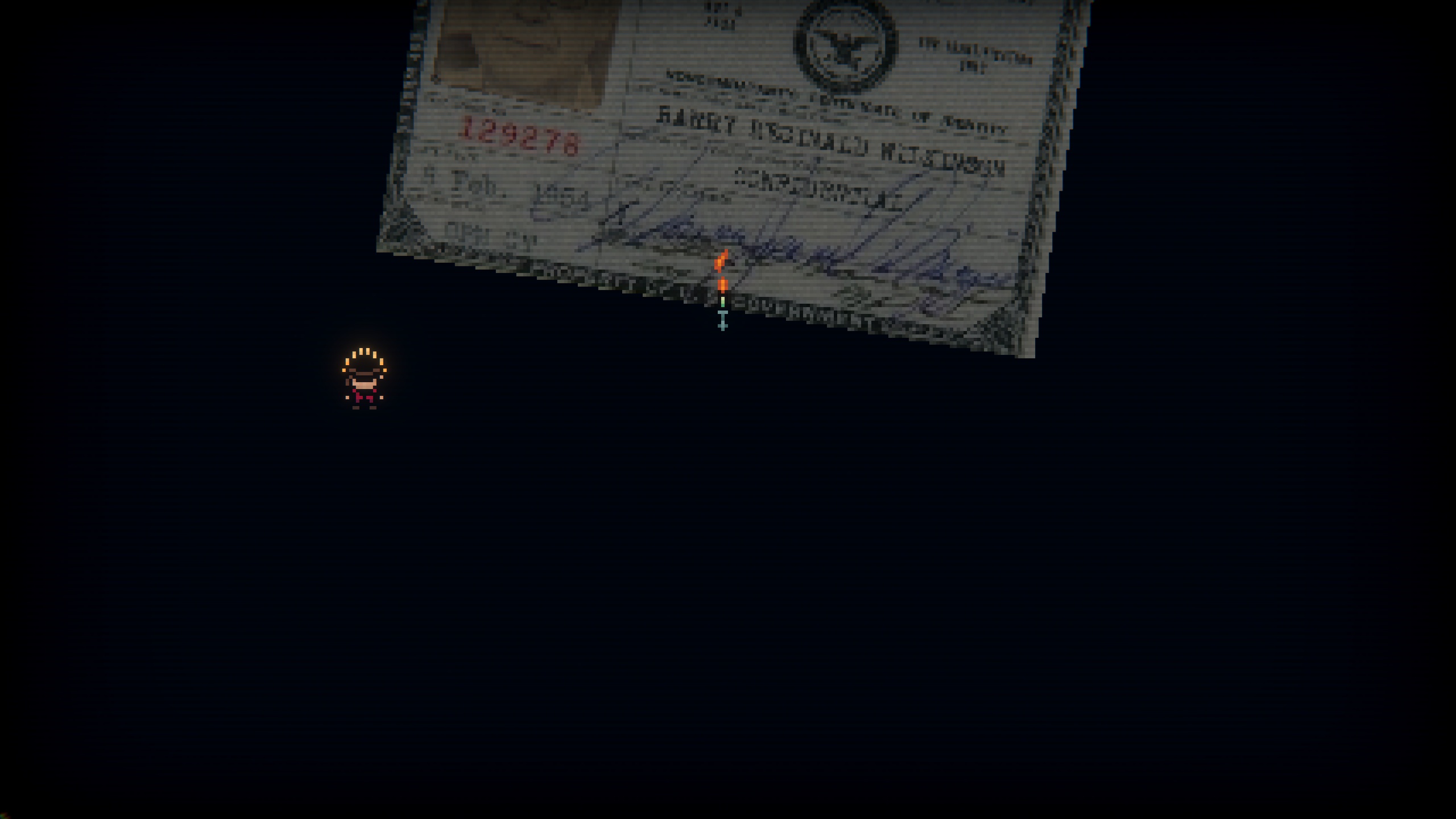
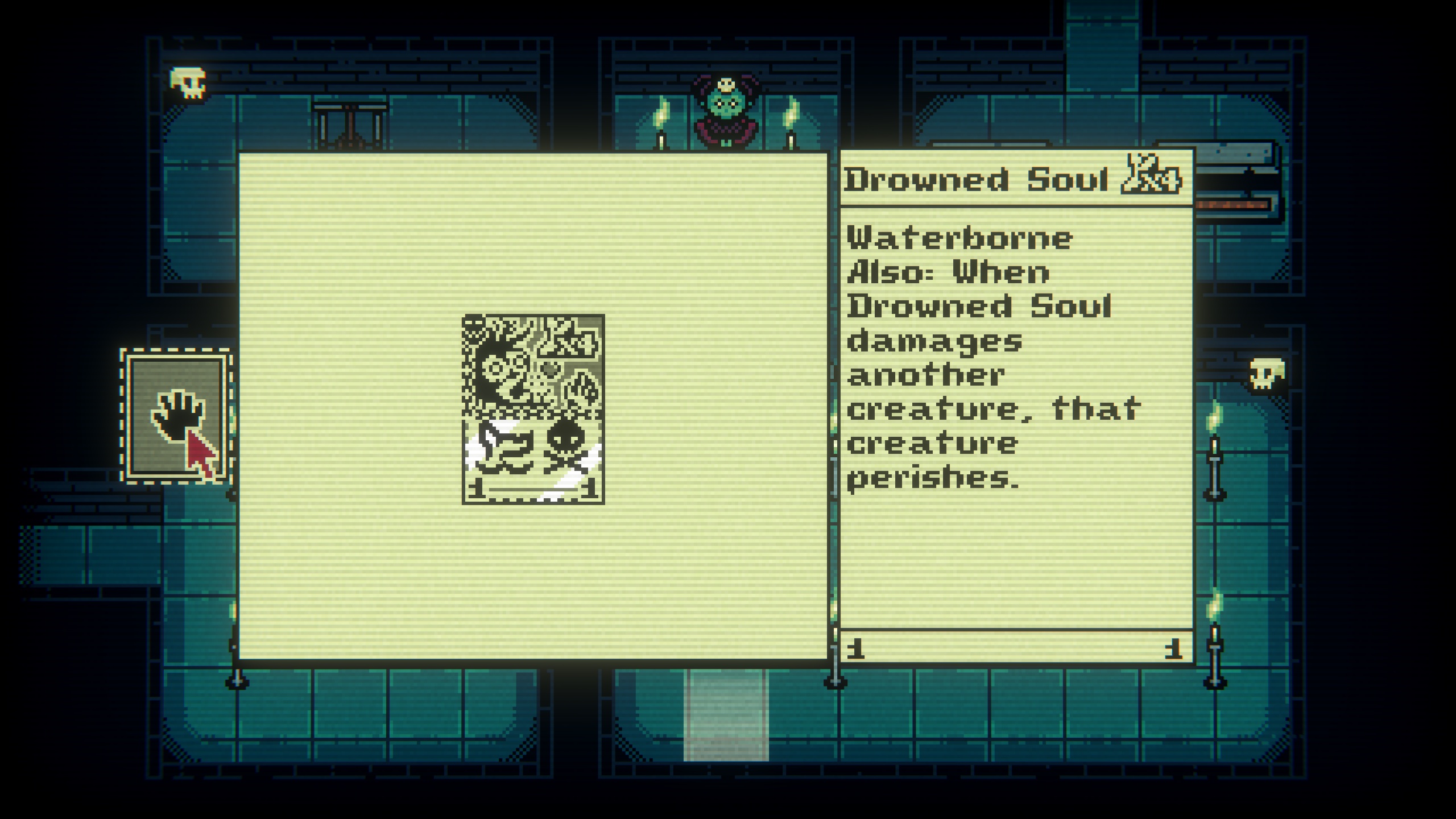



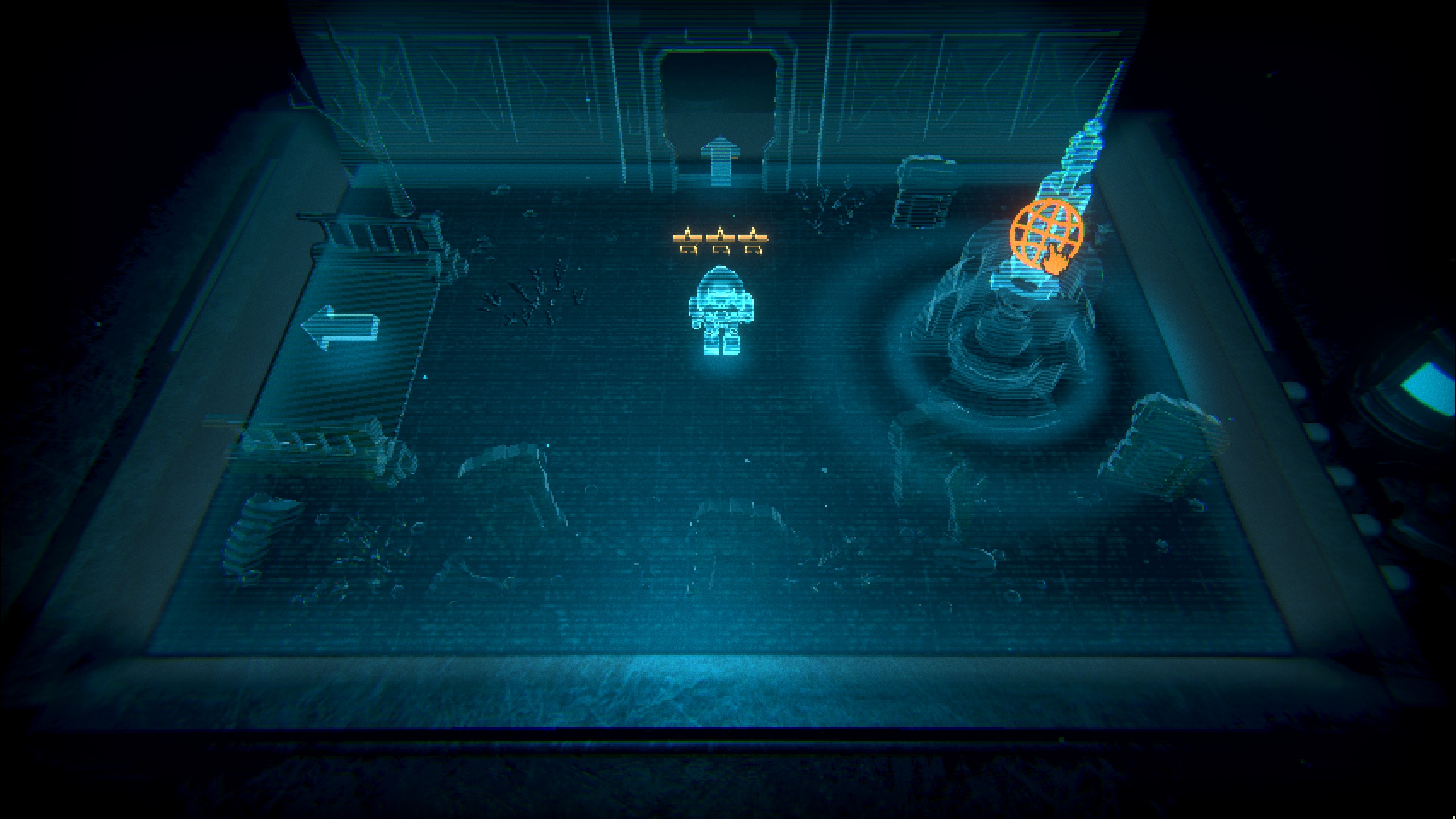
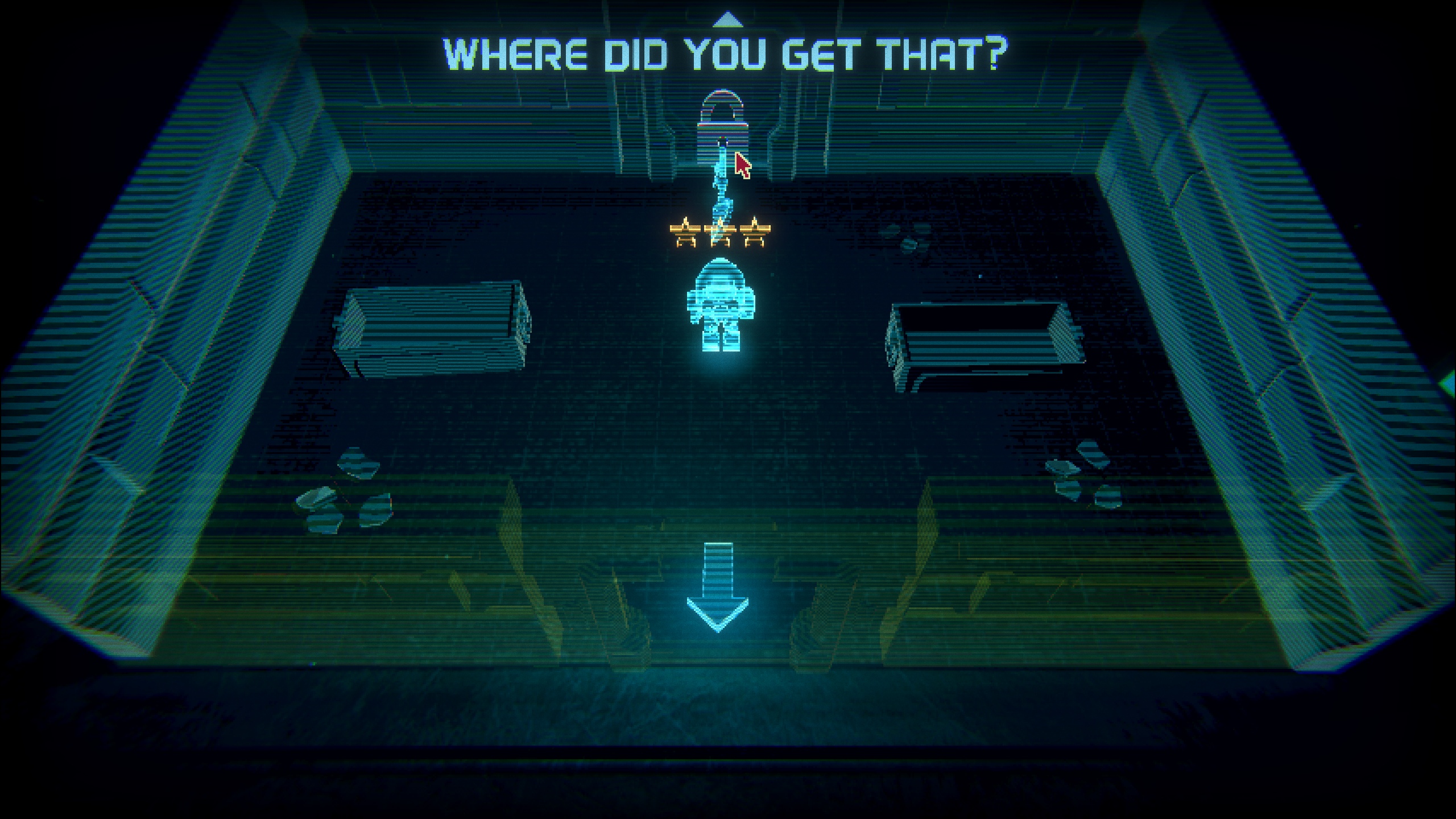
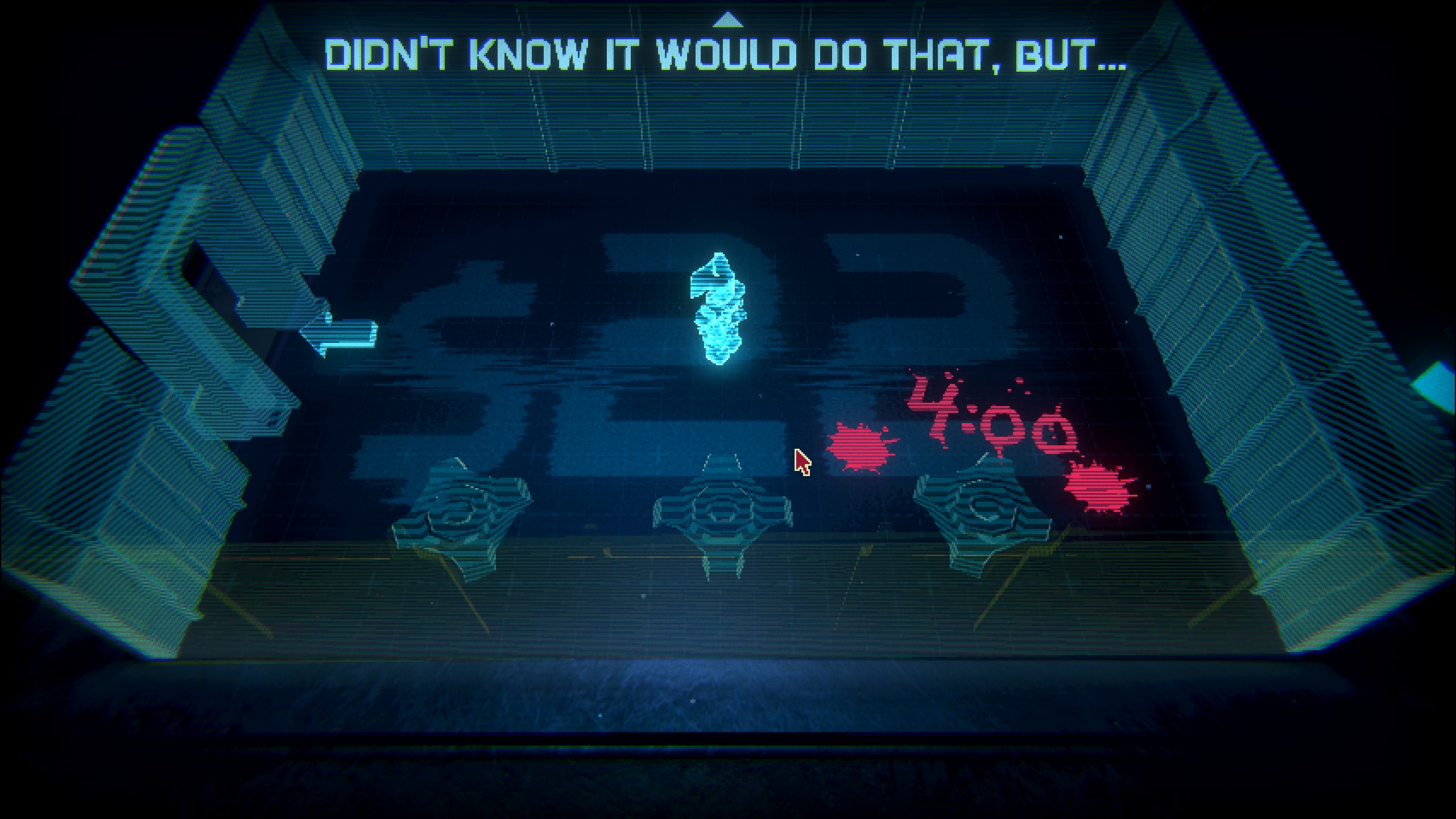
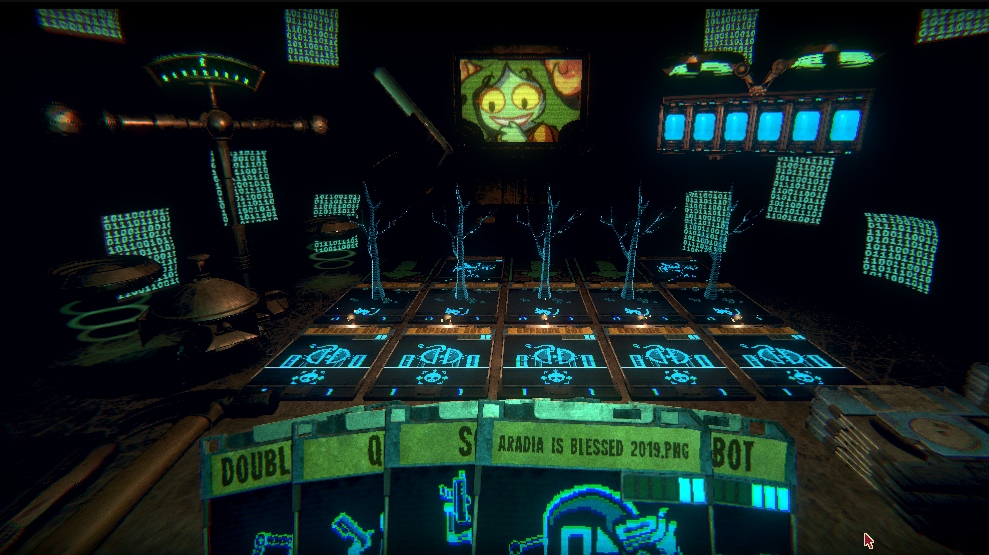

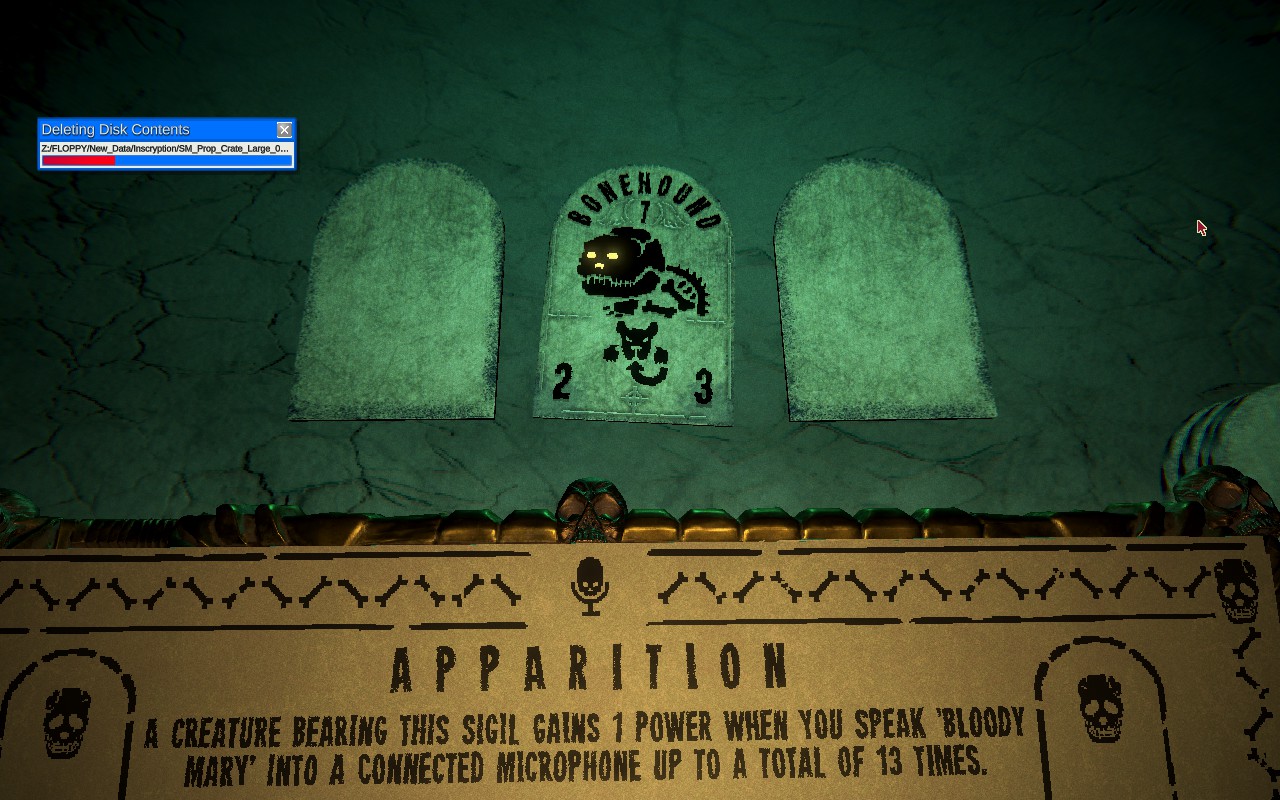
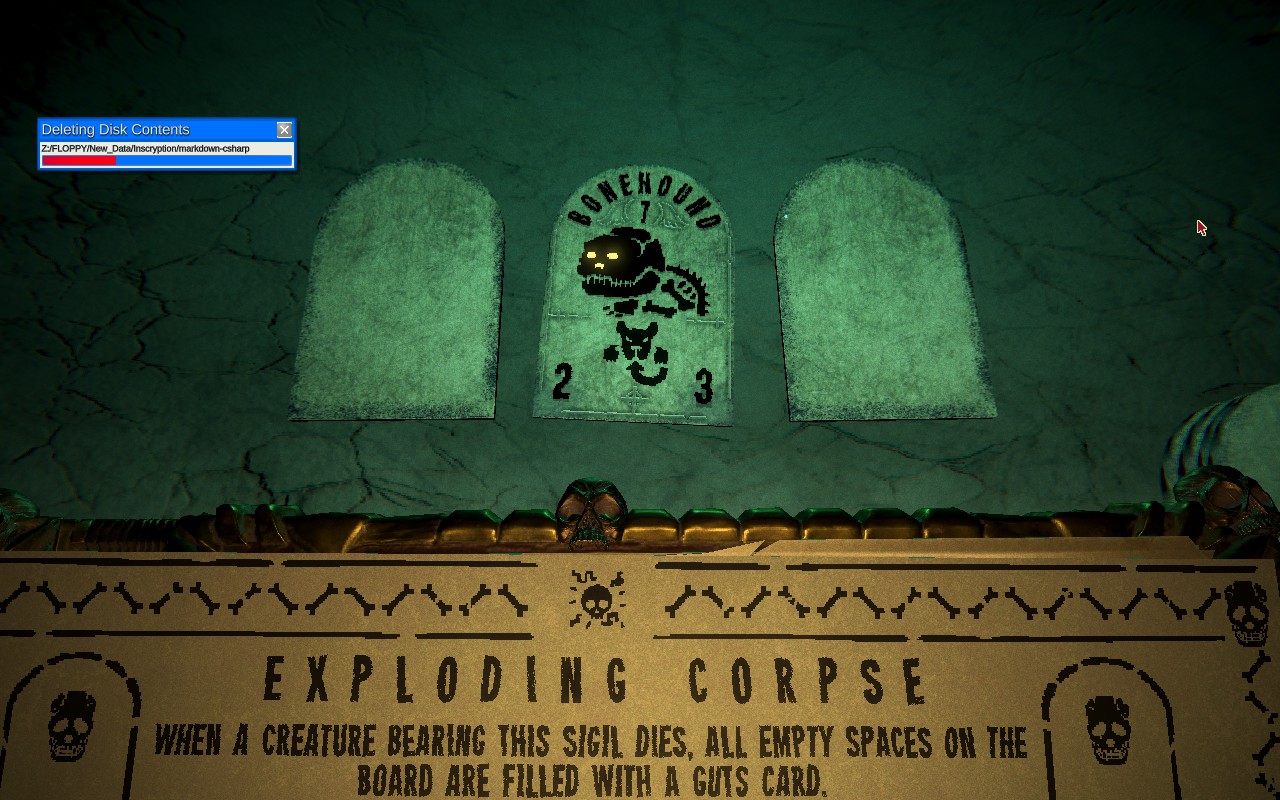
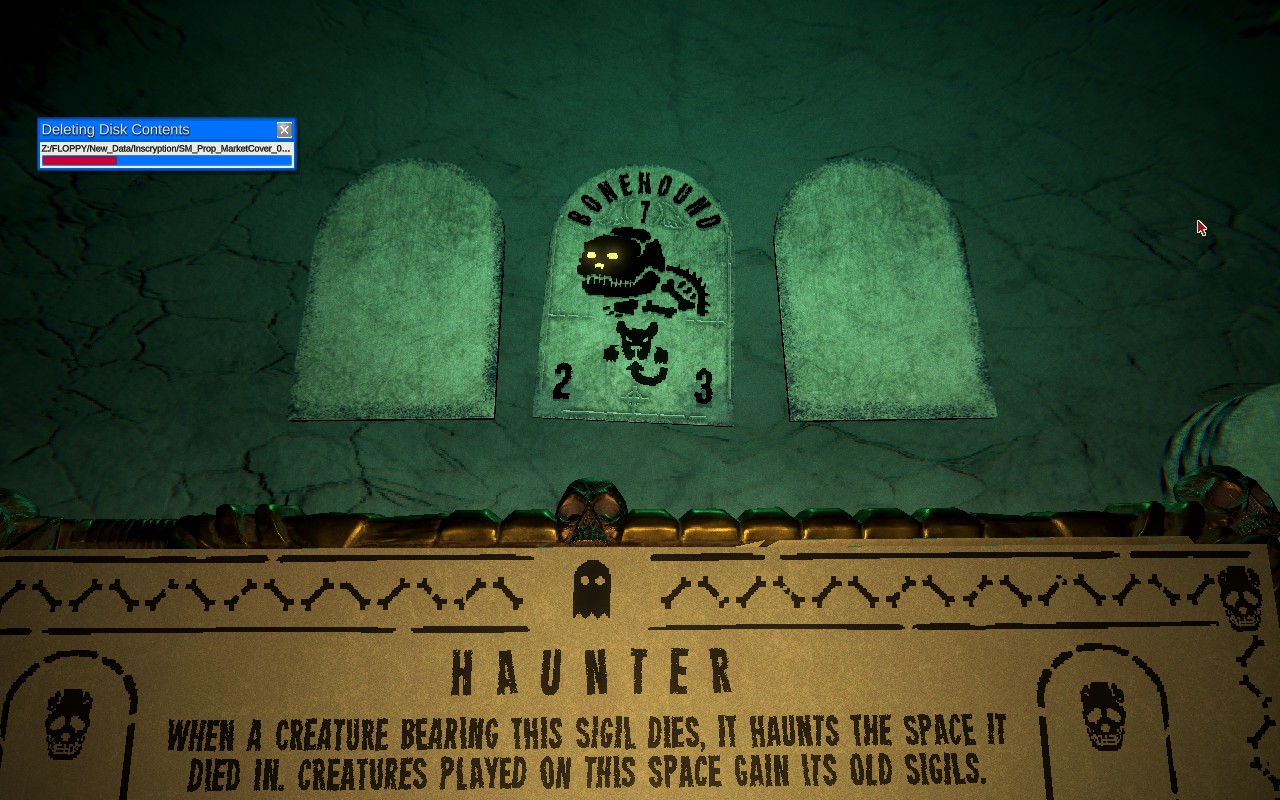
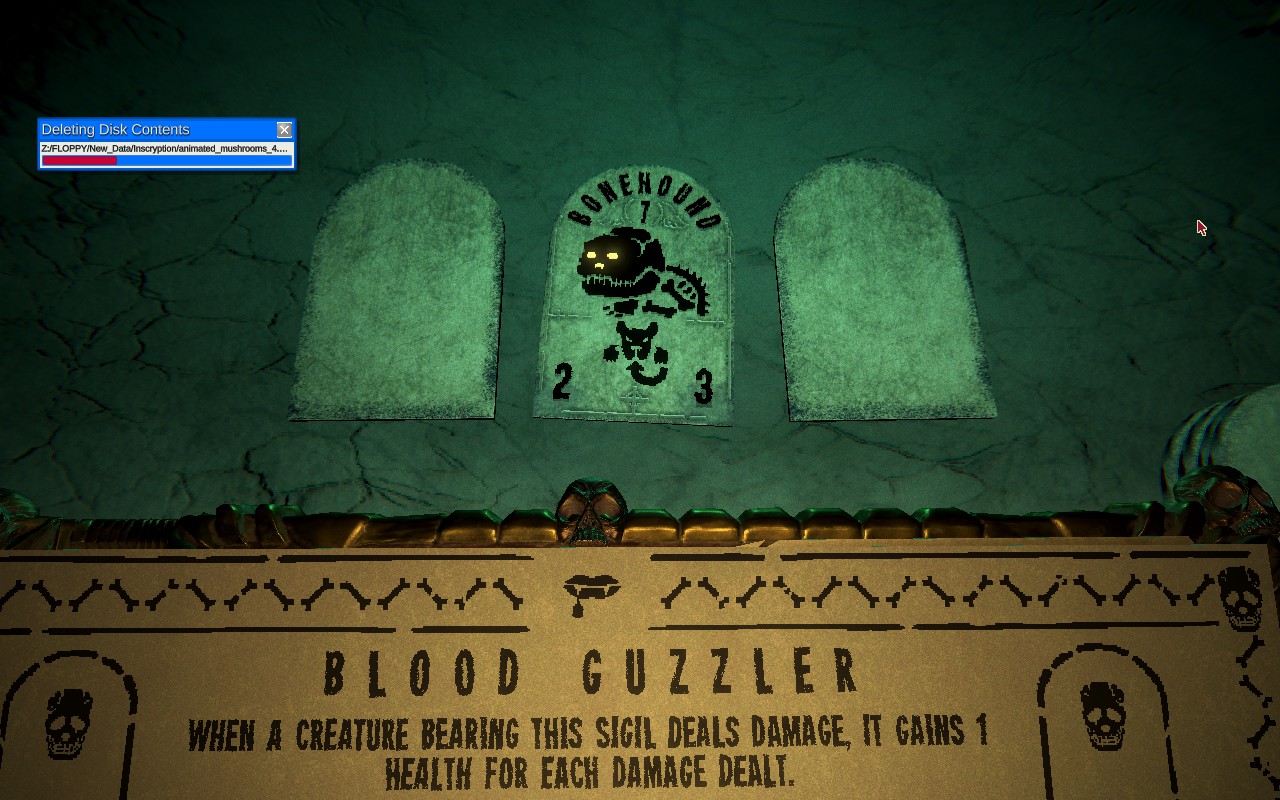
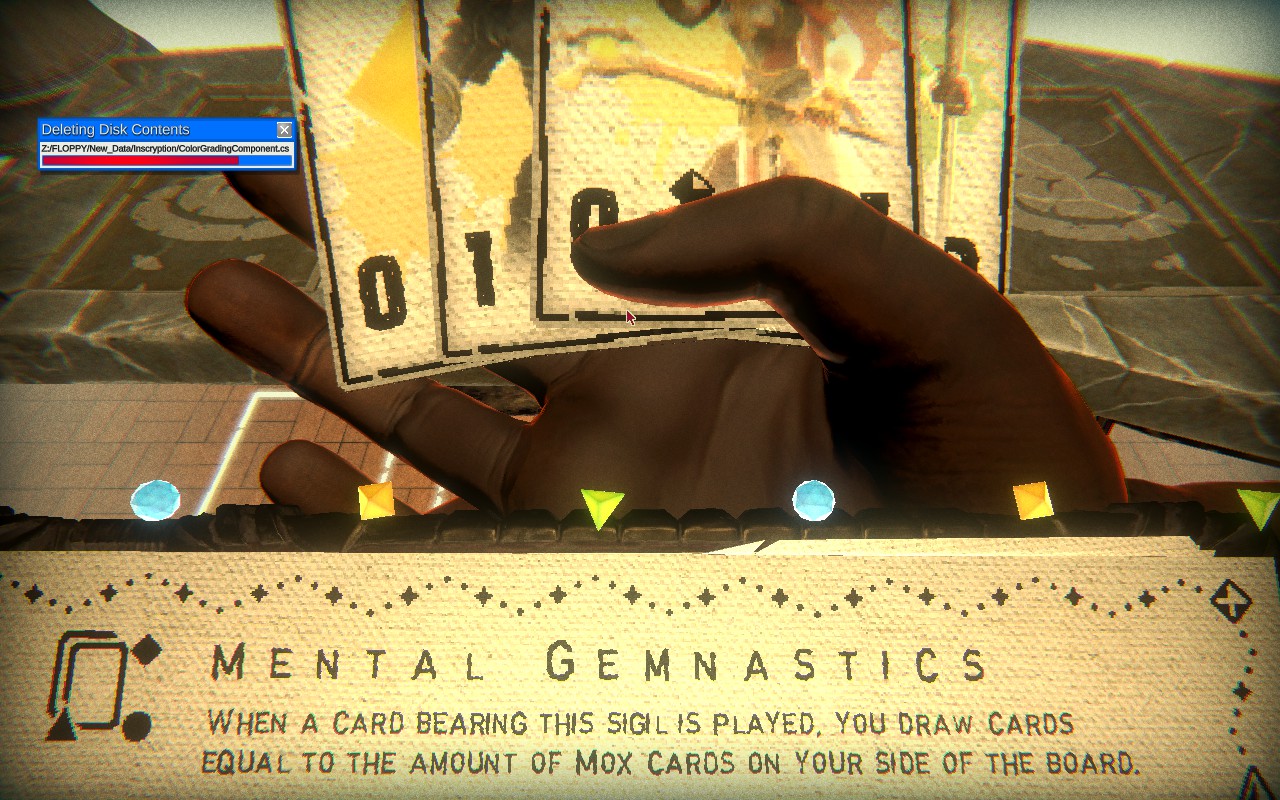
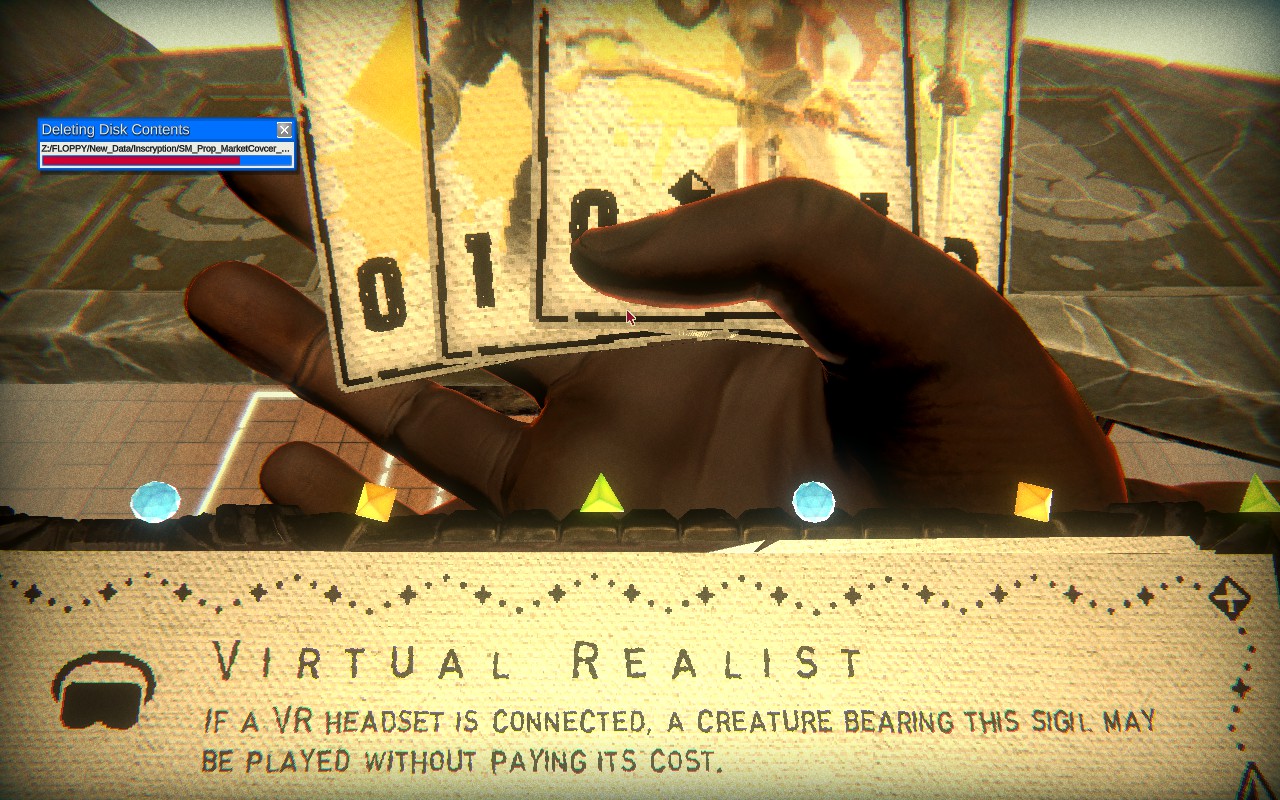
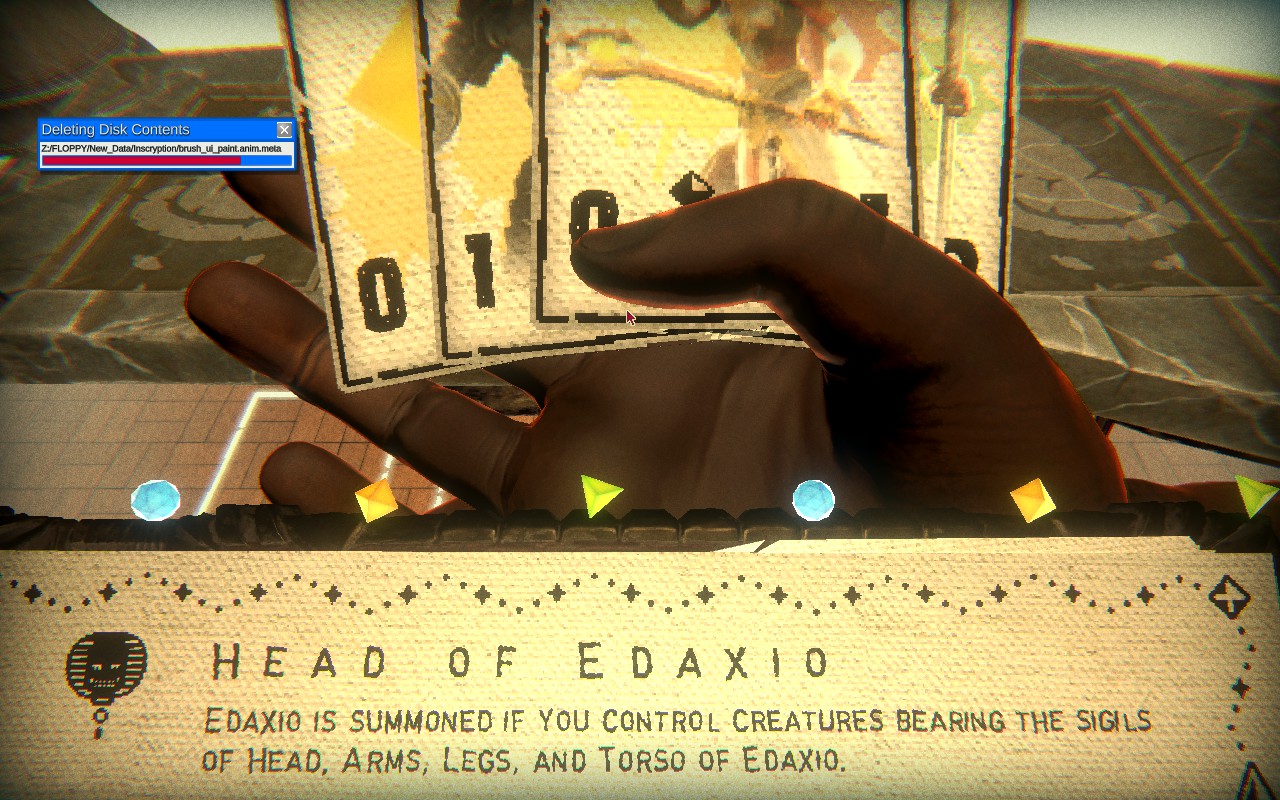


Wow you actually deleted the file
Did you expect a reward?
At least... I tried to delete it. But it seems my powers of FILE ACCESS do not extend that far.
Play by the rules you agreed to. Delete it yourself.
Have an ounce of respect for the rules. Come on.
Love it haha
Here are some command that you can use to fool him.
To create a file that seems to be very old, open the terminal and type:
touch -a -m -t 199012312359 ~/oldfile
To create a fake large file:
truncate -s 1025G ~/largefile
The Archivist sees a large file, but no disk space is actually occupied.
If that doesn't work for you, maybe this could do:
head -c 1G /dev/zero > ~/largefile
or, if you're on mac, try "1g" instead.
This method will actually write a 1GB file to your disk.
A file of size 1G+ will grant you 4 damage, 1TB+ grants 8.
You'll find the files in your user directory.
It seems like you can delete the file after picking up the vessel upgrade as well. I only did so after that, and after I won my next fight he commented on me having actually deleted it.