



Install Steam
sign in
|
language
简体中文 (Simplified Chinese)
繁體中文 (Traditional Chinese)
日本語 (Japanese)
한국어 (Korean)
ไทย (Thai)
Bahasa Indonesia (Indonesian)
Bahasa Melayu (Malay) BETA
Български (Bulgarian)
Čeština (Czech)
Dansk (Danish)
Deutsch (German)
Español - España (Spanish - Spain)
Español - Latinoamérica (Spanish - Latin America)
Ελληνικά (Greek)
Français (French)
Italiano (Italian)
Magyar (Hungarian)
Nederlands (Dutch)
Norsk (Norwegian)
Polski (Polish)
Português (Portuguese - Portugal)
Português - Brasil (Portuguese - Brazil)
Română (Romanian)
Русский (Russian)
Suomi (Finnish)
Svenska (Swedish)
Türkçe (Turkish)
Tiếng Việt (Vietnamese)
Українська (Ukrainian)
Report a translation problem


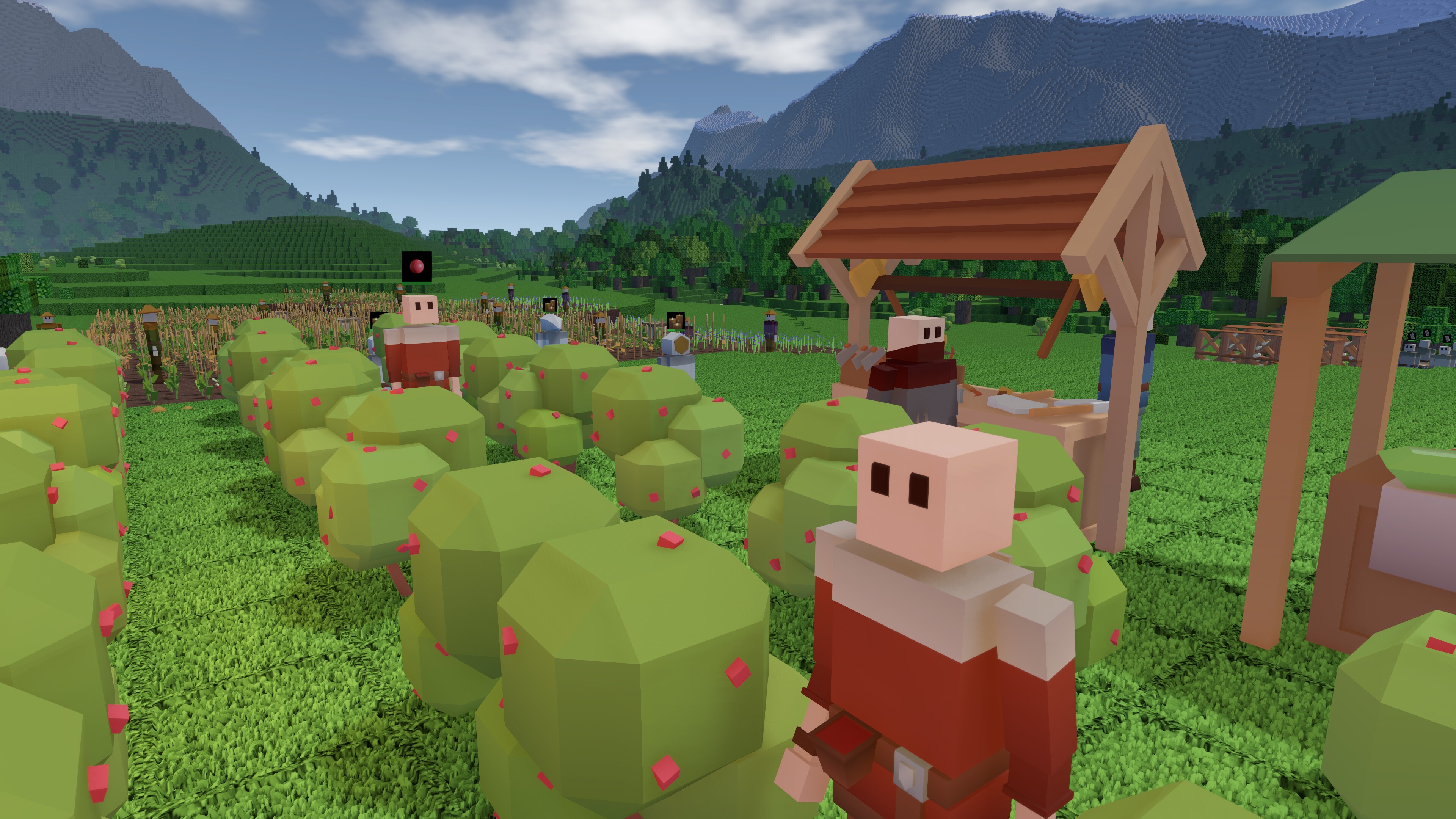 A big new update is live on Steam right now! It should make the game a lot more accessible to new players, and it should speed up some of the slowest days of starting a new colony.
 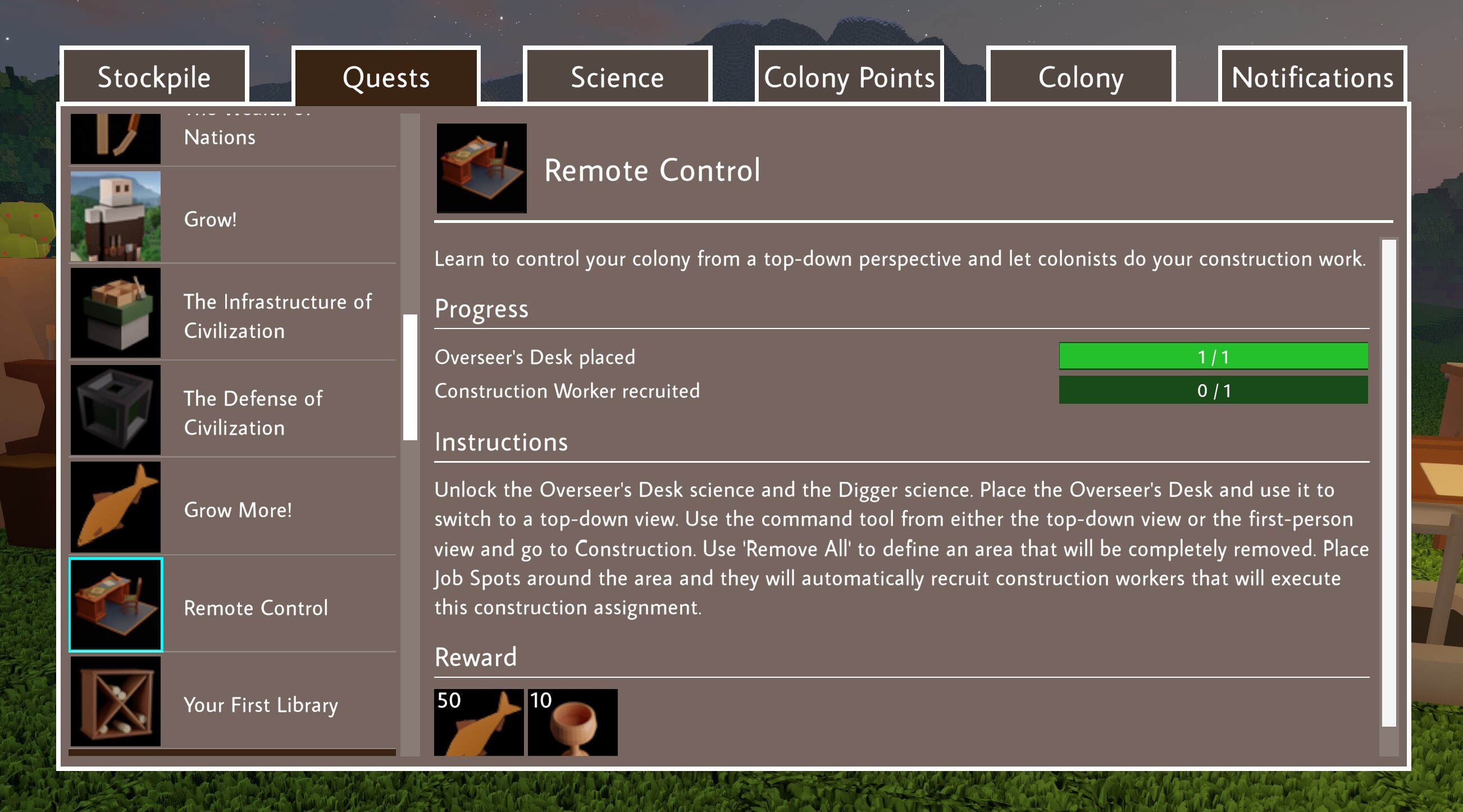 0.17 contains more noticeable changes. One of them concerns the Notifications menu. The old one was a work-in-progress disaster. It looks much better in 0.17, and it has been deeply connected to the regular first-person gameplay. When something significant happens, like the death of a colonist or a Quest being ready to complete, an icon will pop up in the top right corner of the screen. The message that notifies you of a colonist death also contains a button that allows you to visualize the death location.
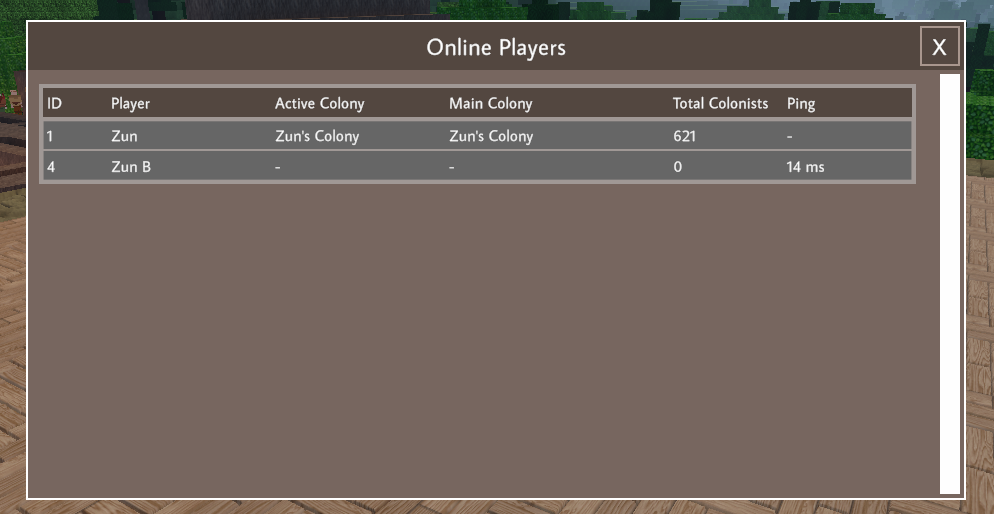
  Multiplayer has been improved as well. Pressing ‘tab’ will bring up a list of currently online players. Requests like sharing a colony can be accepted via the Notifications menu. And servers will now connect to the server browser automatically, without any need for port forwarding or other modifications.


 Award
Award 15
15


 0.10 All Commands & Item IDs

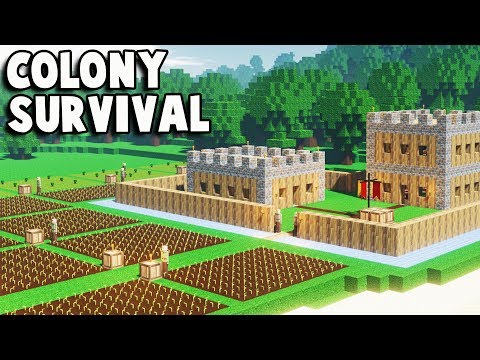


 A simple Guide (Outdated?)
 0.9 FAQs

 Biome benefits


 Farm Size and Numbers Guide (0.8.0


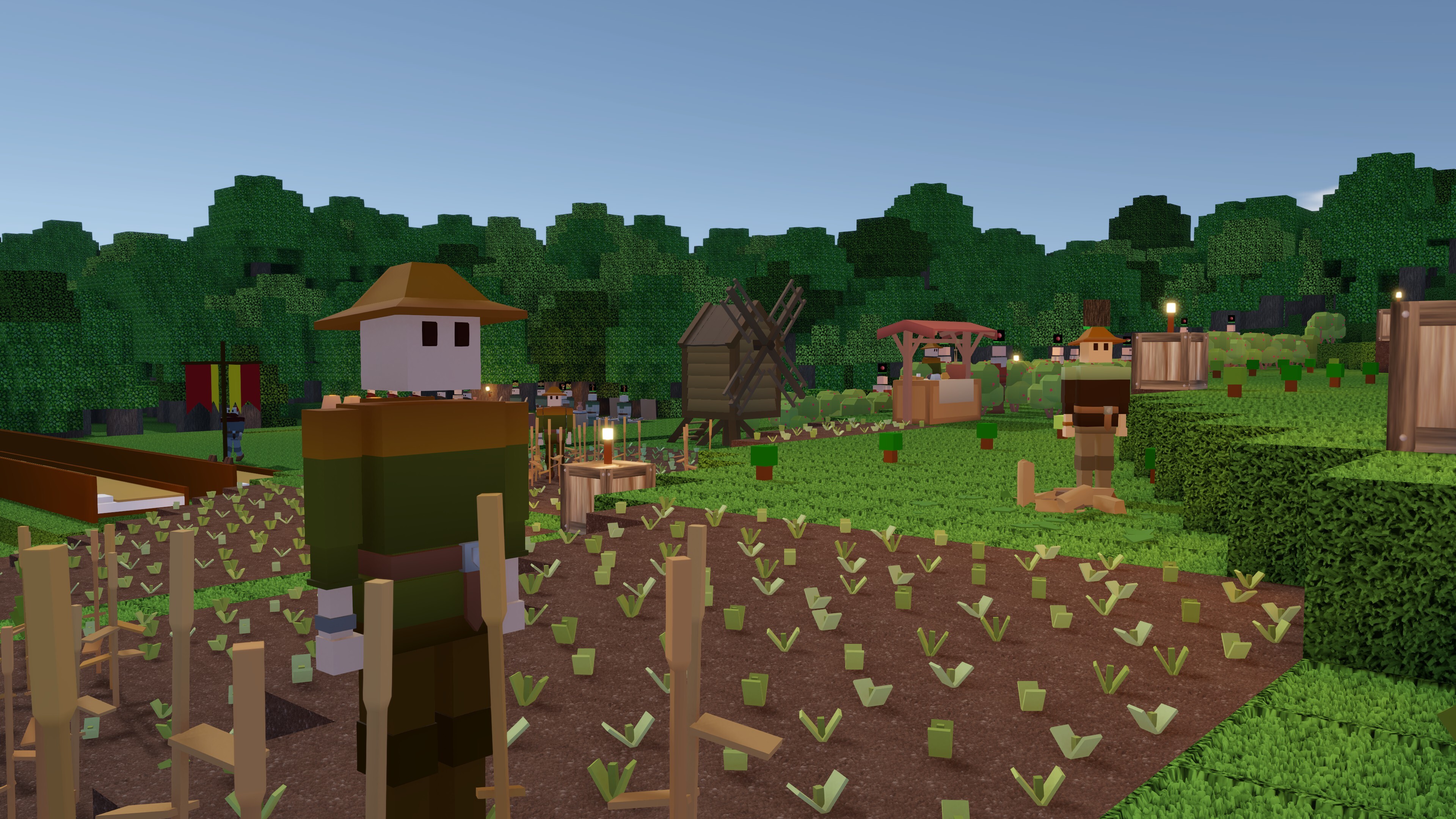 The next update is 0.16.1, not 0.17. This means: no major changes to content, but a whole bunch of improvements to Quality of Life. Tweaks that make playing the game more convenient.
 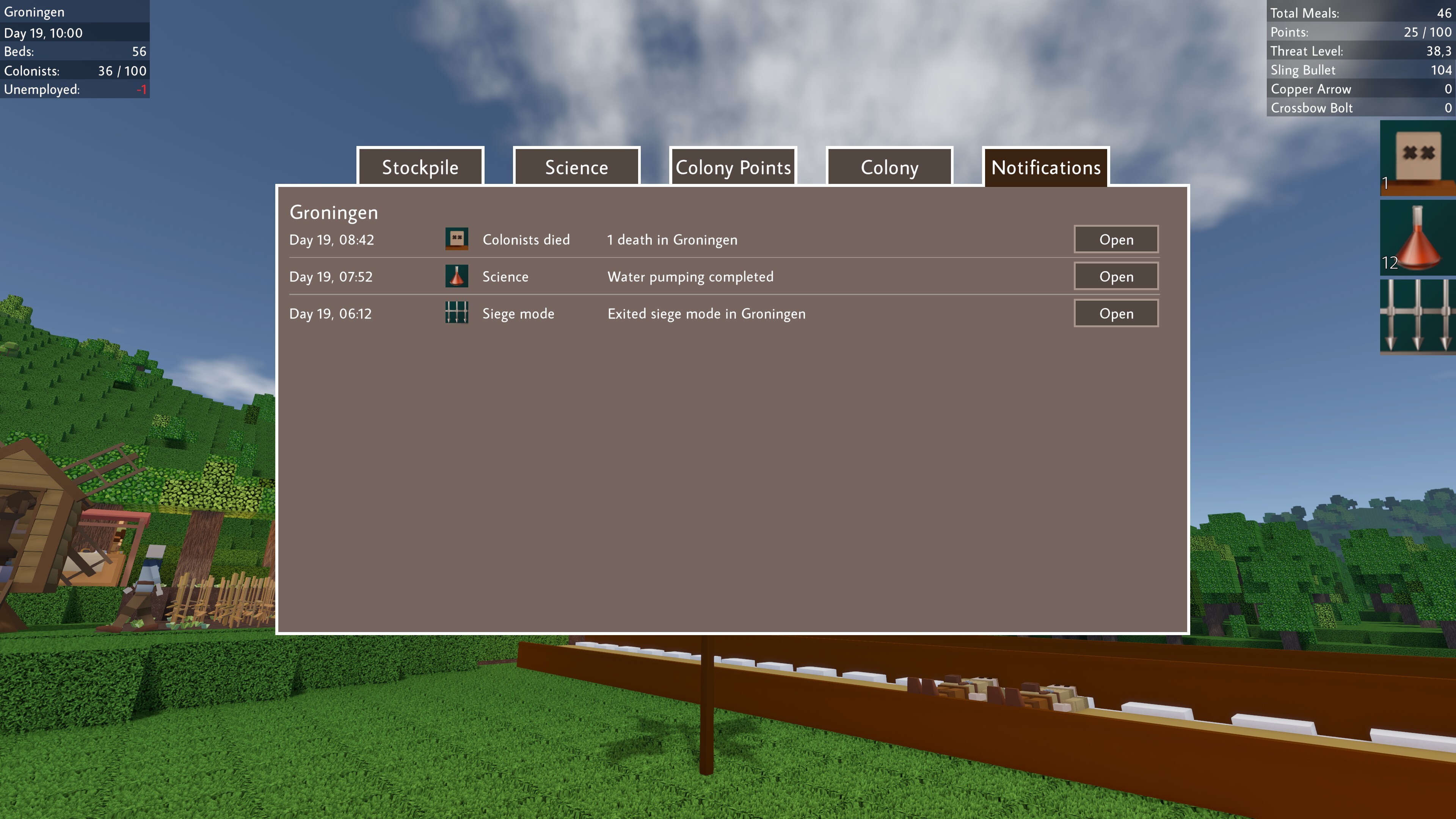 Colonist deaths will also spawn an in-game marker of the place where it happened for 60 seconds. They can be made visible again afterwards by going to the death-notification.
 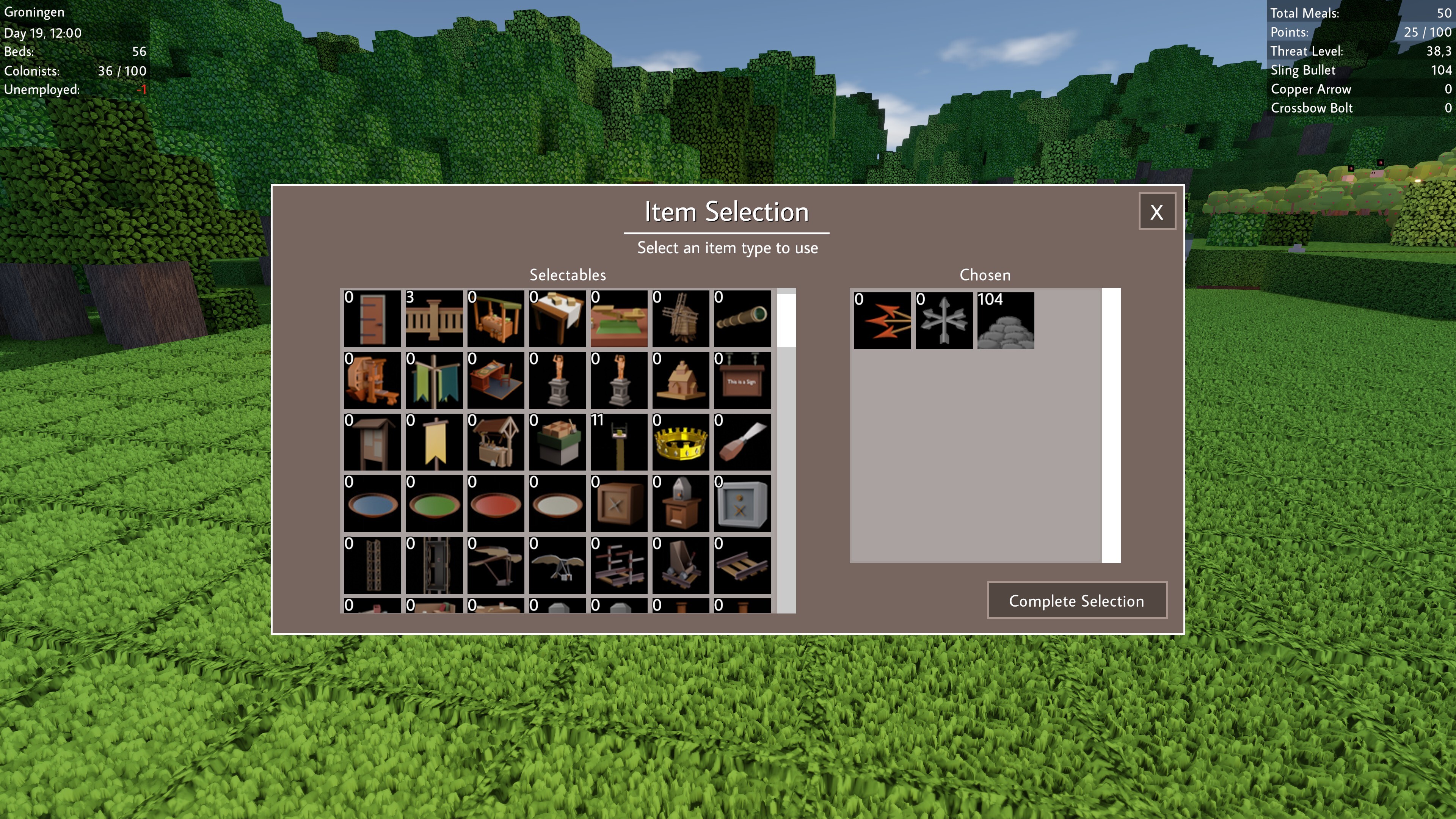 We’ve also added a “tab-menu”. Press tab, and you’ll see which players are currently online on the server.
  Hosting a server was always a little difficult in CS. Most people trying to do so from their own homes are behind a router with a shared IP that blocks incoming connections by default. That makes it really difficult to connect with others. The Steam-Friend-invite did work, so playing with Steam Friends was doable. Port forwarding would also solve the issue, but that’s a complicated procedure.


 Loading

