


Install Steam
sign in
|
language
简体中文 (Simplified Chinese)
繁體中文 (Traditional Chinese)
日本語 (Japanese)
한국어 (Korean)
ไทย (Thai)
Български (Bulgarian)
Čeština (Czech)
Dansk (Danish)
Deutsch (German)
Español - España (Spanish - Spain)
Español - Latinoamérica (Spanish - Latin America)
Ελληνικά (Greek)
Français (French)
Italiano (Italian)
Bahasa Indonesia (Indonesian)
Magyar (Hungarian)
Nederlands (Dutch)
Norsk (Norwegian)
Polski (Polish)
Português (Portuguese - Portugal)
Português - Brasil (Portuguese - Brazil)
Română (Romanian)
Русский (Russian)
Suomi (Finnish)
Svenska (Swedish)
Türkçe (Turkish)
Tiếng Việt (Vietnamese)
Українська (Ukrainian)
Report a translation problem

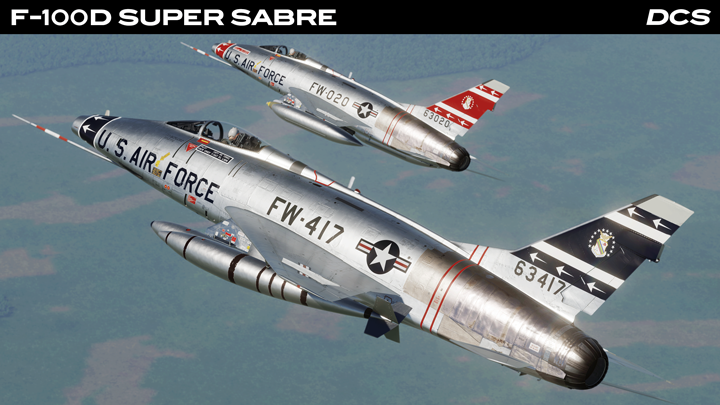
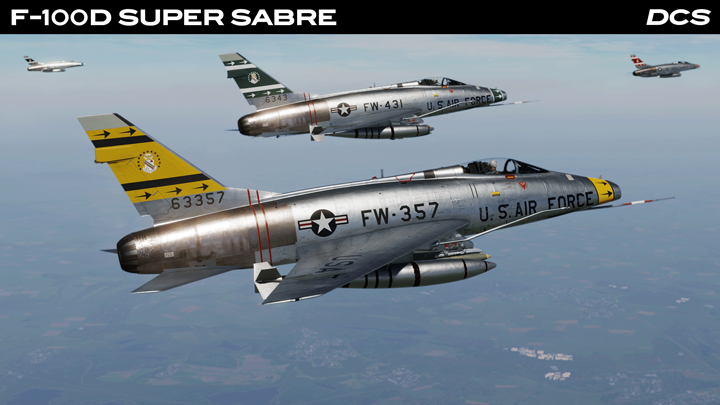 To bring the experience to life, the Grinnelli team has developed a custom RHAW audio synthesizer that recreates the unique character of early radar warning systems, with each radar emitting distinct tones, buzzes, rattles, and warning cues based on scan patterns, pulse behaviour, modulation, and beam width. The result is a tense and immersive Cold War-era cockpit environment where the AN/APR-25 feels noisy, imperfect, and alive, capturing the atmosphere and pressure of early radar-guided air combat in DCS: F-100D Super Sabre. Check out the progress in this video!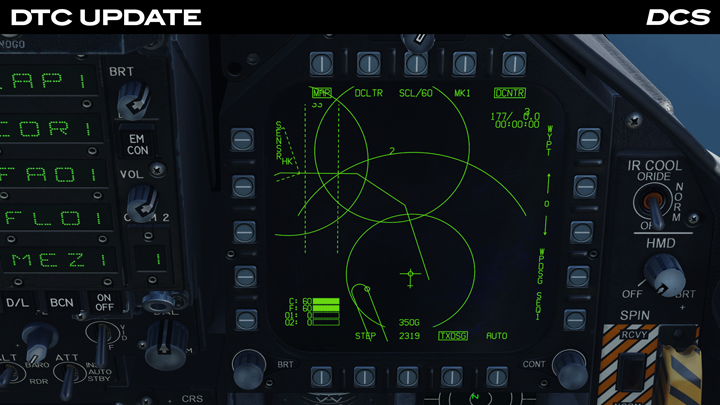
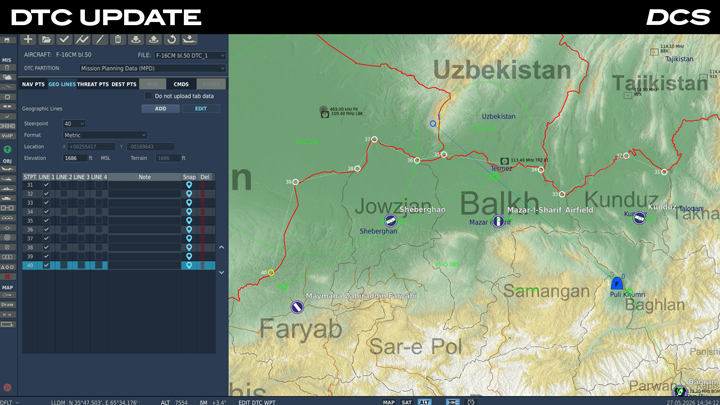 For the DCS: F-16C, the video covers the new Geo Lines, Threat Points, and Destination Points features. Wags explains how Geo Lines can be used to create reference lines and operational boundaries directly on the HSD and HAD pages. Threat Points allow mission planners to pre-brief known surface-to-air threat locations with customizable rings and labels, while Destination Points provide quick-reference navigation locations such as airfields, fixes, and orbit points. The tutorial also demonstrates how these features are configured in the Mission Editor and later accessed and filtered in the cockpit.
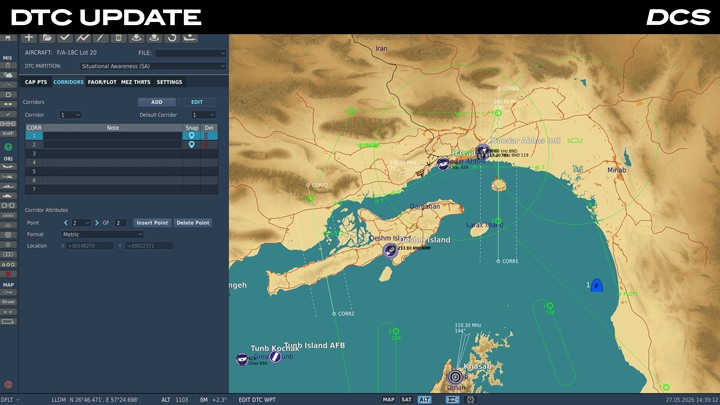 The second half of the video focuses on new Situational Awareness (SA) DTC options for the DCS: F/A-18C. This includes CAP Points, Corridors, FAOR/FLOT lines, Missile Engagement Zone threats, and expanded SA Page Settings. Wags explains how these tools can help organize airspace responsibilities, define safe ingress and egress routes, visualize front lines, and tailor SA page declutter and datalink presentation settings before entering the mission. The video also demonstrates the process of importing and loading SA partitions in-flight using the aircraft’s MUMI pages.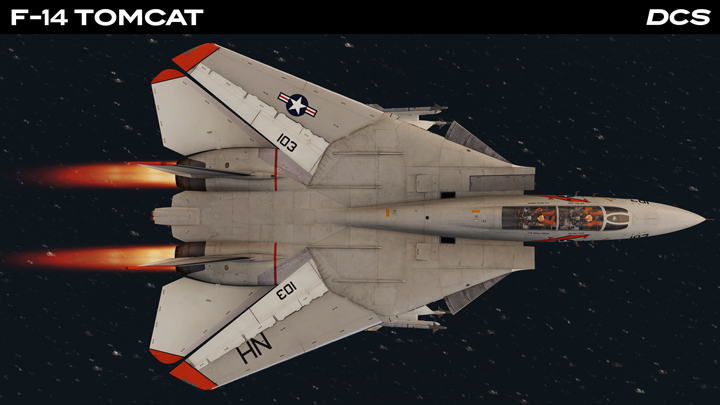
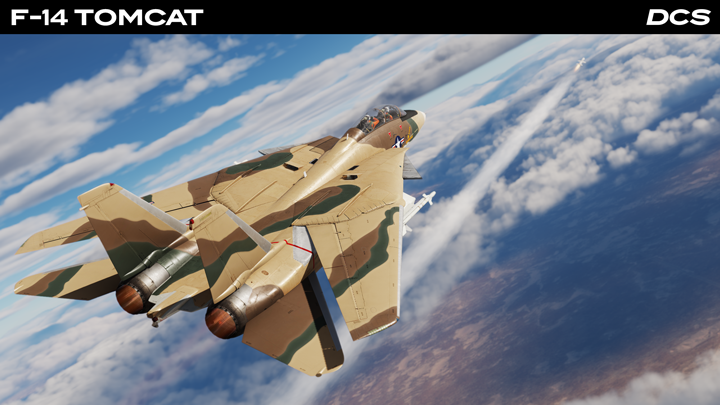 A significant focus of this update is visual and configuration accuracy across the F-14A family. The aircraft has received a substantial set of external model additions and options that enable a more faithful representation of various Tomcat blocks, service periods, and configurations. These include glove vanes, early gun vents, ALQ-126 blisters, TCS bullet and round covers, the missing small antenna on the TCS, and external model support for aircraft configured with or without TCS.

 Су-25Т Быстрый старт - Унижай за 5 минут! SU-25T
  10
10
 Basics for the A10c II
 Looking For Someone To DCS Sim With?


 Award
Award
 F15C Flight Clipboard










 Richy's Dumbass Guide to getting started with DCS: World


 Loading

